
AI Jewelry Model FAQs
This AI-powered jewelry model generator creates premium, realistic try-on photos for rings, necklaces, and earrings in under a minute, perfect for Etsy and Shopify sellers.

FAQs of AI Jewelry Model
What is an AI jewelry model?
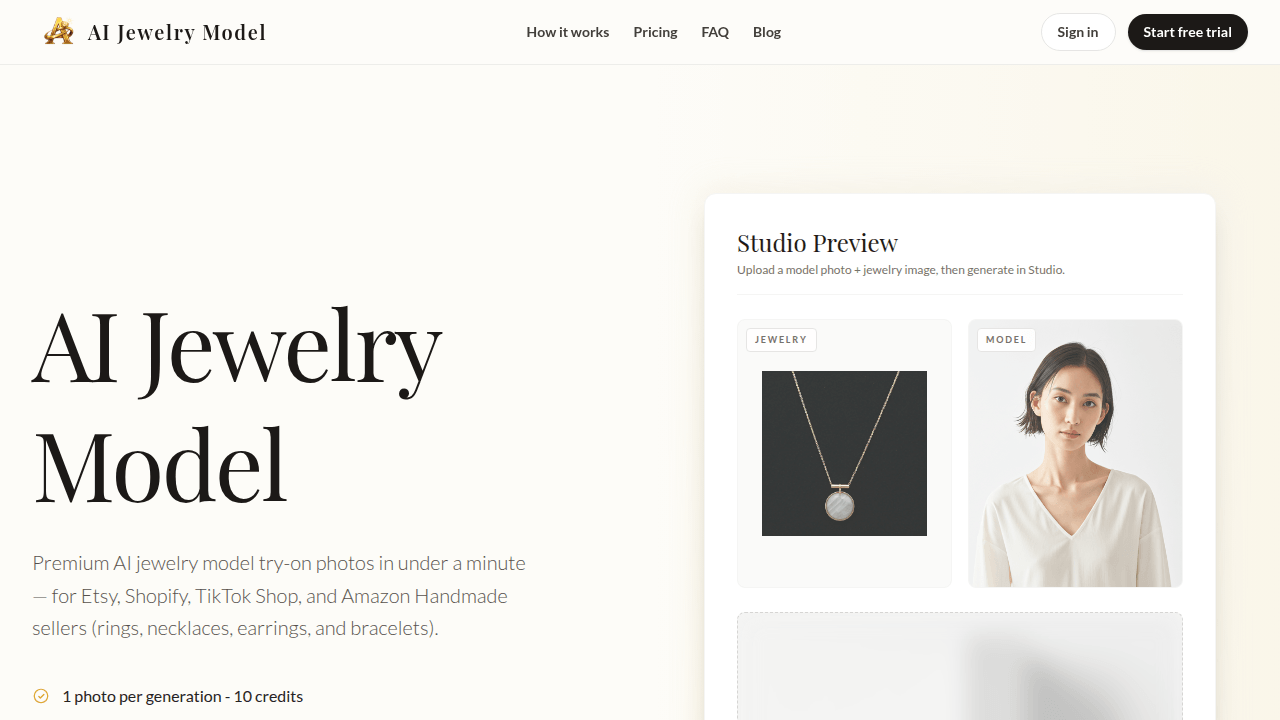
An AI jewelry model is a photorealistic, model-on image generated computationally from two input photos: a clear picture of the jewelry piece and a reference image of a fashion model. The output is a composite ready for direct use in product listings or promotional materials.
How many credits does one photo cost?
Generating a single, successful jewelry model photo consumes 10 credits from your account balance. The credit system provides transparent, pay-per-use pricing. Critically, any generation attempt that fails to produce a usable result will not deduct credits, ensuring you only pay for satisfactory outputs.
Do unused credits roll over?
Credit rollover depends on your subscription type. Monthly paid plans reset credits to their plan maximum at the start of each billing cycle. Yearly plans provide all annual credits upfront. Free trial accounts can manually claim 10 credits once per calendar month, but these do not accumulate.
What file formats do you support for upload?
The platform accepts JPG, PNG, and WEBP file formats for both jewelry and model photos. To achieve optimal output quality, it is strongly recommended to upload high-resolution source images, with a minimum resolution of 1080p, as superior input quality yields more realistic and detailed generated results.
Can I use the photos for commercial purposes?
Yes, all images generated under any paid subscription plan include a full commercial license. This grants unrestricted rights to use the photos in product listings, advertising campaigns, and across social media platforms for business purposes, without additional fees or attribution requirements.
How fast is the generation process?
The AI generation process for a single photo typically completes in approximately 25 seconds. Bulk or batch processing functionality, available on higher-tier plans, allows for sequential generation of multiple images, improving throughput for larger volume needs and new product launches.
What if I don't like the result?
If the AI fails to place the jewelry item acceptably on the model, no credits are deducted and you can regenerate without cost. For results that are technically successful but not to your stylistic preference, you can select a different model from the library or adjust your input images.
Can I cancel my subscription anytime?
Yes, you can cancel your subscription at any time through your account dashboard. Upon cancellation, your access and any remaining credits will continue until the end of the current billing period. No further charges will be applied after the period concludes.
Do you offer custom enterprise solutions?
Custom enterprise solutions are available for high-volume clients with needs exceeding 10,000 photos per month. These packages include tailored API integrations for workflow automation and volume-based pricing. Interested businesses should contact the sales team to discuss specific requirements.
What are the technical requirements for uploading jewelry and model photos?
For best results, jewelry photos should be on a plain, high-contrast background with even lighting. Model photos must be clear, front-facing portraits. Both images require a minimum resolution of 1080p and must be in JPG, PNG, or WEBP format to ensure compatibility and the highest fidelity rendering.
How many photos can I generate in a batch, and are there volume discounts?
Batch processing is a feature on Pro and Enterprise plans, enabling the sequential generation of multiple images. Exact concurrent limits are plan-dependent. Volume discounts for large monthly commitments are possible; pricing details for high-throughput needs are outlined on the dedicated pricing page.
Does the AI preserve fine details such as gemstone cuts and metal textures?
The system uses physically based rendering to simulate material optical properties. This process aims to accurately capture characteristics like diamond dispersion (fire), metallic sheen, and complex light interactions, ensuring that intricate design elements and material textures are represented realistically in the final output.
Can I use the generated images on any e-commerce platform without restrictions?
The full commercial license permits use on any e-commerce platform, including Etsy, Shopify, Amazon Handmade, and social media marketplaces. Users are responsible for ensuring compliance with the specific content policies of individual platforms, which may have their own rules regarding AI-generated imagery.
What customer support options are available if I encounter issues?
Support inquiries can be directed to the team via email at support@aijewelrymodel.app. The website also hosts extensive documentation and a help center. Enterprise clients receive prioritized support channels as part of their service agreement.
How to use AI Jewelry Model
The AI Jewelry Model is a web-based application that generates photorealistic model-on imagery for jewelry items. It uses artificial intelligence to place uploaded jewelry photos onto selected model figures, creating listing-ready visuals for e-commerce. The primary function is to replace traditional photoshoots with a fast, scalable virtual try-on process for rings, necklaces, earrings, and bracelets.
- Access the AI Jewelry Model studio via the product website and sign in or start a free trial to begin.
- Locate the jewelry upload section and provide a clear, high-resolution photo of your jewelry piece on a plain background.
- Supported formats include JPG, PNG, and WEBP; images should be at least 1080p resolution for best AI jewelry model rendering.
- After uploading, browse the diverse library of AI fashion models and select one that matches your target aesthetic.
- Choose a model pose and skin tone that complements your jewelry's design for a realistic virtual try-on outcome.
- Confirm your selections and initiate the generation process; the system processes the request using your allocated credits.
- Wait approximately 25 seconds for the AI to render the composite image with accurate placement and lighting.
- Review the generated preview, checking for precise jewelry positioning, natural occlusion, and material realism.
- If the result is unsatisfactory due to technical failure, credits are automatically refunded without charge.
- For stylistic preferences, regenerate the image using a different model or angle, consuming 10 credits per success.
- Download the final high-resolution output, which is formatted as a 4:5 ratio suitable for e-commerce listings.
- The commercial license on paid plans permits use in advertisements, product listings, and social media campaigns.
- Manage your credit balance and plan details from the user dashboard to monitor usage for your e-commerce operations.
- For bulk needs, utilize batch processing features available on higher-tier plans to generate multiple variants efficiently.
- Integrate the resulting AI jewelry model photos into your Shopify, Etsy, or TikTok Shop listings to enhance product presentation.
- Use the consistent, scalable visuals to conduct A/B testing on different models or backgrounds to optimize conversion rates.
- The predictable credit-based pricing model ensures costs align directly with successful, usable outputs for your store.
- Save the generated assets in organized folders, utilizing smart naming conventions if available for inventory management.
- Consult the detailed feature pages for rings, necklaces, earrings, and bracelets to understand specific AI rendering capabilities.
- For high-volume enterprise requirements exceeding standard plans, contact the sales team to discuss custom API solutions.
