
Ai Image To Video
AI Image To Video Generator: Turn Images into Videos
| Added on: | Sep 21, 2024 |
| Monthly Visits: | 2.22K |
| Social & Email: | -- |

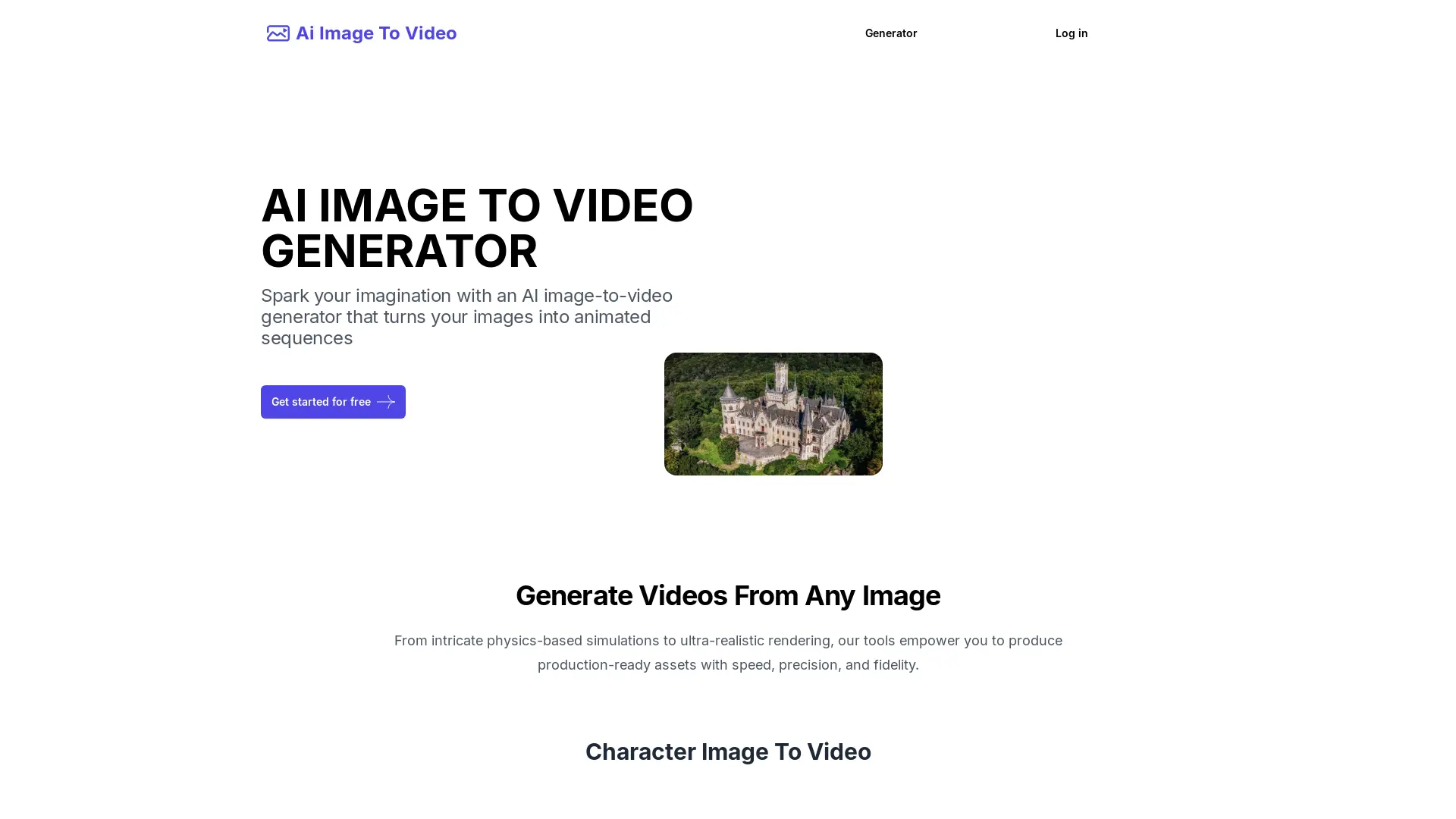
What is Ai Image To Video
Ai Image To Video is an AI-powered tool that transforms static images into dynamic videos. It utilizes advanced AI algorithms to analyze image content and add realistic effects like blinking, breathing, and expression changes, making images more engaging. Users can upload images, enter a description or keywords, and generate videos in seconds, making it ideal for social media, marketing, education, and more. The user-friendly interface requires no video editing experience.
How does Ai Image To Video work
Ai Image To Video is an AI-powered image-to-video generator. Users upload an image and input a text prompt describing the desired video style and animation. The platform's AI algorithms then process this information, creating a short video based on the image and prompt. This ai image to video converter offers a quick and accessible method for animating still images, suitable for various applications including social media content creation and marketing materials. The ai image to video generator free online service allows users to download the generated videos. Features include options for character, animal, landscape, and fire image animation.
Benefits of Ai Image To Video
Ai Image To Video is an AI-powered image-to-video generator offering a free and easy-to-use platform to create engaging video content. This ai image to video converter uses AI to animate static images, adding dynamic effects like blinking and breathing. Users simply upload an image, enter a prompt describing the desired video, and quickly generate results. Suitable for various applications, from social media marketing to educational materials, this ai image to video maker provides a quick and efficient solution for turning photos into videos. The ai image to video app is accessible online, with a free trial available.
Pros and Cons of Ai Image To Video
Pros
- AI-powered video generation.
- Quick video creation.
- Free trial available.
- Easy-to-use interface.
- Multiple language support.
Cons
- Requires account creation.
- Pricing details unclear.
- Limited information on output quality.
- No mobile app mentioned.
- Unknown video length limits.
Core Features of Ai Image To Video
AI brings static images to life
AI Image To Video analyzes image content and adds dynamic effects like blinking, breathing, and expressions, making images more realistic.
Easy to use and convenient to operate
Users simply upload images and generate videos without any video editing experience.
Generate videos quickly
Advanced AI algorithms generate videos in seconds.
Applicable to various scenarios
AI Image To Video is suitable for various scenarios like social media, marketing, education, and more.
Use Cases of Ai Image To Video
- Social Media Managers: Quickly generate engaging video content from still images using AI image to video tools for social media marketing.
- Educators: Create dynamic educational videos from static images with AI image to video animation features for online learning.
- Photographers: Transform still photos into short videos with AI-powered image to video conversion tools for showcasing portfolios.
- Artists: Bring artwork to life by converting images into animated videos using an AI image to video generator with prompt options.
- Businesses: Produce marketing videos using an AI image to video maker for various scenarios, saving time and resources.
FAQs of Ai Image To Video
What is ai image to video?
An AI image to video generator uses AI to turn your still images into customizable videos. You can control various aspects of the generated video, such as the style, movement, and overall atmosphere.
How can I access ai image to video?
To access ai image to video, you need to become a member. You can log in or register as a member.
Is there a free trial for Ai Image To Video?
Yes, as long as you register for our platform for free, you can experience the magical effects of our AI image to video, helping you turn pictures into vivid videos.
What can I do with ai image to video?
You can bring your photos to life by creating personalized videos. Control the animation, style, and even the background. It's perfect for social media, presentations, or just for fun.
How to download the AI Video generated by ai image to video?
After generating the AI Video, you can directly download it from our website.
How to use Ai Image To Video
- Upload your chosen image using the designated upload function within the Ai Image To Video generator.
- Input a text prompt; this prompt describes the desired video style and animation for your image. Consider using keywords like "cinematic," "dynamic," or specific animation styles.
- Initiate the video generation process by clicking the appropriate button; the AI will process your request.
- Once the video is ready, download it directly from the website's interface; the download link will be readily available.
- Share your AI-generated video on social media platforms or use it for other projects; the generated video is ready for use.
Ai Image To Video Website Traffic Analysis
Latest traffic information
- Monthly Visits2.22K
- Bounce Rate42.56%
- Pages Per Visit1.66
- Visit Duration00:00:05
- Global Rank6.83M
- Country/Region Ranking3.26M
Visits Over Time
Top Keywords
| Keyword | Traffic | Volume | Cost Per Click |
|---|---|---|---|
| restore photo's for free | 70 | -- | -- |
| traducir imagen manga free | 60 | 150 | -- |
| how to delete account from aiimagetovideo.pro | 60 | 60 | -- |
| nano banana pro 4k | 50 | 1.38K | $0.52 |
| ai manga translator free | 10 | 1.27K | -- |
Top Regions
| Region | Percentage |
|---|---|
| United States | 49.8% |
| Indonesia | 19% |
| Peru | 13.63% |
| France | 11.38% |
| India | 5.53% |
