
Zzo.ai FAQs
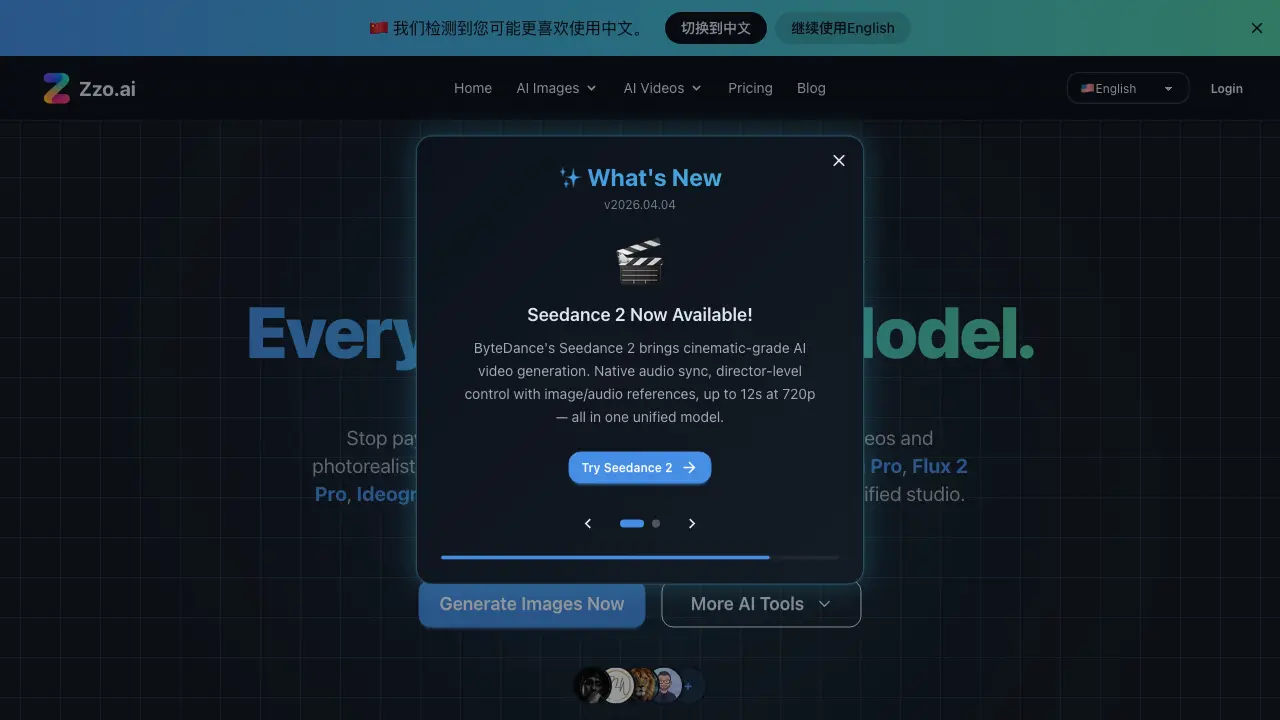
This unified platform offers Sora 2, Google Veo, Nano Banana Pro, and more for creating photorealistic images and cinematic videos, eliminating subscription fatigue.

FAQs of Zzo.ai
What is Zzo.ai?
Zzo.ai is a comprehensive AI-powered platform that combines image and video generation with professional editing tools. It offers access to multiple top-tier AI models including Sora 2, Google Veo, Nano Banana Pro, Flux 2 Pro, Ideogram v3, Seedream 4.5, and Qwen Image in one unified studio.
How does Zzo.ai's pricing compare to buying AI tools separately?
Zzo.ai offers significant cost savings compared to purchasing individual AI tool subscriptions. While buying separately costs $105+ per month for various AI models and editors, Zzo.ai provides access to all these tools starting at $9.99 per month, potentially saving users up to $1,140 per year.
What types of AI models does Zzo.ai offer?
Zzo.ai integrates cutting-edge AI models from leading research labs including Black Forest Labs (Flux 2 Pro), OpenAI (GPT Image 1.5, Sora 2), Google DeepMind (Nano Banana Pro, Veo 3.1), xAI (Grok 2 Image), Ideogram (Ideogram v3), Zhipu AI (CogView-3 Flash), Alibaba Tongyi (Qwen Image), and ByteDance (Seedream 4.5).
What creative solutions does Zzo.ai provide for different users?
Zzo.ai caters to various creative needs including e-commerce product photography, faceless YouTube/TikTok videos, game asset creation, print-on-demand merchandise design, marketing ad creatives, and blog/SEO content visuals. Each use case has recommended AI models for optimal results.
How does the credit system work on Zzo.ai?
Zzo.ai offers a flexible credit system where free users receive daily login credits for image and video generation. Premium subscriptions provide higher credit limits, and users can also purchase pay-as-you-go credit packs. This system allows users to choose the option that best fits their needs without hidden fees.
How to use Zzo.ai
- Visit Zzo.ai to access the AI image and video generation platform.
- Explore the available tools, including AI Image Generator, AI Video Generator, and AI Image Editor.
- Choose the desired tool based on your creative needs, such as generating images, videos, or editing existing content.
- Input your prompt or upload your reference image to initiate the AI generation process.
- Review the generated output and make any necessary adjustments using the editing tools provided.
- Download or share your final creation, utilizing the platform's features for seamless integration with your workflow.