
Wan 2.7 AI FAQs
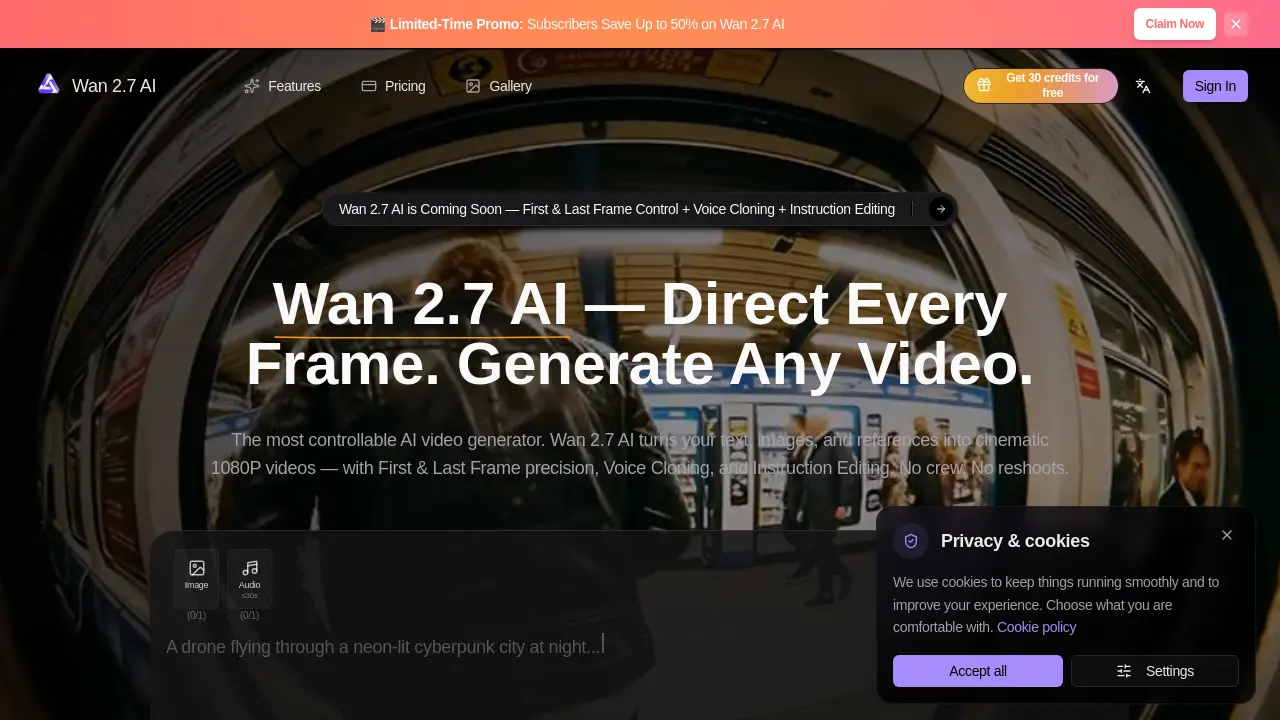
Wan 2.7 AI is an advanced AI video generation model offering director-level control with features like first and last frame control, voice cloning, and instruction editing for cinematic 1080P video creation.

FAQs of Wan 2.7 AI
What is Wan 2.7 AI?
Wan 2.7 AI is the next-generation AI video generation model from Alibaba's Tongyi Lab, designed to transform text prompts, images, reference videos, and voice samples into cinematic-quality 1080P videos with native audio synchronization. It offers director-level control over every frame, including features like First & Last Frame precision, Voice Cloning, and Instruction Editing.
What can I create with Wan 2.7 AI?
With Wan 2.7 AI, you can create a wide range of content including social ad creatives, digital spokesperson series, storyboard-to-film adaptations, e-commerce product demos, content localization, and music videos. The tool is designed for creators, marketers, filmmakers, and businesses looking to produce cinematic AI videos at scale.
How does First & Last Frame control work in Wan 2.7 AI?
First & Last Frame control in Wan 2.7 AI allows you to define your opening and closing shots, with the AI generating seamless motion in between. This feature is ideal for storyboarding and scene transitions, offering unmatched narrative precision for creating cohesive video stories.
Is Wan 2.7 AI easy for beginners with no editing experience?
Yes, Wan 2.7 AI is designed to be user-friendly, allowing even beginners to create professional-quality videos. The process involves three simple steps: choosing your mode, adding your inputs, and generating and editing instantly. No prior editing skills or crew are required to start creating with Wan 2.7 AI.
What makes Wan 2.7 AI different from the Wan 2.6 AI video generator?
Wan 2.7 AI builds on the capabilities of Wan 2.6 by introducing advanced features such as First & Last Frame control, Voice Cloning, and Instruction Editing. While Wan 2.6 focused on production-ready video with stronger lip-sync and audio workflow, Wan 2.7 aims to provide next-gen creative workflows with finer scene-level control and editing capabilities.
How to use Wan 2.7 AI
- Navigate to the Wan 2.7 AI website and locate the "Get Started" or "Sign Up" button.
- Create an account by providing your email address and setting a password, or sign in if you already have an account.
- Choose a pricing plan that suits your needs, such as Pay as You Go, Monthly, or Annually, and complete the payment process.
- Once logged in, select the desired video generation mode, such as Text-to-Video, Image-to-Video, or First & Last Frame control.
- Input your content, such as text prompts, reference images, or voice samples, depending on the chosen mode.
- Customize your video settings, including resolution, duration, and any specific instructions for editing or voice cloning.
- Initiate the video generation process and wait for the AI to create your video.
- Review the generated video and make any necessary adjustments using the instruction-based editing feature.
- Download your finished 1080P video in MP4 format, ready for sharing or further use.