
Voiceslab FAQs
Voiceslab, a platform for AI voice cloning, lets users create a digital replica of their voice, maintaining tone and accent, for generating natural-sounding speech in videos, podcasts, or marketing content, supporting 8 languages with fast processing and secure data handling.

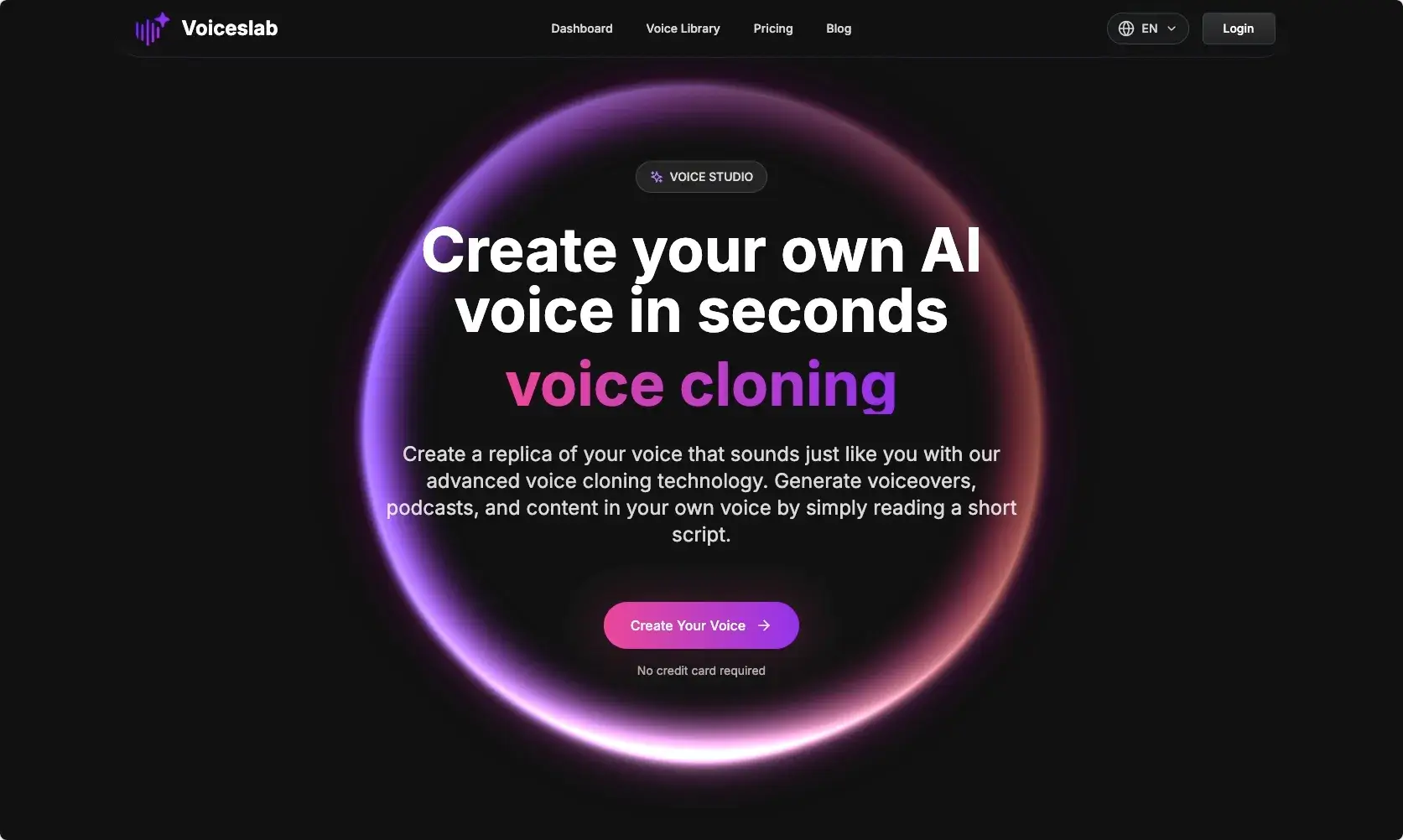
FAQs of Voiceslab
What is voice cloning technology?
Voice cloning is an advanced AI technology that generates a digital replica of an individual's unique voice. It analyzes an audio sample to capture speech patterns, tone, and accent, then utilizes this data to produce new speech that closely resembles the original voice, allowing for content creation without extensive manual recording.
What languages does Voiceslab's AI voice cloning support?
Voiceslab's AI voice cloning technology supports eight major languages: English, Spanish, Korean, French, Japanese, Chinese, German, and Arabic. Each language model is specifically trained to accurately capture authentic pronunciation and natural speech patterns, ensuring the cloned voice sounds native. This multi-language support enhances global content creation.
Is Voiceslab free to use, and what are the pricing options?
Voiceslab offers a free tier where users can create one voice clone and access a 500-character generation quota. For expanded capabilities, including multiple voice clones, higher character limits, and advanced features, Voiceslab provides paid Basic and Pro plans. Detailed information on these pricing plans is available on their website.
How does one create a voice clone using Voiceslab?
Creating a voice clone with Voiceslab is a straightforward process. Users first upload an audio file or record directly, ensuring the sample is between 10-60 seconds with clear speech and minimal background noise. Next, they name the clone, select the corresponding language, and initiate the creation process for AI analysis.
How can a cloned voice be utilized after creation?
Once a voice clone is created, users navigate to the Text-to-Speech page, select "Cloned Voice" from the available options, and input the desired text. The system then converts the text into natural-sounding speech that accurately matches the unique characteristics of the user's cloned voice, suitable for various applications.
What are the optimal conditions for creating a high-quality voice sample for cloning?
For optimal voice cloning results, it is recommended to use high-quality audio with minimal background noise and speak naturally at a consistent pace for 10-60 seconds. Proper microphone positioning, avoiding background music or other voices, and speaking in one's normal tone and style are crucial for an accurate and effective voice clone.
Can pauses and speech rate be adjusted for cloned voices in Voiceslab?
Currently, direct manipulation of pauses and speech rate is not supported for cloned voices within Voiceslab. However, users can influence the speech flow by incorporating natural punctuation, such as commas and periods, into their text. The AI is designed to maintain the natural rhythm and speaking style derived from the original recording.
What is the maximum text length for a single voice cloning generation?
Each voice cloning generation in Voiceslab has a character limit of 2,000 characters. This limit is implemented to ensure optimal quality and maintain consistent voice characteristics throughout the generated speech. For longer texts, users are advised to divide them into smaller segments to preserve the natural sound and emotional nuances.
What are some common use cases for AI voice cloning with Voiceslab?
AI voice cloning with Voiceslab offers diverse applications, including creating audiobooks and podcasts in an author's unique voice, generating marketing content and ads without studio time, and facilitating company communications for consistent messaging. It also supports global content creation in multiple languages, enhances learning and development materials, and personalizes customer support interactions.
What steps should be taken if a voice clone does not sound as expected?
If a voice clone produced by Voiceslab does not meet expectations, users are advised to record a new sample with clearer audio quality, ensuring it is free from background noise. Speaking naturally without exaggeration, using a variety of sentences, and maintaining the recommended 10-60 second recording range can significantly improve the accuracy and quality of the voice clone.
How to use Voiceslab
Voiceslab offers an AI voice cloning service, enabling users to generate unique AI voices and clone existing voices rapidly. The platform supports high-quality voice synthesis across eight major languages, ensuring natural expressiveness and linguistic nuances. It focuses on fast processing and secure, private data handling for all voice cloning activities.
- Access the Voiceslab platform and navigate to the voice cloning section.
- Upload an audio file of 10-60 seconds with clear speech or record directly using the tool.
- Provide a unique name for your voice clone and select the corresponding language from the supported options.
- Initiate the cloning process; the AI will analyze your voice and generate the clone.
- To use the cloned voice, navigate to the Text-to-Speech page and select 'Cloned Voice'.
- Enter the desired text, up to 2,000 characters per generation, and click "generate" to synthesize speech.
- Review the generated audio for quality. If unsatisfactory, create a new voice clone with a higher-quality, noise-free sample.
