
VoiceScriber Introduction
VoiceScriber turns speech into text in 100+ languages using on-device AI on your iPhone. Works completely offline with no uploads for total privacy.

What is VoiceScriber
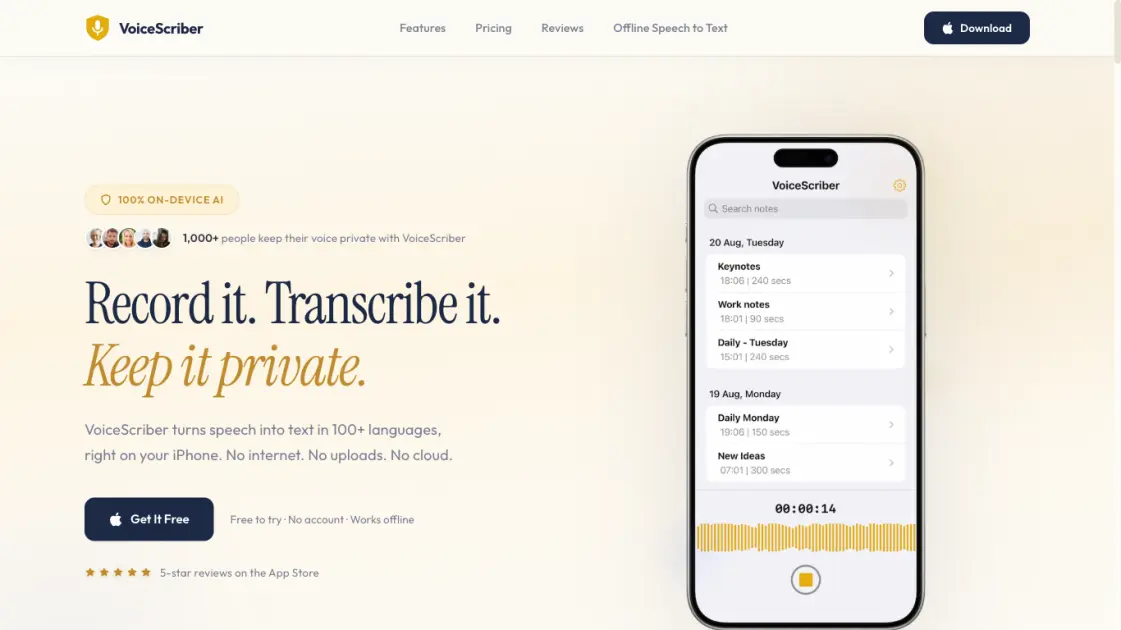
VoiceScriber is an iOS application that provides offline voice transcription through on-device artificial intelligence, eliminating the need for an internet connection or cloud uploads. The app supports over 100 languages and processes all audio directly on the iPhone, a design choice that keeps user data private by ensuring no audio ever reaches an external server. VoiceScriber handles meetings, lectures, and voice memos with a straightforward three-step workflow: record, transcribe, and share or export the results. The on-device approach delivers transcription without the latency of server-based alternatives and continues working in airplane mode. Early App Store reviews from international users highlight the transcription accuracy and the privacy advantages of a fully offline system. VoiceScriber offers a free trial with no account requirement, positioning it as a practical option for those seeking private, offline voice transcription on iPhone.
How does VoiceScriber work
VoiceScriber streamlines offline voice transcription into a three-step workflow that never requires an internet connection. Users tap the microphone to record meetings, lectures, or voice memos, with recording available even in airplane mode. The on-device AI engine then converts speech to text within seconds across 100+ languages, processing everything locally without any server upload. From there, the transcribed text can be copied, shared to any application, or exported alongside the original audio. Transcripts can also be edited directly within the app, keeping content fully private and never sending audio to the cloud.
Benefits of VoiceScriber
VoiceScriber's defining advantage is total privacy: audio never leaves the iPhone, with no cloud servers or uploads. On-device AI handles speech recognition offline, including in airplane mode, and supports over 100 languages from English to Arabic. Transcription completes in seconds with no waiting, and reviews note accuracy rivaling cloud alternatives. No account is required to start, and users control what gets shared or exported. The three-tap workflow covers record, transcribe, and use, with in-app editing available. The main limitation is iOS exclusivity — there is no Android, web, or desktop version.
Pros and Cons of VoiceScriber
Pros
- On-device AI keeps all audio private on iPhone
- Works offline and in airplane mode
- Supports 100+ languages for transcription
- No account required to use the app
- Fast transcription with no server waiting
Cons
- iPhone only, no Android or desktop version
- Free to try but requires paid subscription for full access
- No cloud sync or backup between devices
- Transcription accuracy varies by language and audio quality
