
VoicePen FAQs
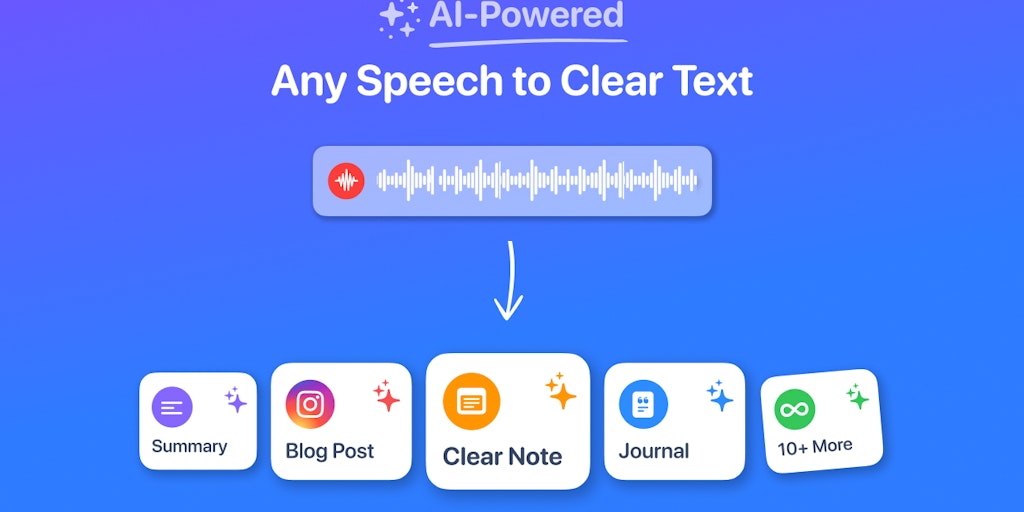
Tired of writing notes the old way? VoicePen lets you record your thoughts, zoom calls, lectures and converts them into well-written text using a rich AI prompt library. From proofread and summaries to blog posts and personal styles. Native on Apple platforms.

FAQs of VoicePen
What is VoicePen?
VoicePen is an AI-powered speech-to-text app that can turn your voice into text. It can be used for a variety of tasks, such as taking notes, writing summaries, composing emails, crafting messages, and creating blog posts.
How do I use VoicePen?
VoicePen is easy to use. You just have to open the app, start recording your voice, and then the app will automatically transcribe your speech into text. The app also has a feature that allows you to import audio from files, WhatsApp, and other apps.
What are the benefits of using VoicePen?
VoicePen is a great tool for anyone who wants to save time and effort when writing. The app can help you to quickly and easily transcribe your thoughts and ideas, whether you're brainstorming a new project or taking notes in a meeting. You can also use VoicePen to create transcripts of lectures, interviews, and other audio recordings.
How accurate is VoicePen?
VoicePen uses advanced AI technology to ensure high accuracy in its transcriptions. However, the accuracy of the transcriptions can vary depending on the quality of the audio recording, the accent of the speaker, and the background noise.
How does VoicePen compare to other speech-to-text apps?
VoicePen is one of the best speech-to-text apps available. It offers a number of features that are not found in other apps, such as the ability to import audio from files, WhatsApp, and other apps. VoicePen also has a user-friendly interface and a variety of customization options.
Is VoicePen free?
No, VoicePen is not free. It's available for purchase on the App Store. There is a free trial available for you to try out the features before purchasing.
