
VidMix AI FAQs
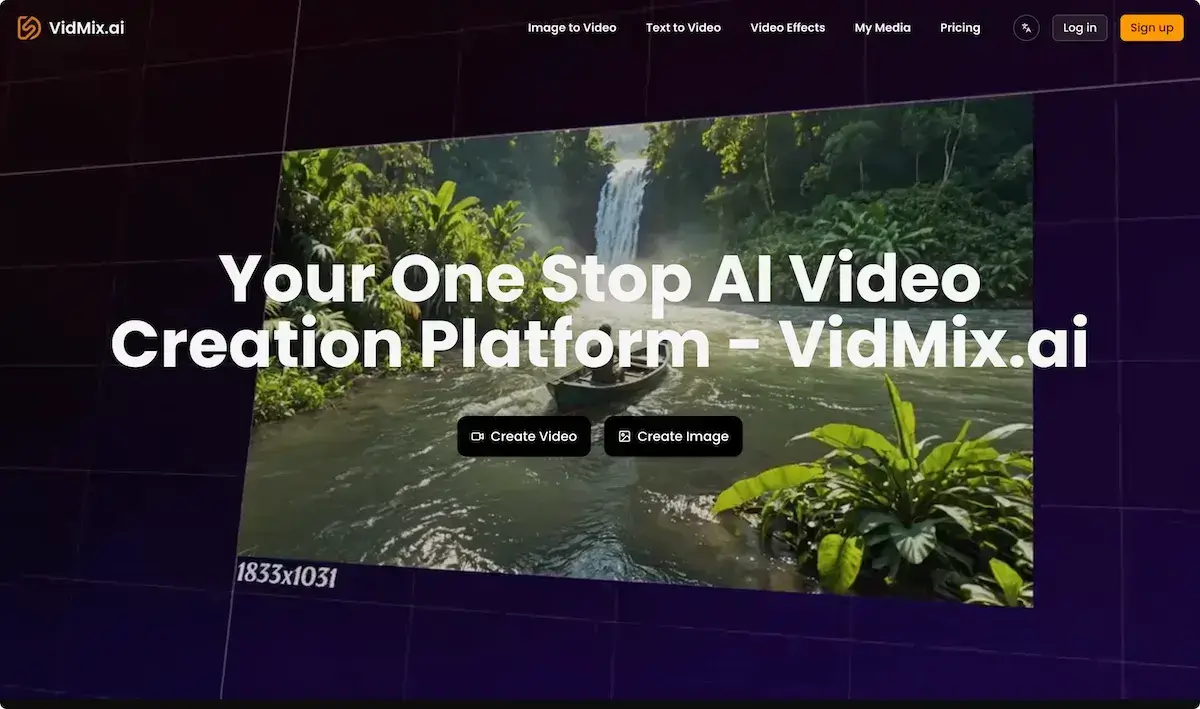
VidMix AI instantly turns text prompts and images into 1080p AI videos, offering fast production for content creators and marketers using Sora 2 and Veo 3.

FAQs of VidMix AI
What is VidMix AI?
VidMix AI is an all‑in‑one AI video creation platform that transforms text prompts and photos into high‑quality videos using advanced models like Sora 2 and Veo 3.1. It offers a web‑based editor and downloadable app for PC, facilitating quick, watermark‑free production suitable for personal and commercial projects.
How can I get started with VidMix AI?
To begin, sign up on the VidMix AI website or download the free “VidMix” app for PC via the provided APK link. After registration, select a plan (Basic, Pro, or Premium), purchase credits if needed, and start creating by choosing either text‑to‑video or image‑to‑video options.
How fast is VidMix AI video generation?
Video rendering on VidMix AI typically completes in seconds to a minute, depending on chosen model complexity and video length. The Veo 3 engine prioritizes speed without compromising quality, enabling creators to generate multiple videos per day within the credit limits of their plan.
Do I need any technical skills to use the avatar generator?
No special technical knowledge is required. Upload a clear photo, choose the avatar style, and the AI synchronizes lips with a pre‑selected audio track, producing a realistic 2‑minute video. The editor’s drag‑and‑drop interface guides users through adjustments.
How does VidMix AI ensure the uniqueness of my video?
VidMix AI’s proprietary model training includes diverse datasets and random seed variations, ensuring each generated clip differs in visual details, lighting, and motion. You can also customize prompts or upload images to guarantee distinct content tailored to your vision.
Do VidMix AI-generated videos have watermarks?
All videos produced under VidMix AI’s paid plans are watermark‑free. Even the free trial allows watermark removal for up to 20 videos, though higher‑volume usage requires a subscription to maintain watermark‑free outputs.
Can I use VidMix AI videos for commercial purposes?
Yes. Videos created with any of VidMix AI’s subscription plans carry full commercial usage rights. Users may upload, sell, or monetize content on platforms such as YouTube, TikTok, or corporate marketing channels without restriction.
Is VidMix AI free to use?
A limited free tier is available with 200 credits per month, enabling basic text‑to‑video and image‑to‑video creation. For extended usage, subscription plans are offered monthly, yearly (41 % off), or a one‑time purchase, each granting more credits and advanced features.
How can I contact VidMix AI if I have more questions?
Support can be reached via the website’s contact form or by emailing the provided support address. The company also offers priority support for Pro and Premium subscribers and maintains an extensive knowledge base and FAQ section for quick self‑service.
Where can I download the VidMix app for PC?
The VidMix application for PC is available as an APK file compatible with Windows. Users can download it directly from the official VidMix.ai website under the “Apps” or “Downloads” section and install using standard Windows app installation procedures.
What file formats does VidMix AI export videos in?
VidMix AI exports videos primarily in MP4 format with 1080p resolution by default. Users can select other resolutions or export settings if their subscription plan supports higher quality outputs such as 4K.
How does VidMix AI integrate with other AI tools like VidMax AI or Vidnoz AI Image Mixer?
VidMix AI’s robust API allows data interchange with complementary AI services such as VidMax AI (for advanced audio manipulation) and Vidnoz AI Image Mixer (for multi‑image stitching). Developers can embed VidMix AI’s video generation features into larger media pipelines for seamless content creation.
How to use VidMix AI
- VidMix AI is an all‑in‑one platform that turns text or images into professional, AI‑generated videos instantly, featuring Sora 2, Veo 3.1 models, cinematic effects, and an art & mv maker.
- Access VidMix AI by visiting the site or installing the VidMix APK for PC; log in or register and choose a credit plan matching your video needs.
- From the dashboard, select either “Text to Video” or “Image to Video” under the “Text” or “Image” menu to begin a new project.
- Enter a concise prompt describing the scene, or upload a high‑resolution image; verify file size limits and formats before submission, noting that VidNoz AI image mixer aids advanced mixing.
- Choose an AI model such as Veo 3.1, Sora 2, or VidMax AI, set resolution to 1080p, and pick a cinematic effect from the VidMix AI editor panel.
- Optionally adjust character consistency, background style, or audio genre using the advanced settings before clicking “Generate” to render the video.
- Observe the progress bar; VidMix AI typically completes rendering within seconds, saving computational time and reducing turnaround compared to traditional editing workflows.
- Play the generated preview to verify visual quality, audio sync, and camera angles; use the thumbnail to confirm the key frame.
- If adjustments are needed, re‑enter the prompt or edit the image, modify settings, and regenerate until the output meets expectations.
- Download the final video in 1080p or copy the shareable link; utilize free AI video mixer features to embed into social media, marketing, or academic presentations.
- After publishing, monitor engagement metrics across platforms; iterate prompts and settings to enhance viewer retention and conversion rates for your content strategy.
