
Viblo AI YouTube MP3 Downloader FAQs
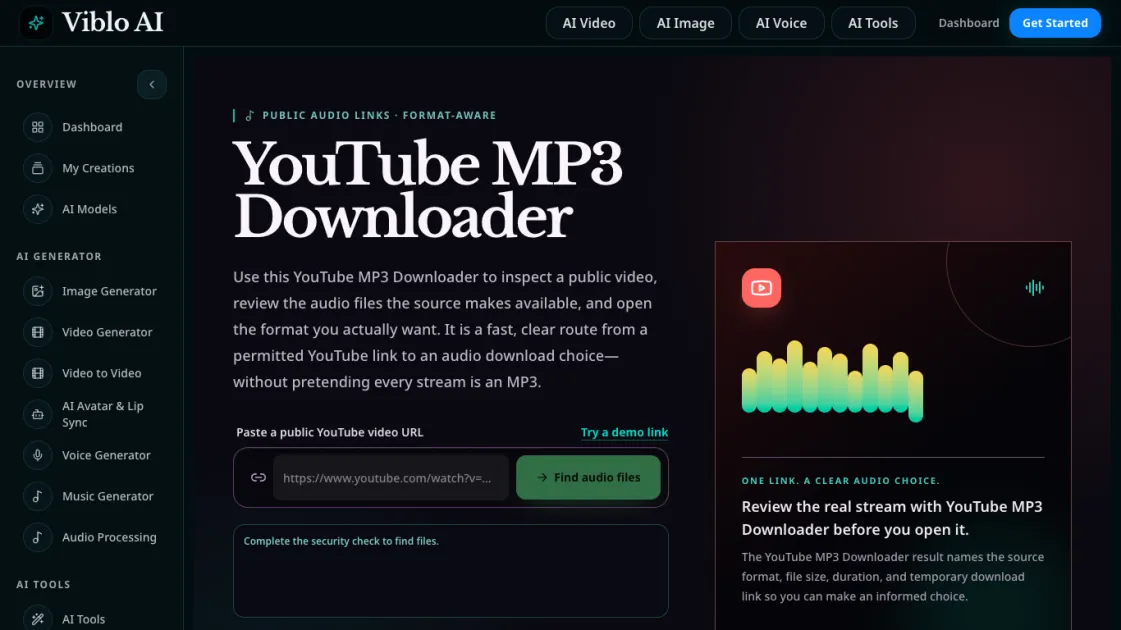
Viblo AI YouTube MP3 Downloader inspects public videos and lists available M4A or WebM audio formats with size, duration, and temporary direct links.

FAQs of Viblo AI YouTube MP3 Downloader
What is this YouTube MP3 Downloader?
It is a web tool that inspects public YouTube videos and lists the audio formats the source provides, including M4A and WebM files, with their size, duration, and temporary download links.
Does it always provide an MP3 file?
No. The tool shows whatever audio format YouTube serves for the video, which is commonly M4A or WebM. An MP3 file is not guaranteed to exist for every video. The tool labels the actual format so users can decide based on compatibility.
Which format should I choose?
M4A files use AAC audio and work well in most phones, desktop players, and editing apps. WebM audio uses Opus encoding and is often compact with good speech quality. The choice depends on the user's playback device and editing workflow.
Which YouTube links does the tool support?
The tool supports standard watch URLs, youtu.be short links, YouTube Shorts, live streams, and embed links. The video ID is extracted from the URL to query available audio streams.
Why do the direct links expire?
Temporary links are generated per request to prevent stale URLs from being reused. This ensures each download references a valid stream from the source. Users should save the file while the link remains active.
Does it require a YouTube login?
No. The tool only inspects public videos and does not require authentication. It reads the publicly available stream information and presents it to the user.
Can I use it legally?
The tool is intended for users who own or have permission to use the content. It does not bypass any restrictions and labels the source format honestly so users can make informed decisions about authorized use.
How to use Viblo AI YouTube MP3 Downloader
- Copy a public YouTube video URL from the browser address bar. The tool accepts watch, short, live, and embed link formats.
- Paste the URL into the YouTube MP3 Downloader input field and click the find audio files button to start the inspection.
- Complete the brief security check that appears before results are shown. This step does not require a login or account.
- Review the returned audio files, checking the format label, file size, and duration for each available stream.
- Click the direct link for the desired format to open or save the file. Save promptly because the links expire after a limited time.
