
VEO4 AI FAQs
VEO4 AI transforms text or images into professional, viral videos, ideal for social media and marketing without requiring editing skills.

FAQs of VEO4 AI
What is VEO4 AI?
VEO4 AI is an advanced AI video generator designed to transform text descriptions or still images into dynamic video content. It functions as an AI video maker, enabling users to create professional-quality videos without requiring prior editing skills, catering to a wide range of creative and marketing needs.
How do I use VEO4 AI?
To use VEO4 AI, users describe their video idea through text or upload an image as a visual guide. Following this, they select their desired style and customize the creation. The VEO4 AI platform then processes the input, allowing users to download and share their generated video or image. This streamlined process makes content creation accessible for everyone.
How long does video generation take?
VEO4 AI typically processes video generation in approximately 2 to 15 minutes, with a stated processing time of 100-300 seconds for general videos. This efficient turnaround time for the VEO 4 AI video generator allows for rapid content creation, which is particularly beneficial for marketing and social media strategies.
Can I use VEO4 AI for commercial projects?
Yes, VEO4 AI offers commercial use licenses, specifically included in its Standard and Pro subscription plans. This feature allows businesses and professionals to leverage the VEO 4 AI video generator for marketing campaigns, product showcases, and other commercial content, ensuring full rights to their creations.
How are credits calculated and consumed?
Each video generation on VEO4 AI consumes 40 credits. The platform operates on a credit-based system where users purchase monthly or yearly plans that include a set number of credits. These credits are then used for generating VEO4 AI videos and images, with higher-tier plans offering more credits for extensive use.
How do I manage my VEO4 AI subscription?
Details on managing a VEO4 AI subscription are typically found within the user's account portal on the platform. This usually involves options to upgrade, downgrade, or cancel plans, and view credit usage. Users can select between monthly or yearly billing cycles to best suit their VEO AI costs and usage patterns.
What is VEO4 AI Pro?
VEO4 AI Pro is the highest-tier subscription plan offered by VEO4 AI, designed for teams and businesses. It includes 5000 credits per month, supports up to 1080p video resolution, provides advanced quality, expert team support, and a commercial use license, making it a comprehensive VEO3 AI tool for professional applications.
What quality video output does VEO4 AI support?
VEO4 AI supports video output in 720p and 1080p resolutions, with higher resolutions available depending on the subscription plan. This ensures that users can generate high-quality videos, suitable for various platforms and professional applications, whether for personal or commercial use with the VEO 4 AI video generator.
Does VEO4 AI offer a free version or watermark-free export?
VEO4 AI allows users to download watermark-free videos, even without payment, which is a significant advantage over many other AI video generators. This feature, combined with its ability to generate marketing videos at a low cost, makes VEO4 AI an accessible option for quality content creation.
How to use VEO4 AI
VEO4 AI functions as an advanced AI video generator, transforming text descriptions or static images into dynamic video content. This tool facilitates the creation of professional-grade videos, including marketing videos and animated landscapes, without requiring extensive editing expertise. It focuses on simplifying content production through AI-driven processes, delivering watermark-free videos.
- Access the VEO4 AI platform via a web browser and navigate to the creation interface.
- Input your creative concept by either typing a detailed text description or uploading an image file.
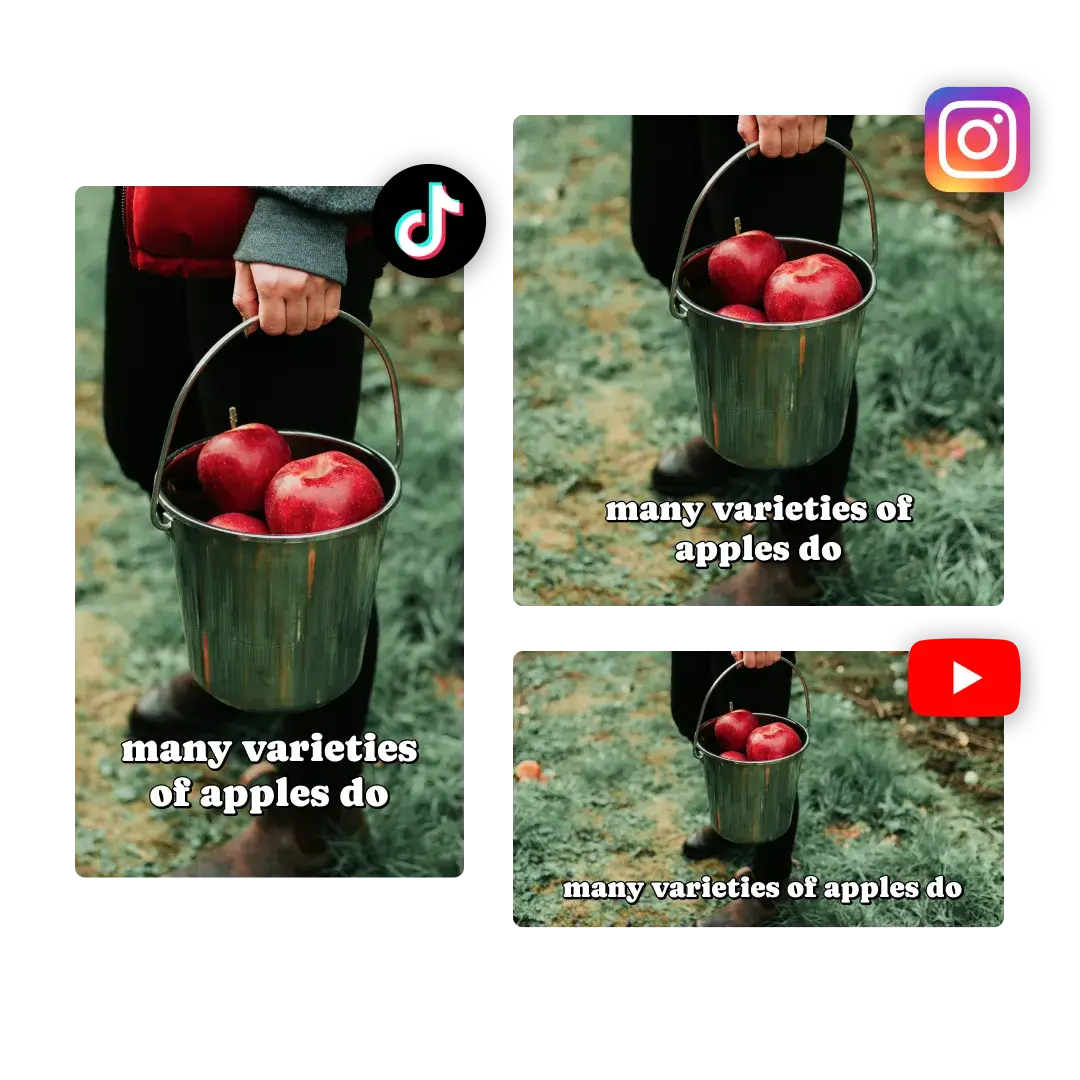
- Select your desired video aspect ratio, such as 16:9 or 9:16, to suit various platforms.
- Choose the preferred video quality, selecting between 720p or 1080p for your output.
- Specify the video duration, with options typically including 5s or 10s segments.
- Initiate the video generation process, consuming credits based on your selected plan.
- Review the generated video in the preview area, ensuring it aligns with your vision.
- Download the watermark-free video in HD or 4K resolution and share your AI-generated content.
