
Veevid AI FAQs
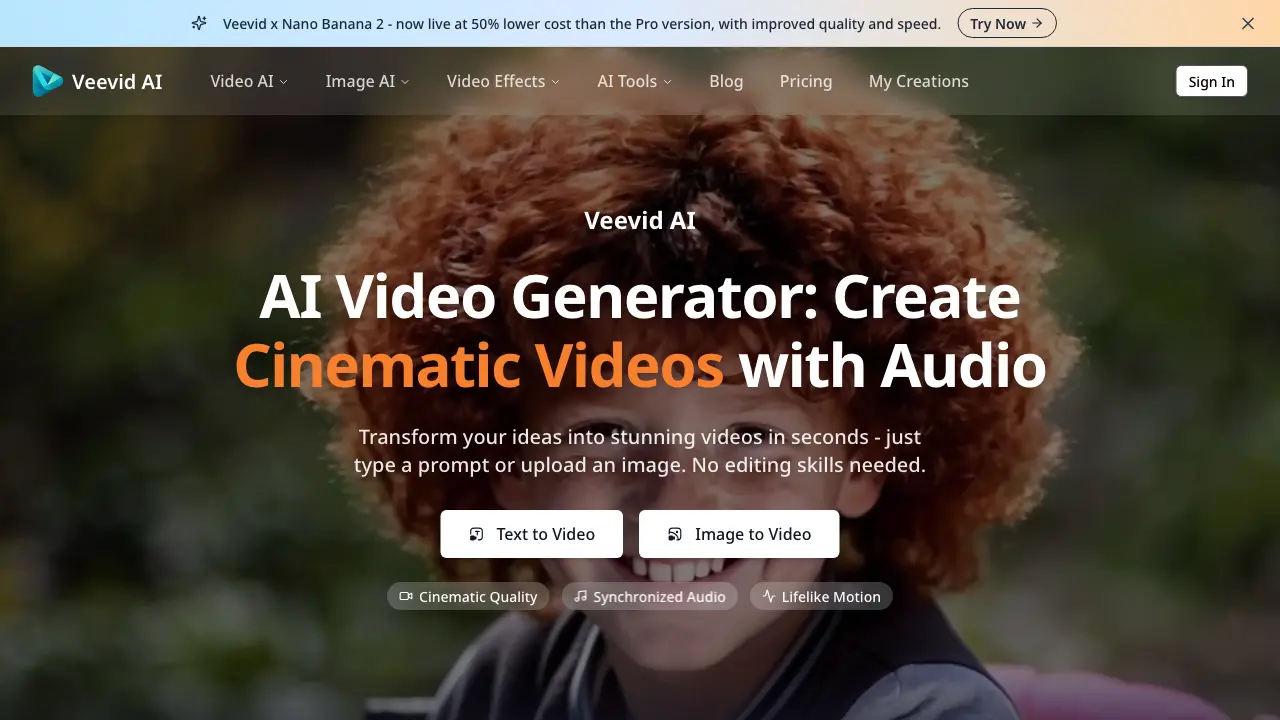
Veevid AI is an AI video generator that transforms text prompts and images into cinematic videos with synchronized audio, realistic motion, and professional-grade output - no editing skills required.

FAQs of Veevid AI
What is Veevid AI Video Generator?
Veevid AI Video Generator is an advanced platform that transforms text prompts and images into cinematic, high-quality videos. Powered by multiple AI models including Seedance, Sora 2, Veo 3, Wan, Grok, and Runway, it offers Text to Video and Image to Video capabilities with synchronized audio, realistic motion, and professional-grade output - all without requiring any editing skills.
What types of input can I use to create AI videos?
Veevid AI Video Generator supports both Text to Video and Image to Video creation. You can type detailed text prompts describing scenes, styles, and motion to generate dynamic videos, or upload static images that the AI will bring to life with realistic motion, smooth transitions, and cinematic camera movements while maintaining scene consistency.
How long does it take to generate an AI video?
Most AI videos are generated within minutes using Veevid's fast rendering technology. The exact generation time depends on the complexity, resolution, and length of your video, but the system is optimized for speed without compromising quality, delivering finished videos in seconds to minutes.
What pricing plans does Veevid AI Video Generator offer?
Veevid offers flexible pricing plans designed for individuals, teams, and enterprises. You can choose from monthly, annual, or lifetime options based on your video production needs. Each plan includes access to the full suite of AI video creation tools with different usage limits. Notably, the Veevid x Nano Banana 2 version is now available at 50% lower cost than the Pro version while maintaining improved quality and speed.
Do I need any technical skills to use the AI Video Generator?
No technical skills are required to use Veevid AI Video Generator. The platform is designed for everyone from beginners to professionals. Simply type a text prompt or upload an image, and the AI handles the entire video creation process automatically, producing cinematic quality results without any editing experience needed.
What types of videos can I create with Veevid AI Video Generator?
Veevid AI Video Generator supports a wide range of video types including marketing and promotional videos, social media content for TikTok, Instagram and YouTube, product demonstrations, explainer videos, animated storytelling, and creative visual effects. The platform can generate videos in various styles from cinematic and realistic to anime, 3D, and retro, limited only by your imagination.
How does the Veevid x Nano Banana 2 version differ from the Pro version?
The Veevid x Nano Banana 2 version is now live at 50% lower cost than the Pro version while offering improved quality and speed. This makes it an attractive option for users who want professional-grade AI video generation capabilities at a more accessible price point.
What safety measures does Veevid AI Video Generator have in place?
Veevid prioritizes user safety with comprehensive data privacy protections - your images and scripts are securely processed and not shared with third parties. The platform also includes content filtering to detect and prevent the creation of harmful content, ensuring all generated videos are safe for brand use and professional applications.
Can I use the videos created with Veevid for commercial purposes?
Yes, videos created with Veevid AI Video Generator are ready for commercial use. The platform generates high-quality, professional-grade content suitable for marketing campaigns, brand promotions, YouTube channels, TikTok, Instagram, and other commercial applications without requiring additional licensing or permissions.
What AI models are available through Veevid?
Veevid provides access to multiple leading AI video models all in one place, including Seedance, Sora 2, Veo 3, Wan, Grok, Runway, and more. This allows users to pick the best AI model for their specific video needs without switching between different platforms, providing flexibility and optimal results for various creative projects.
How to use Veevid AI
- Visit the Veevid AI website and select either "Text to Video" or "Image to Video" based on your input type.
- For text input, enter a detailed description of your desired scene, including style, motion, and any specific elements you want to include.
- For image input, upload your photo or illustration that you want to animate into a video.
- Choose your preferred AI model from options like Seedance, Sora 2, Veo 3, Wan, Grok, or Runway depending on your creative needs.
- Select the aspect ratio and video duration that best suits your intended platform or use case.
- Click the generate button and wait a few seconds while Veevid's AI processes your request and creates the video.
- Preview your AI-generated video, then download the high-quality file for use on social media, YouTube, TikTok, or commercial projects.
