
Tube Textify FAQs
Tube Textify converts YouTube videos to text, providing accurate transcripts with timestamps, supporting multiple languages for creators, students, and researchers.

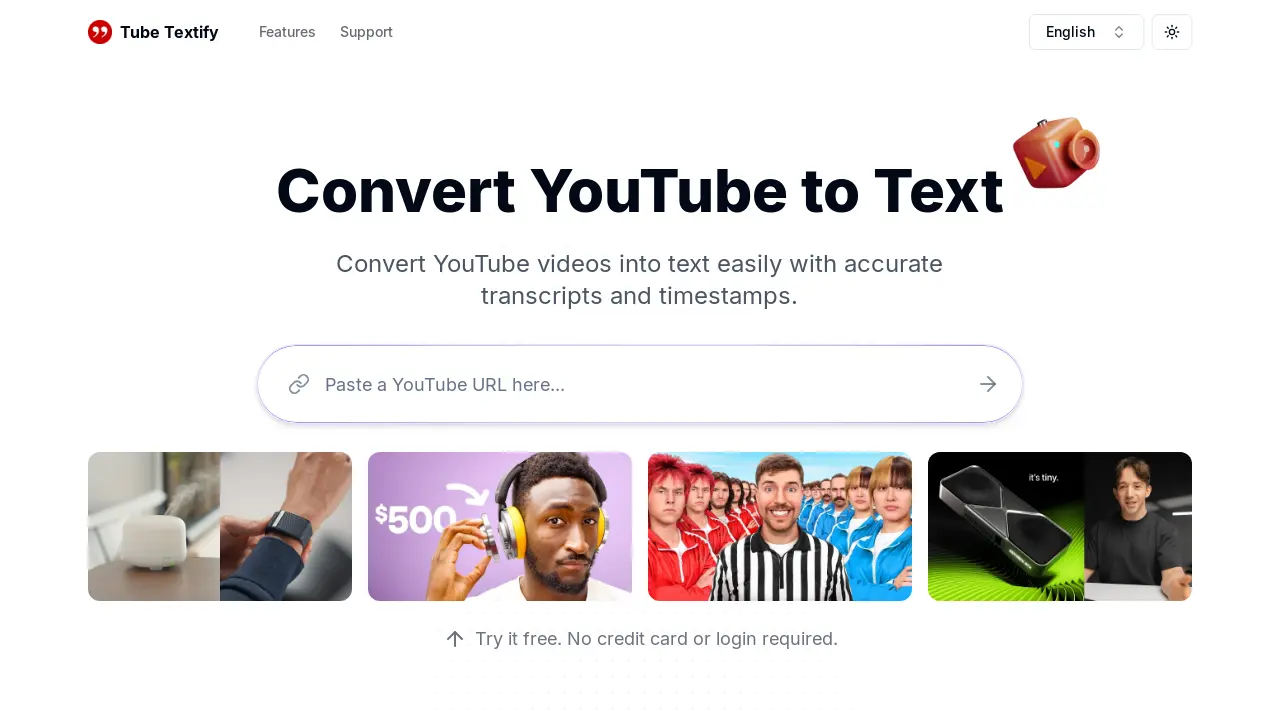
FAQs of Tube Textify
How do I use the Tube Textify YouTube to text converter?
To use Tube Textify, simply copy the URL of the YouTube video you wish to transcribe. Paste this URL into the designated field on the Tube Textify website and click the "Generate" button. The converter will then process the video and provide you with an accurate transcript including timestamps, which you can then download or copy.
What languages does the Tube Textify converter support?
Tube Textify supports transcription in over 125 languages, making it accessible to a global audience. This multilingual support allows users to easily obtain transcripts of YouTube videos in their preferred language, enhancing accessibility and comprehension.
Can I create summaries of YouTube videos using Tube Textify?
Yes, Tube Textify offers a smart summarization feature. After generating a transcript, the tool utilizes AI to create concise summaries of the video's main points, providing users with a quick overview of the content. This feature saves time by allowing users to quickly grasp the key takeaways without having to read the entire transcript.
Is there a cost associated with using Tube Textify to transcribe YouTube videos?
Currently, Tube Textify's YouTube to text conversion service is free for all users. There is no charge to extract and download transcripts, regardless of video length or the number of transcriptions performed. This free access allows for widespread use and makes the tool readily available to a broad range of users.
What types of YouTube videos are supported by the Tube Textify converter?
Tube Textify currently supports only public YouTube videos. The converter does not support private, live, or restricted videos due to accessibility limitations. Users should ensure the YouTube video they wish to transcribe is publicly accessible before attempting to use the tool.
How to use Tube Textify
- Copy the YouTube video URL from your browser's address bar.
- Paste the copied URL into the designated input field on the Tube Textify website.
- Click the "Generate" button to initiate the YouTube to text conversion process.
- Review the generated text transcript, noting the inclusion of timestamps for navigation.
- Download the transcript in your preferred format (.txt, .doc, etc.) or copy it directly.
