
TarotAI FAQs
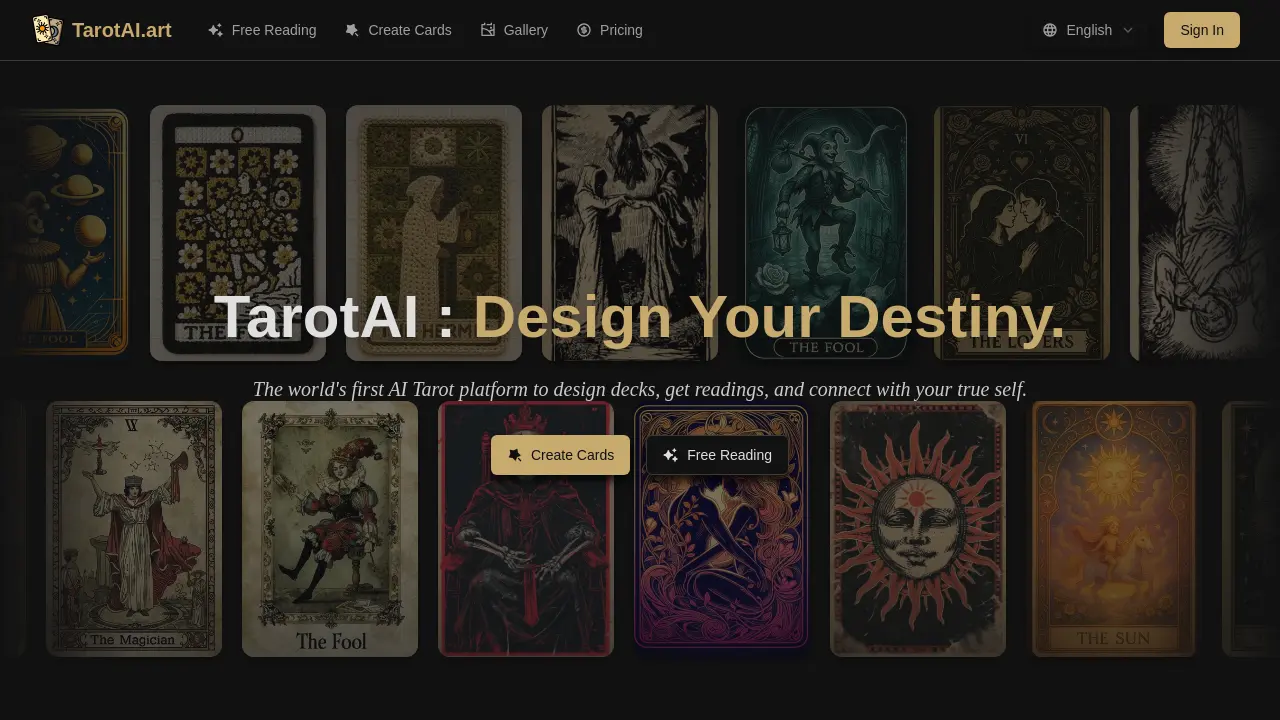
TarotAI is an AI‑driven tarot platform that lets users create custom card decks, receive free multi‑card readings, and sync decks across devices.

FAQs of TarotAI
What is TarotAI.art and how does it work?
TarotAI.art is an online platform that combines an AI tarot card generator and AI‑driven tarot readings. Users can upload a reference image or select a preset style, and the AI produces high‑quality tarot cards. The platform then draws cards from the user’s deck, applying natural‑language models that interpret each card’s symbolism within the chosen spread, providing personalized guidance—no graphic‑design or advanced tarot knowledge required.
Can I use the cards commercially?
Yes. All cards created with a paid plan receive a commercial license. Users may sell physical decks, include the cards in readings, create digital products, or incorporate them into a spiritual business without additional restrictions.
What art styles are available?
TarotAI.art offers a curated collection of professional styles such as Classical Rider‑Waite, Mystical/Ethereal, Fantasy/Gothic, and many others. Users can also upload their own reference images, allowing the AI to learn and replicate a unique style throughout an entire deck, ensuring visual consistency.
How long does it take to generate a tarot card?
Most cards finish in under 30 seconds. Individual cards can be created instantly, and users may batch‑generate a full 78‑card deck while maintaining high quality and traditional tarot symbolism.
How accurate are AI tarot readings?
The AI readings combine traditional tarot wisdom with advanced natural‑language processing. The system interprets each card in the context of the user’s question and spread position, delivering personalized and thoughtful interpretations. When custom cards are used, the AI also incorporates the original descriptions for deeper insights.
Do I need to know about tarot to use this?
No. While a basic understanding of tarot can enhance creativity, the platform’s AI comprehends traditional tarot symbolism. Built‑in guides and prompts help beginners design authentic decks without prior experience.
How do I begin a free tarot reading on TarotAI.art?
Sign up for a free account or use the guest mode. Go to the Free Reading page, choose a spread such as Three‑Card Time Flow or Yes/No, answer the prompting question, and let the AI draw and interpret your cards in real time.
What’s the difference between a yes/no reading and a multi‑card spread?
Yes/No readings draw a single card to provide a quick, binary answer to a specific question. Multi‑card spreads—like Three‑Card Time Flow or Celtic Cross—sample several cards, exploring context, challenges, and future possibilities for richer, nuanced interpretations that account for card positions.
How can I save or export my custom deck?
After generating cards, add them to a deck in your account. The deck management page allows downloading high‑resolution images of individual cards or the entire collection in PDF or PNG format, preserving customizations for printing or digital sharing.
What payment options are available on TarotAI.art?
TarotAI.art uses a pay‑as‑you‑go model with discounted usage packs. New users receive free credits upon registration. Additional credits can be purchased via credit card or integrated payment gateways—no recurring subscription is required, offering flexible budgeting.
Is my personal data and card artwork kept private?
All user‑generated content—including card artwork and deck configurations—is stored securely in the cloud and remains private to the owner unless shared explicitly. Personal data complies with standard privacy practices, and the Terms of Service specify that usage data is limited to service delivery and improvement.
How to use TarotAI
- TarotAI is an AI-powered tarot platform that offers free readings, yes-or-no sessions, deck creation, and personalized interpretation for personal insight.
- Navigate to the free reading page via the top menu and click “Start a Reading” to begin an instant AI tarot session.
- Select a spread from the drop‑down, type a clear question, then hit “Draw Cards” to let the AI generate positions and interpretations.
- Review the interpretations displayed; note upright/reversed explanations, symbolism, and practical guidance tailored to your question and your personal context for deeper insight.
- For a quick yes‑or‑no answer, click the “Get Your Answer” link, insert your query, and let the AI draw a single card.
- To create personalized cards, open the card generator, choose an art style or upload a reference, then input card names for AI rendering.
- Save generated artwork to your cloud library, organize into themed decks, and optionally download high‑resolution files for printing or digital use.
- Use your custom deck for readings by selecting it in the reading interface; the AI reads card descriptions to provide deeply personalized insights.
- Interpret the results by comparing the AI’s guidance to your current life situation; note actionable steps suggested by the spread.
- Engage with TarotAI chat for guided questions and interpretation discussion, enhancing understanding of card meanings and receive instant clarification from AI.
