
Style AI FAQs
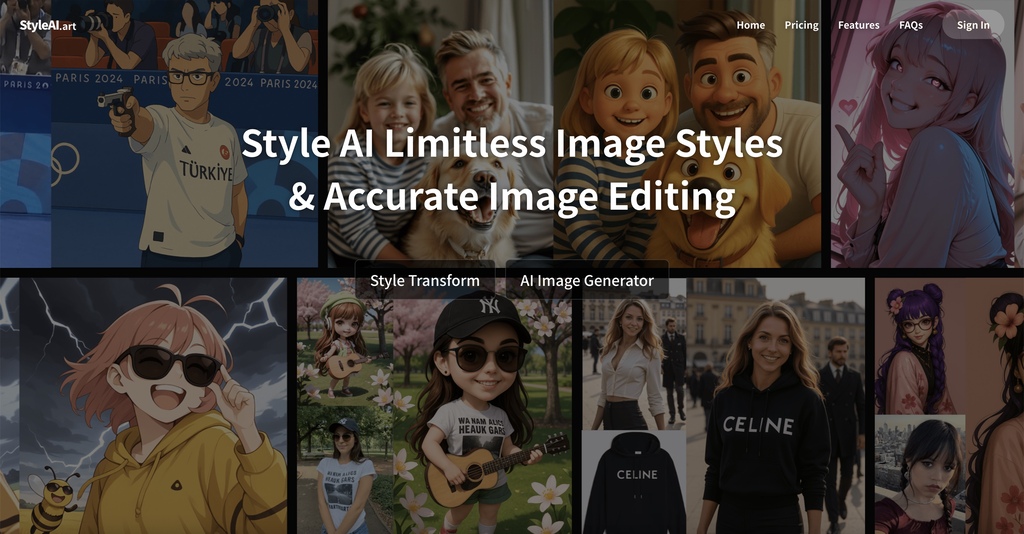
Style AI uses AI to transform photos into styles like Ghibli and Pixar, offering image element control and effects with one click.

FAQs of Style AI
What is Style AI and How Does It Transform Your Images?
Style AI is a tool that uses AI to transform images into various artistic styles. Style AI's algorithms analyze and convert images while maintaining their essential elements, allowing users to apply different styles with ease. This enables a seamless style transfer with only a few clicks.
How Can Style AI Merge Multiple Photos Together Naturally?
Style AI is capable of blending multiple photos together, which is useful for creating group photos. The technology within Style AI ensures natural-looking results by harmonizing lighting, perspective, and style across all the combined images, delivering a cohesive final product.
Can Style AI Edit Images Using Natural Language Commands?
Yes, Style AI allows users to edit images using simple text prompts. Users can describe the desired changes or additions, and Style AI will implement those instructions, making image editing accessible to a broader audience, regardless of technical expertise. This natural language control streamlines the editing process.
How Does Style AI Generate Images from Text Descriptions?
Style AI can generate images from text descriptions by creating visuals based on the provided text prompt. This feature enables users to quickly visualize concepts, create artwork, or design content by simply describing what they want to see.
What Video Transformation Features Does Style AI Offer?
Style AI provides video transformation capabilities, including converting videos into various artistic styles while maintaining smooth motion. Style AI's algorithms ensure style consistency across all frames, which delivers stylized videos of professional quality.
Can Style AI Generate Videos from Images or Text?
Yes, Style AI can create dynamic videos from static images and generate videos from text descriptions. Its video generation technology enables users to specify movements, transitions, and effects through simple commands, which simplifies the video creation process.
Is Style AI free to use?
Style AI offers both free and paid options. While some features may be available for free, accessing the full range of capabilities, including higher resolution outputs or more advanced features, may require a subscription or purchase of credits. Check the Pricing page for current details.
What styles are available within Style AI?
Style AI provides a range of artistic styles, including Ghibli, Pixar, Snoopy Style, and Chibi Style. More styles are continually being added, offering diverse options for transforming images. Users can explore the available options on the Styles page.
Can Style AI change clothes in an image?
Yes, Style AI has the ability to change clothes in an image using natural language commands. This is part of its natural language image editing capability, where users can specify the desired clothing style, and Style AI will attempt to realistically apply it to the image.
What file formats are supported by Style AI?
Style AI supports common image file formats such as JPEG, PNG, and potentially others. Users should refer to the Style AI website or app for a comprehensive list of supported formats for both image uploads and downloads to ensure compatibility.
How to use Style AI
- Visit the Style AI website. Style AI enables users to transform images with various artistic styles or generate new images using text prompts.
- Select a Style: Choose an image style. Styles include Ghibli, Pixar, Snoopy Style, Chibi Style, and many others. "Style AI free" options may have limitations.
- Upload or Generate: Upload your image or input a text prompt to generate a new image using Style AI's text-to-image technology. Aspect ratio can be set.
- Generate the Image: Click "Generate Image." Note that generation may consume credits. "Style AI pricing" details available on the website.
- Review & Refine: Assess the generated image. Use natural language commands to further refine image details. This enables pixel-perfect control and editing.
- Explore other AI tools: Style AI further allows for video transformation and video generation for images and texts. Experiment with the available features.
- Download & Share: If satisfied, download your edited image. Share your creations while respecting the "Style AI terms of service."
- Interpret the Results: Assess how well the AI captured your desired style. Experiment with different styles and prompts to achieve the best results.
- Optimize for SEO: For website use, optimize generated images for "Style AI SEO" by using descriptive file names and alt text with relevant keywords.
- Troubleshoot: Consult the FAQ for common issues. Explore "Style AI reviews" for user experiences and potential solutions.
