
Soro 2 AI FAQs
Soro 2 AI is a multi-model platform enabling creators to generate professional videos with Sora 2, Veo 3 and images with Nano Banana, featuring custom character integration and scene continuity.

FAQs of Soro 2 AI
What defines Soro2?
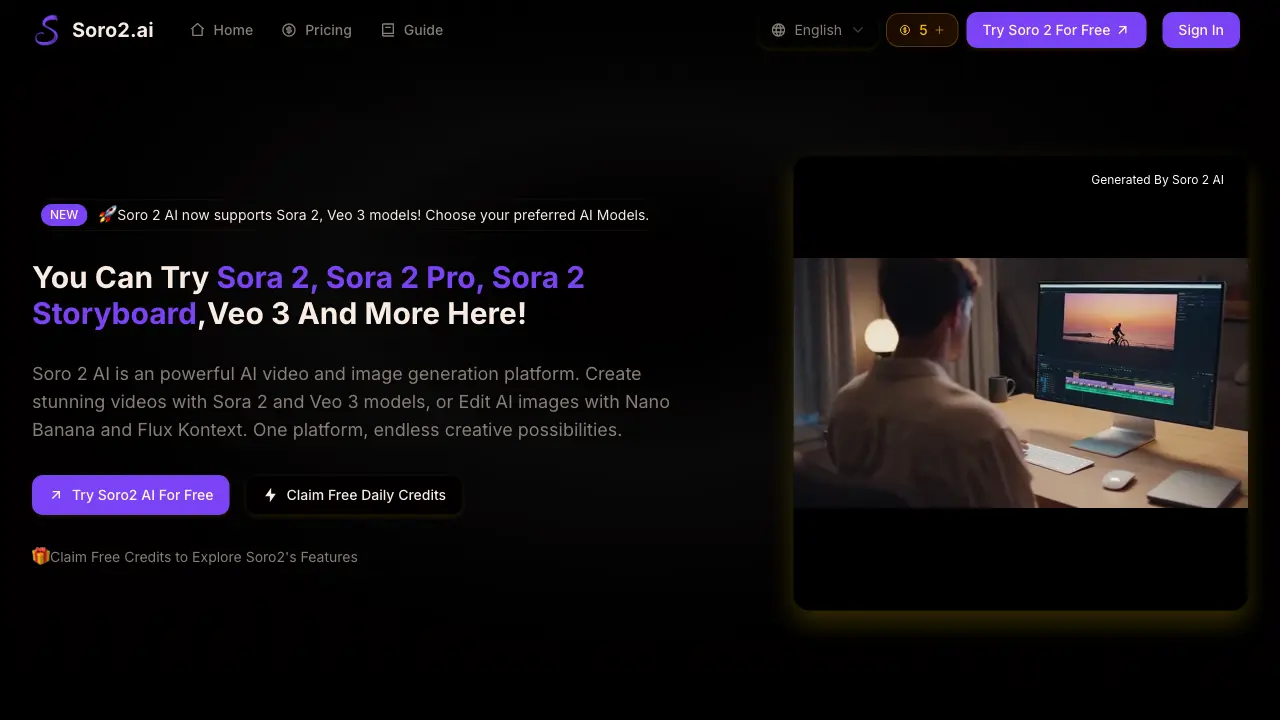
Soro 2 AI is an independent platform for AI-generated video and image synthesis. It consolidates multiple AI models, including Sora 2 and Veo 3 for video, and Nano Banana and Flux Kontext for image editing, into a single interface for content creation.
What distinguishes Soro 2 AI from alternative AI video platforms?
Soro 2 AI’s primary differentiator is its multi-model integration, allowing users to select between leading engines like Sora 2 and Veo 3 within one workflow. It also offers exclusive features such as custom character embedding and advanced physics modeling, which are not commonly available on single-model platforms.
How do Soro 2 AI Character Integrations function?
Soro2's character integration uses precise facial recognition and movement tracking to embed specific individuals into generated videos. This process aims to maintain consistent appearance and motion across scenes, allowing for personalized narrative content with a targeted subject.
Does Soro 2 AI produce audio content?
Yes, Soro 2 AI includes integrated audio synthesis. It can generate synchronized vocal tracks, environmental soundscapes, and musical compositions that align with on-screen actions and character lip movements, facilitating complete multimedia project creation without external audio tools.
Is Soro 2 AI suitable for business applications?
Soro 2 AI is designed for commercial use, offering features like watermark removal and commercial usage rights in its paid subscription plans. These capabilities, combined with high-resolution output, support professional marketing, educational material development, and brand content production.
What's the process for beginning with Soro2?
Getting started requires creating an account on the platform. After signing in, users can immediately select an AI model like Sora 2 or Veo 3, input a text prompt or upload a reference image, and initiate the video or image generation process through the guided interface.
How does the credit system work on Soro 2 AI?
Soro 2 AI operates on a credit-based system where each video generation consumes a predetermined number of credits. Users receive one free credit daily. Subscription plans provide monthly credit bundles (e.g., 100 to 1500 credits), with higher tiers offering a lower cost per credit for frequent users. One-time credit packs are also available.
What video resolution and aspect ratios does Soro 2 AI support?
Soro 2 AI generates professional-grade video at resolutions of 1080p and higher. Supported aspect ratios include 16:9 for standard landscape content and 9:16 for vertical, mobile-focused videos. For maximum resolution, the Sora 2 Pro model is recommended within the platform's model selection.
Can I use image-to-video with custom reference images?
Yes, the image-to-video feature allows users to upload custom reference images. For optimal results, Soro 2 AI recommends using clear, high-quality images. The platform's intelligent prompt processing then uses these visuals to guide the stylistic and compositional elements of the generated video sequence.
What are the differences between Sora 2, Sora 2 Pro, and Sora 2 Pro Storyboard?
Sora 2 is the standard model for general text-to-video generation. Sora 2 Pro offers higher resolution outputs and improved stability. Sora 2 Pro Storyboard is specifically designed for multi-segment narrative designs, enabling the creation of longer, cohesive stories with scene-to-scene continuity.
How long does video generation typically take?
According to platform metrics, Soro 2 AI processes premium video content in under 60 seconds. Actual generation time can vary based on the selected model (e.g., Sora 2 vs. Veo 3), video duration, resolution settings, and the complexity of the input prompt or reference imagery.
How to use Soro 2 AI
- Soro 2 AI is a multi-model AI platform for generating videos with Sora 2 and Veo 3, and editing images with Nano Banana and Flux Kontext, enabling professional content creation.
- Users access the platform via soro2.ai, sign in, or claim daily free credits to start creating without initial cost.
- For video generation, select text-to-video or image-to-video mode, then input a detailed prompt specifying scenes, actions, and camera movements.
- Choose an AI model from the dropdown, such as Sora 2 for standard output or Sora 2 Pro for extended duration and storyboard capabilities.
- Configure video settings including resolution (16:9 landscape or 9:16 portrait), duration (10s or 15s), and enable Keep Stable for higher success rates.
- Initiate generation by clicking the generate button; the platform processes the request using the selected model, typically under 60 seconds for premium outputs.
- After processing, access the generated video in the My Creations section, review it for quality, and download it for use.
- Interpret the results by assessing visual continuity, character integration, and audio sync if applicable, ensuring they meet the creative brief.
- Use the generated videos or images for goals such as marketing campaigns, educational materials, or social media content, leveraging commercial rights from paid plans.
- For image editing, select tools like Nano Banana or Flux Kontext, upload an image, apply edits, and download the modified result.
