
SeedVideo FAQs
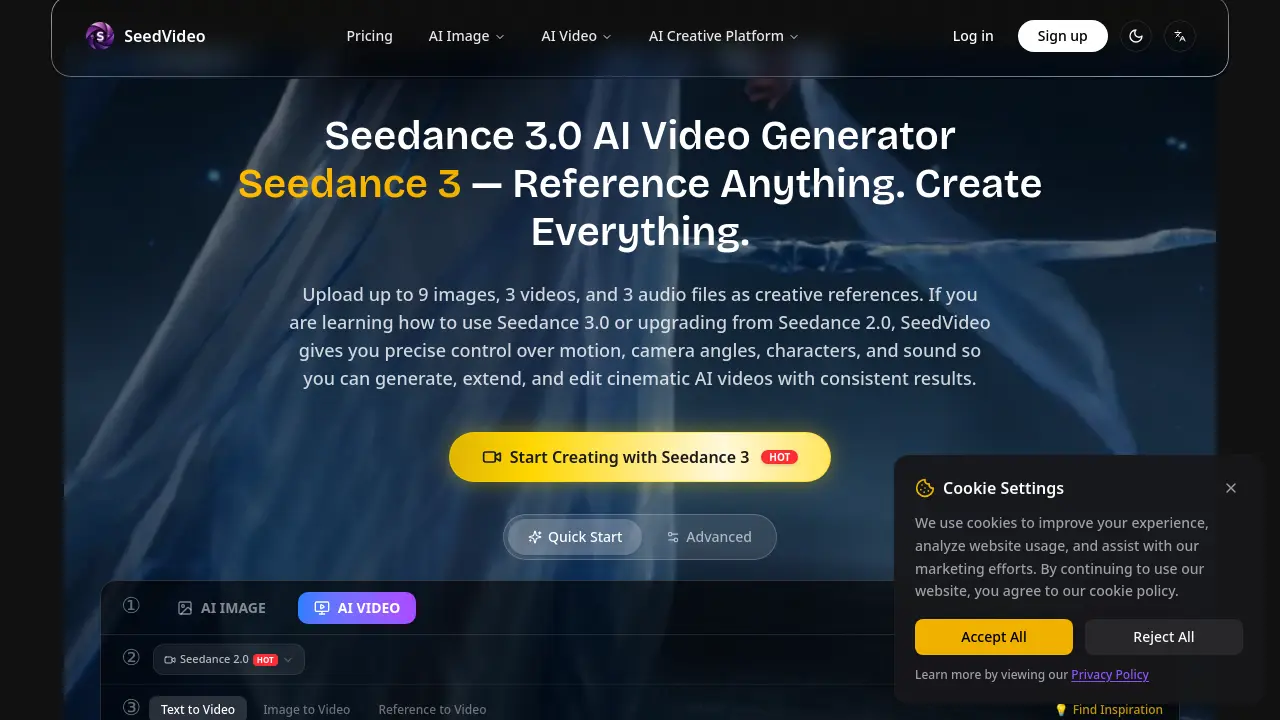
SeedVideo is an AI video generator for creators, offering multi‑modal text, image, video and audio inputs, reference‑based motion control, seamless editing, and consistent cinematic results

FAQs of SeedVideo
What is Seedance 3.0?
Seedance 3.0 is the core AI video generation engine behind SeedVideo. It accepts multimodal inputs—text, images, video clips, and audio—and uses natural‑language prompts to produce cinematic‑quality videos with precise control over motion, camera angles, characters, and sound.
How do I use Seedance 3.0 on SeedVideo?
Users start by uploading up to nine reference images, three reference videos, and three audio files. They then describe the desired output in a text prompt, optionally tagging uploaded references with “@”. After submitting the prompt, Seedance 3.0 generates a video that can be refined, extended, or edited within the same workspace before downloading the final file.
What inputs does Seedance 3.0 support?
Seedance 3.0 supports four types of inputs: plain text prompts, image files (JPEG, PNG), video clips (MP4, up to 1080p), and audio files (MP3, WAV). Users may combine any of these modalities in a single project to achieve complex, multimodal results.
What can I reference with Seedance 3.0?
The model can reference motion patterns, camera movements, character appearances, clothing, backgrounds, visual styles, and specific sound cues. By uploading reference media and describing the desired elements in natural language, creators can replicate choreography, lighting, or visual effects from the source material.
How does Seedance 3.0 maintain character and style consistency?
Seedance 3.0 employs a consistency‑preserving diffusion pipeline that tracks facial features, clothing textures, and colour palettes across frames. This prevents character drift and ensures that visual styles remain uniform throughout the entire video, even when the scene changes dramatically.
Can Seedance 3.0 extend or edit existing videos?
Yes. Users can import an existing video, select a segment to modify, and provide new references or prompts. Seedance 3.0 will seamlessly generate additional frames, replace characters, or adjust actions while preserving the original’s look and timing.
Are there watermarks on videos created with Seedance 3.0?
Watermarks appear only on videos generated by free or trial accounts. Paying subscribers—Basic, Pro, or Max—receive watermark‑free downloads, allowing professional use and distribution of the content.
What subscription plan is best for frequent video creators?
The Pro plan ($29.99 / month) offers 500 credits, batch generation, priority queue, and advanced support, which suits creators producing dozens of 8‑second clips each month. Larger studios may find the Max plan more cost‑effective due to its 1,600‑credit allowance and dedicated account management.
Can I generate audio automatically for my videos?
Seedance 3.0 includes built‑in audio generation that creates context‑aware sound effects and background music. Users may also upload their own audio track; the model will synchronize visual events to the beat or cues embedded in the supplied file.
How to use SeedVideo
SeedVideo provides a multimodal AI video generator that transforms text, images, video clips, and audio references into cinematic videos with precise motion and style control.
Log in to SeedVideo, navigate to the Seedance 3.0 workspace, and click Upload to add up to nine images, three reference videos, and three audio files as creative inputs.
In the prompt field, describe the desired scene using natural language; tag uploaded references with “@” to link specific visual or audio elements to the description.
Adjust settings such as aspect ratio, output resolution, and duration, then press Generate; the platform consumes credits and returns a preview video with optional watermark removal for paid accounts.
Review the generated video, checking consistency of characters, lighting, and motion; use the built‑in editor to extend, replace segments, or re‑render with refined prompts if needed.
Export the final video in the chosen format, analyze its alignment with the original creative goal, and apply the insights to future SeedVideo projects for improved AI‑driven storytelling.
