
Seedance FAQs
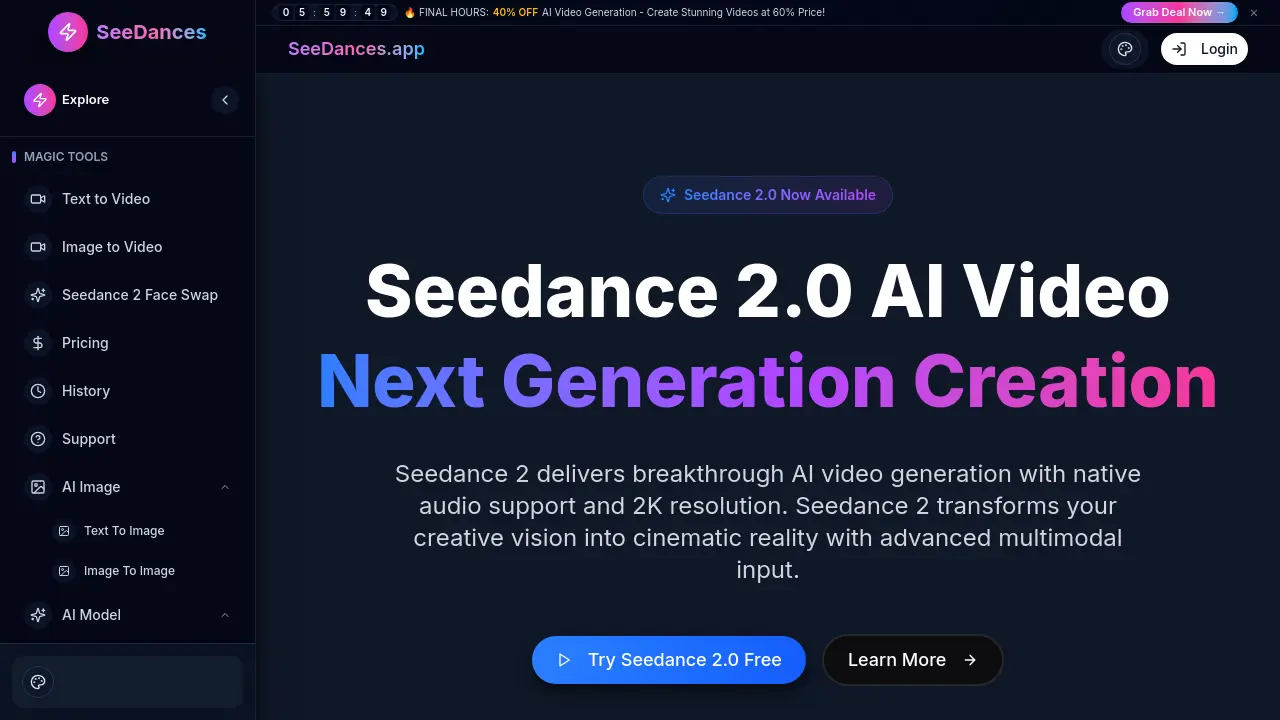
Seedance 2.0 is an AI video generator that creates 2K cinematic videos from text or images in 10 seconds, with native audio and multimodal input for creators.

FAQs of Seedance
Is Seedance 2.0 available now?
Seedance 2.0 is currently live and accessible through the Seedances.app platform. Users can start generating videos immediately with a free trial that requires no credit card. The service offers a 10‑second generation window and 2K resolution output, allowing instant experimentation before committing to a paid plan.
What is the difference between Seedance 2.0 and earlier models?
Seedance 2.0 introduces native audio‑visual generation, meaning audio and video are produced simultaneously for perfect sync. It also supports 2K resolution, multimodal input (text, image, and video), and faster generation times (≈10 seconds per clip). Earlier models lacked integrated audio, offered lower resolution, and required separate audio processing steps.
Why is Seedance 2.0 important for AI video creation?
Seedance 2.0 streamlines the creative workflow by combining text‑to‑video, image‑to‑video, and video‑extension capabilities in one platform. Its cinematic camera controls, emotion‑driven facial expressions, and multi‑shot storytelling enable professional‑grade videos without traditional editing software, reducing production time and cost for creators, educators, and marketers.
What video lengths can Seedance 2 generate?
Seedance 2.0 is optimized for short‑form content, producing videos up to 10 seconds in length per generation cycle. Longer narratives can be assembled by chaining multiple 10‑second clips or using the video‑extend feature to seamlessly expand existing footage.
What resolutions are supported by Seedance 2?
The default output resolution for Seedance 2.0 is 2K (approximately 2048 × 1080 pixels). Users can also request 1080p (1920 × 1080) output for compatibility with standard web and mobile platforms, ensuring high‑quality visuals across devices.
What aspect ratios are available in Seedance 2?
Seedance 2.0 supports common aspect ratios such as 16:9 (widescreen), 9:16 (vertical), and 1:1 (square). These options accommodate social‑media formats, cinematic presentations, and web‑optimized videos, allowing creators to tailor output to their distribution channel.
How does Seedance 2 handle audio synchronization?
Seedance 2.0’s native audio‑visual generation engine produces soundtracks that are automatically aligned with visual frames. The model predicts audio waveforms in tandem with video frames, eliminating the need for post‑production audio editing and ensuring lip‑sync and ambient sound match the on‑screen action.
What file formats can I upload for image‑to‑video?
Users may upload standard image formats such as JPEG, PNG, and GIF for image‑to‑video conversion. The platform accepts up to 10 MB per image and automatically optimizes resolution to match the target 2K output, preserving aspect ratio and visual fidelity.
Does Seedance 2 support multi‑shot storytelling?
Yes, Seedance 2.0 includes multi‑shot storytelling capabilities. By providing multiple reference images or video clips, users can generate coherent narratives that maintain consistent lighting, character appearance, and camera angles across scenes, ideal for trailers or short films.
Is there an API for developers?
Seedance offers a RESTful API that allows developers to integrate text‑to‑video, image‑to‑video, and video‑extend functionalities into custom applications. The API supports JSON payloads for prompts, reference media, and output settings, and returns video URLs upon completion.
What are the supported input modalities for Seedance 2?
Seedance 2.0 accepts three primary input modalities: (1) natural‑language text prompts, (2) reference images for image‑to‑video, and (3) short video clips for video extension. Users can combine these modalities to guide the model toward precise visual and narrative outcomes.
How to use Seedance
- Seedance is an AI video generation platform that converts text prompts or images into 2K cinematic videos with synchronized audio, supporting multimodal input and fast output.
- The user logs in or signs up, then navigates to the Text-to-Video or Image-to-Video section, where the interface accepts prompts or uploads.
- Enter a descriptive prompt or upload a reference image; the system parses the input to understand desired scene, characters, and camera angles.
- Choose the Seedance 2.0 model, adjust resolution to 2K, set duration (e.g., 10 s), and enable native audio for the output.
- The generate button is clicked; the AI processes the request, producing a 2K video with synchronized audio in approximately ten seconds.
- The preview is inspected for visual and audio fidelity, then the MP4 file is downloaded or shared directly via the provided link.
- Scene consistency, facial expressions, and sound alignment are analyzed to ensure the output matches the prompt; prompt wording is adjusted if discrepancies appear.
- The generated video is leveraged in marketing campaigns, educational content, or social media, capitalizing on the platform’s speed and cinematic quality.
