
Seedance 3.0 FAQs
For professional video production, Seedance 3.0 uses AI to generate 4K cinematic videos from text and images with multi-shot narrative and native audio sync.

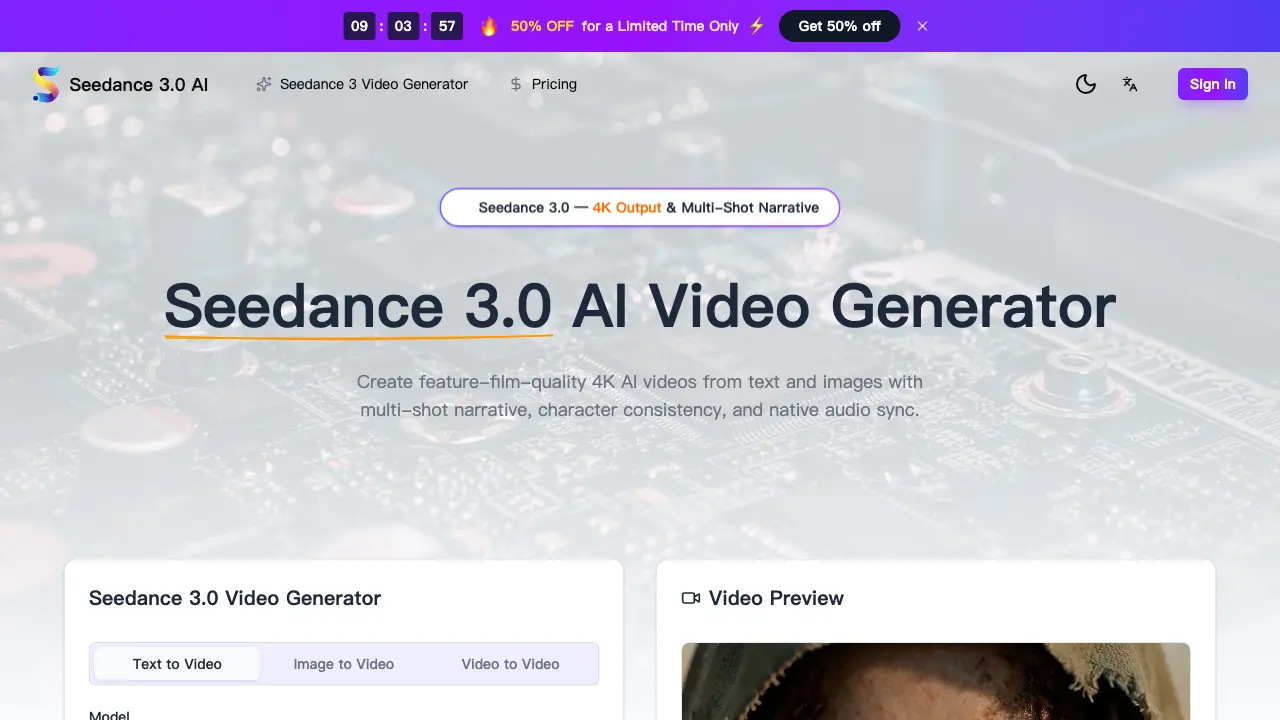
FAQs of Seedance 3.0
What is Seedance 3.0 and who should use it?
Seedance 3.0 is an advanced AI video generator that creates 4K cinematic videos from text, images, or audio inputs. It targets content creators, filmmakers, marketers, and businesses aiming to produce professional video content efficiently. The platform eliminates traditional filming constraints by enabling users to generate high-quality videos through descriptive prompts, making it suitable for rapid prototyping, social media content, and full-length narratives.
What are the main features of the Seedance 3 model?
Seedance 3.0 offers core features including 4K resolution output, multi-shot narrative consistency for character and scene continuity, native audio generation with lip-sync, text-to-video and image-to-video conversion, cinematic camera control via text prompts, and support for diverse visual styles like photorealism and anime. These capabilities allow for end-to-end video creation within a single platform, reducing reliance on separate editing and audio software.
How does Seedance 3.0 character consistency work?
Seedance 3.0 employs a character locking mechanism that maintains facial features, clothing, and body proportions across multiple shots and scenes. Users upload a reference image of a character, and the AI model ensures identical representation throughout a multi-shot sequence. This is particularly valuable for episodic series, branded campaigns, and films where visual continuity of characters is critical.
What video specifications does Seedance 3.0 support?
Seedance 3.0 generates videos in MP4 format with up to 4K resolution. It supports various aspect ratios including 16:9, 9:16, 1:1, 4:3, 3:4, and 21:9. Every video includes native stereo audio with synchronized sound effects and dialogue. The output is watermark-free for paid subscribers and compatible with most video editing and playback software.
Is the Seedance 3 video generator free to use?
Seedance 3.0 provides free credits to new users for initial testing, allowing exploration of text-to-video, image-to-video, and audio features without cost. However, ongoing video generation requires purchasing a subscription plan or additional credits. The free tier enables evaluation of output quality before committing to a paid tier.
Can I use Seedance 3.0 videos for commercial work?
Yes, all videos generated with Seedance 3.0 include a commercial use license. Users may employ the output for advertising, social media campaigns, product demonstrations, e-commerce content, and other professional purposes without royalty fees. This license applies to both subscription-based and credit-purchased generations, as specified in the terms.
How fast does the Seedance 3.0 AI generate videos?
Most 4K video clips render within 30 to 90 seconds, depending on complexity, duration, and resolution. The engine is optimized for speed, supporting rapid iteration in professional workflows. Shorter or lower-resolution videos may process faster, while intricate scenes with detailed physics or audio may approach the upper time limit.
What visual styles does Seedance 3.0 support?
Seedance 3.0 adapts to numerous visual styles through natural language prompts, including photorealism, cinematic film, anime, cyberpunk, watercolor, and fantasy. The model interprets descriptive terms to adjust lighting, texture, and color grading, enabling users to achieve specific aesthetic directions without manual preset selection.
Does the Seedance 3 model support image-to-video?
Yes, the image-to-video feature allows users to upload static images such as product photos, concept art, or design mockups. Seedance 3.0 animates these inputs with cinematic motion while preserving original details, composition, and visual integrity. This is useful for bringing static assets to life in presentations or marketing materials.
How does native audio sync work in Seedance 3.0?
Seedance 3.0 generates stereo audio alongside video in a single rendering pass. It creates Foley effects, ambient soundscapes, and dialogue with phoneme-level lip-sync accuracy. The audio is temporally aligned with the video frames, eliminating the need for separate audio editing and synchronization in post-production.
What makes Seedance 3.0 different from other AI video tools?
Seedance 3.0 distinguishes itself by integrating 4K output, multi-shot narrative consistency, native audio-visual generation, and cinematic camera control into one platform. Many competing tools offer only subsets of these features, often requiring multiple applications to achieve similar results. Seedance 3.0’s unified workflow streamlines professional video production from concept to final output.
Is the Seedance 3.0 AI video generator compatible with mobile?
Seedance 3.0 is a web-based application accessible on any modern browser across desktop, tablet, and mobile devices. Rendering occurs in the cloud, so device specifications do not affect output quality. The responsive interface allows prompt entry, setting adjustments, and video downloads on mobile, though larger screens may enhance workflow comfort.
How are credits consumed when generating videos with Seedance 3.0?
Credits are deducted per video generation based on duration, resolution, and audio inclusion. Higher resolutions and longer videos consume more credits. Subscribers receive a monthly or annual credit allotment according to their plan tier. Unused credits may expire monthly for some plans, and additional credits can be purchased separately. The interface displays estimated credit cost before generation.
What export formats and quality options are available in Seedance 3.0?
Seedance 3.0 exports videos exclusively in MP4 format with H.264 encoding, ensuring broad compatibility. Quality options include up to 4K resolution, with selectable aspect ratios such as 16:9, 9:16, 1:1, 4:3, 3:4, and 21:9. All exports include native stereo audio and are free of watermarks for subscribers. The platform does not currently support alternative formats like MOV or ProRes.
Does Seedance 3.0 generate original music and sound effects for videos?
Seedance 3.0 generates native stereo audio encompassing Foley effects, ambient sounds, and dialogue with lip-sync. However, it does not specifically create original music tracks. The audio generation focuses on sound design elements that complement the visual scene. Users requiring custom music may need to add it in post-production using separate tools.
How does the current promotional offer for Seedance 3.0 work?
Seedance 3.0 currently provides a 50% discount on yearly subscription plans compared to monthly billing. This limited-time promotion reduces the annual cost for all tiers: Starter, Premium, and Advanced. The discount applies automatically when selecting the yearly payment option during checkout, offering significant savings for long-term users.
What are the system requirements for using Seedance 3.0?
Seedance 3.0 operates entirely through a web browser, requiring no software installation or high-end local hardware. It is compatible with modern browsers like Chrome, Firefox, Safari, and Edge on any operating system. A stable internet connection is necessary for cloud-based rendering and access to the AI models. No specific GPU or RAM thresholds are mandated beyond standard browser support.
How to use Seedance 3.0
- Seedance 3.0 is an AI video generator that produces 4K cinematic videos from text or image inputs, featuring multi-shot narrative consistency and native audio synchronization for professional storytelling.
- Access the Seedance 3.0 platform via a web browser and sign in or create an account to begin the video generation process.
- Select the generation mode: text-to-video for descriptive prompts, image-to-video for static references, or video-to-video for transformations.
- Enter a detailed text prompt up to 2500 characters or upload an image to guide the AI model's output and visual style.
- Configure video settings including duration (up to 5 seconds), aspect ratio (16:9, 9:16, etc.), and resolution (up to 4K).
- Enable advanced options such as character lock to maintain facial features and clothing consistency across multiple shots in narrative sequences.
- Click generate; Seedance 3.0 renders the video with audio sync, typically completing 4K clips in 30 to 90 seconds.
- Preview the generated video in the browser and download the watermark-free MP4 file for offline use.
- Evaluate the output for 4K resolution quality, character consistency, and accurate audio-visual synchronization before project integration.
- Utilize the video in marketing, film, or social media contexts, leveraging the included commercial license for professional distribution.
