
Seedance 2.0 FAQs
This advanced AI video generator produces professional-quality videos with cinematic resolution, multi-shot storytelling, and character consistency from text, images, or reference clips.

FAQs of Seedance 2.0
What is Seedance 2.0?
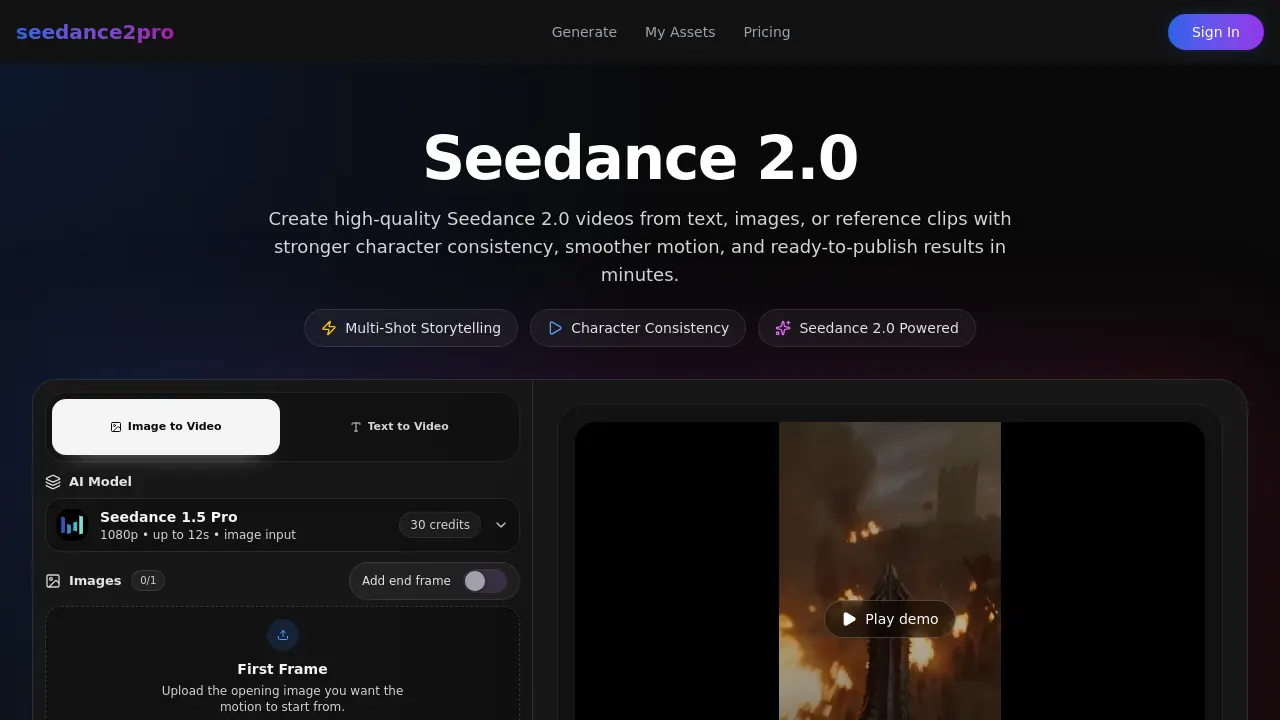
Seedance 2.0 is an advanced AI video generation platform that transforms text, images, and reference clips into high-quality videos with enhanced character consistency, smoother motion, and cinematic output. It offers multi-shot storytelling capabilities and produces ready-to-publish results in minutes.
What inputs does Seedance 2.0 support?
Seedance 2.0 supports multiple input types including text prompts, images, videos, and audio references. Users can combine these different modalities to guide the generation process with greater control and precision, allowing for more accurate creative outputs.
How does video extension work in Seedance 2.0?
Video extension in Seedance 2.0 allows users to continue from existing clips, generating connected multi-shot sequences with smoother transitions. This feature maintains consistency across multiple scenes and camera angles while preserving character details and visual style throughout the extended content.
Can I edit existing videos with Seedance 2.0?
Yes, Seedance 2.0 enables users to edit existing videos by uploading them as references and describing desired changes through natural language prompts. The platform can modify specific elements, adjust motion, or transform the style while maintaining overall coherence with the original content.
What lengths and resolutions are supported?
Seedance 2.0 supports video generation ranging from 5 to 12 seconds in duration. The platform delivers up to 2K cinematic resolution with multiple aspect ratio options including 16:9, 9:16, 4:3, 3:4, 21:9, and 1:1 formats, optimized for various platforms.
How is character consistency maintained?
Seedance 2.0 maintains character consistency through advanced AI algorithms that track and preserve character details, objects, and visual style across multiple scenes and camera angles. This cross-shot consistency ensures that characters remain recognizable and coherent throughout multi-shot storytelling sequences.
Can I replicate camera movements from reference videos?
Yes, Seedance 2.0 can replicate camera movements from reference videos when provided as input. The platform analyzes the motion patterns in reference footage and applies similar camera dynamics to the generated content, allowing for professional-level cinematography and consistent visual language.
How to use Seedance 2.0
- Visit the Seedance 2.0 website and click on the "Generate" button to access the video creation interface.
- Upload your reference image or video by clicking the "Upload" button and selecting the desired file from your device.
- Enter a detailed text prompt describing the scene, motion, and style you want to achieve in your video, up to 2000 characters.
- Select the desired resolution (480p, 720p, or 1080p), duration (up to 12 seconds), and aspect ratio (e.g., 16:9, 9:16, 1:1) for your video.
- Click the "Generate" button to initiate the video creation process, which will cost 30 credits and produce a high-quality video based on your inputs.
