
Seedance 2.0 FAQs
Seedance 2.0 by ByteDance creates cinematic multi-shot AI videos with native audio. Supports text, image, and audio inputs for creators.

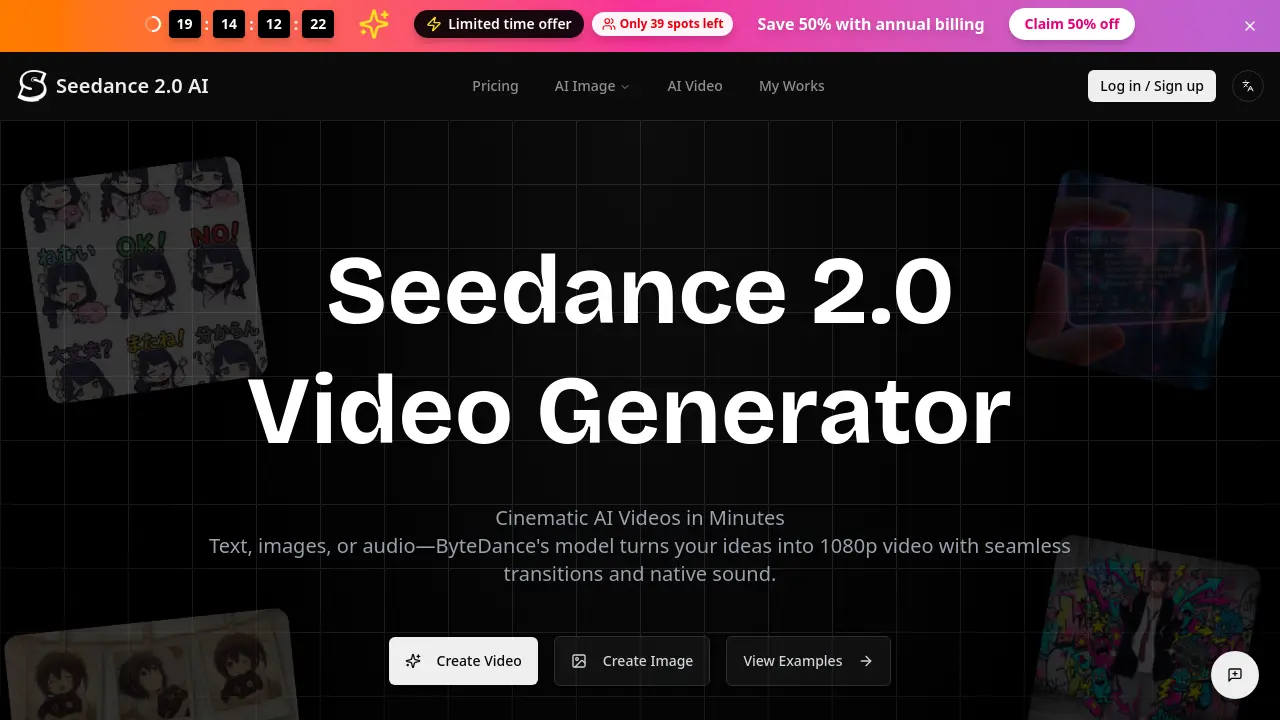
FAQs of Seedance 2.0
What is Seedance 2.0?
Seedance 2.0 is an AI video generation model developed by ByteDance. It creates coherent multi-shot video sequences from text, images, or audio inputs, featuring native sound synthesis and persistent character identity across scenes, with output resolutions up to 2K.
Is Seedance 2.0 free to try?
Yes, new users receive free credits to test core features like text-to-video and image-to-video generation. This allows initial exploration of the platform's capabilities without any payment requirement before committing to a paid plan.
Can I use my videos commercially?
Commercial usage rights are included with all paid subscriptions. This permits the use of generated videos for business purposes, such as marketing or client projects, following the terms outlined in the permanent commercial license provided to paid users.
What makes Seedance 2.0 different from other AI video tools?
Seedance 2.0 specializes in narrative continuity, maintaining consistent characters and styles across multiple shots. Its integrated audio system generates or syncs sound, dialogue, and effects, while supporting direct audio-to-video driving for precise creative control.
Does it support Image-to-Video and Audio?
The platform supports both image-to-video, using one or two reference images to control start and end frames, and audio-driven generation. Users can upload voiceovers or music to direct the visual output, or let the AI produce synchronized sound automatically.
What formats and resolutions are supported?
All exports are provided as MP4 files without watermarks for paid users. Standard resolution reaches 1080p, while Pro mode supports up to 2K. Multiple aspect ratios are available, including 16:9, 9:16, 4:3, and 1:1 for different platform requirements.
How long can videos be?
Generated video clips have a maximum duration of 12 seconds. This length is optimized to maintain high quality, motion coherence, and narrative stability, making it suitable for short-form content like social media clips, ads, and brief explainers.
How do I get the best results?
For optimal output, provide detailed text prompts describing lighting, camera movement, and actions. When using image inputs, supply two images for start and end state control. In Pro mode, clear uploaded audio improves lip-sync accuracy and scene matching.
Do pay-as-you-go credits expire?
Credits purchased via one-time credit packs do not have an expiration date. You can accumulate credits and use them incrementally for video generation whenever needed, without pressure to use them within a specific timeframe.
What is the refund policy?
New subscriptions are covered by a 7-day no-questions-asked refund policy. For renewal charges or other issues, contacting support within 72 hours allows the team to review the case and address any concerns appropriately.
How does the credit system work across different AI models?
Each AI model on the platform has a distinct credit cost structure, typically involving a base credit fee plus an additional per-second charge. For example, generating a 5-second video with Seedance 2.0 may require 250 estimated credits, while other models like Kling v3.0 Pro have different rates. The specific cost is displayed before generation based on selected model and duration.
What are the benefits of the Pro mode compared to Standard?
Pro mode offers several advantages, including access to 2K resolution exports, a 30% faster rendering speed than previous versions, and full support for audio-driven video generation. It also enables production-ready downloads and is required for certain premium features and template access.
Do I own the intellectual property for all generated videos?
Yes, upon payment, you receive permanent usage rights to all videos generated through your account. This includes a downloadable commercial use license certificate for paid subscribers, granting full ownership for both personal and commercial applications indefinitely.
How do I choose between the various available AI models?
Model selection depends on your priority: Seedance 2.0 excels in narrative coherence and integrated audio; Kling models offer varying speed-quality trade-offs; and Google Veo provides an alternative style. Consider factors like credit cost, desired resolution, and specific features like lip-sync or motion fluidity for your project.
What support channels are available if I encounter issues?
Primary support is accessible via email at support@kling3.co, with responses typically within 24 hours. Paid plans include priority support. Additionally, a feedback form is available on the website, and community resources like example works and scene templates provide self-help guidance.
How to use Seedance 2.0
Seedance 2.0 is an AI video generation tool that creates cinematic, multi-shot video sequences from text, images, or audio inputs. It produces 1080p to 2K resolution videos with native sound and persistent character identity across scenes, suitable for ads, education, and social content.
- Access the Seedance 2.0 web interface and ensure you are logged into an account with available credits.
- In the generator panel, select your primary input method: text prompt, image upload, or audio file for scene driving.
- For image-to-video, upload a reference image; use two images to define explicit start and end frames for controlled motion.
- Choose the Seedance 2.0 model variant (Fast or Pro) based on needed resolution and generation speed requirements.
- Specify the video duration, typically between 5 and 10 seconds, which directly impacts the credit cost.
- Select the target aspect ratio (e.g., 16:9 for YouTube, 9:16 for TikTok) to match your final platform.
- If using audio-driven generation in Pro mode, upload a clear voiceover or music track to synchronize visuals.
- Review the estimated credit consumption displayed before submission to manage your account balance effectively.
- Click the "Generate Video" button to initiate the AI processing queue; generation time varies by model and server load.
- Upon completion, preview the generated MP4 clip directly in the interface to assess initial quality and coherence.
- Evaluate the video for consistent character appearance, smooth motion transitions, and accurate audio-visual synchronization.
- Download the watermark-free, production-ready video file if the output meets your creative and technical specifications.
- For complex narratives, use iterative generation; refine your text prompt or reference images based on previous results.
- Monitor your remaining credits on the account dashboard; purchase additional credit packs or subscribe for regular access.
- Paid plans grant permanent commercial usage rights, allowing monetization of generated content across all projects.
