
Seedance 2.0 FAQs
Seedance 2.0 provides a free AI video generator that creates cinematic outputs from images, text, audio, and video, with character consistency and motion control

FAQs of Seedance 2.0
What is Seedance 2.0?
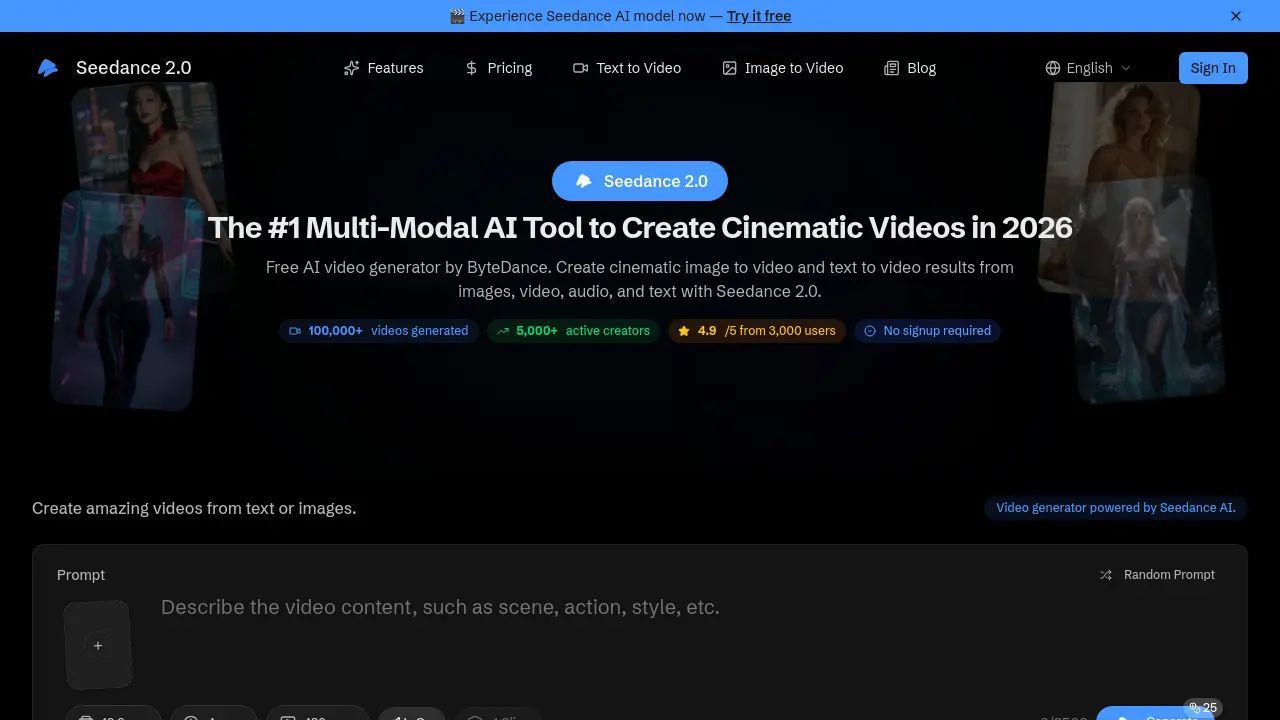
Seedance 2.0 is a multi‑modal AI video generation platform developed by ByteDance. It transforms images, videos, audio, and text into cinematic‑quality videos, offering over 100,000 generated clips, 5,000 active creators, and a 4.9‑star rating from 3,000 users. The tool emphasizes character consistency, precise camera motion, and built‑in audio generation, making it a leading solution for AI‑driven video creation in 2026.
Is Seedance free to use?
Yes. Seedance 2.0 is available at no cost, with no signup or credit‑card requirement. Users can generate videos immediately and download them without any watermark or usage restrictions.
What inputs does Seedance 2.0 support?
Seedance accepts images, video clips, audio files, and text prompts. Users may combine up to 12 files across these modalities in a single project, allowing flexible creative workflows.
How to use Seedance for AI video generation?
The process involves three simple steps: (1) upload your chosen assets; (2) describe the desired outcome using natural language; and (3) download the resulting HD video, ready for sharing or further editing.
Does Seedance support audio generation?
Yes. Seedance includes built‑in audio synthesis that automatically creates sound effects and music synchronized to the visual content, enhancing the overall cinematic feel of the output.
What video resolutions and lengths are supported?
The platform outputs videos up to 1080p resolution. Typical projects are capped at 15 seconds, but users can adjust length within the platform’s constraints. Aspect ratios include 16:9, 9:16, and 1:1 for social‑media compatibility.
Are generated videos watermark‑free?
All videos produced by Seedance 2.0 are delivered without watermarks, ensuring professional‑looking content ready for immediate use.
Is Seedance open source?
No. Seedance is a proprietary product owned by ByteDance, and its underlying models and code are not publicly released.
Does Seedance offer an API for developers?
Seedance provides an enterprise‑grade API that allows developers to integrate video generation into custom workflows. The API includes a credit‑based usage system and detailed analytics for monitoring performance.
How does Seedance ensure character consistency?
The AI model is trained to maintain consistent facial features, clothing, and visual style across all frames, preventing drift and ensuring that characters remain identical throughout the video sequence.
Can I use Seedance to extend existing video clips?
Yes. Seedance includes a video‑extension feature that allows users to lengthen clips naturally and merge different scenes while preserving continuity and visual coherence.
What are the supported aspect ratios?
Seedance supports 16:9 (landscape), 9:16 (portrait), and 1:1 (square) aspect ratios, enabling creators to produce content optimized for platforms such as YouTube, Instagram, TikTok, and Facebook.
What is the maximum number of input files per project?
A single project may include up to 12 input files, which can be a mix of images, videos, audio, and text, giving users extensive flexibility in combining modalities.
How to use Seedance 2.0
- Seedance 2.0 is a multi‑modal AI video generator that transforms images, text, audio, and reference videos into cinematic HD clips, offering character consistency, motion control, and built‑in audio.
- Select up to 12 files across images, videos, audio, or text; drag them into the upload area or click the button, ensuring clear faces for best character consistency.
- Enter a natural‑language prompt describing the desired scene, referencing uploaded assets; the AI interprets intent and maps it to cinematic style, camera motion, and audio cues.
- Click Generate; the platform processes inputs, applies motion replication from reference clips, maintains character consistency, and auto‑generates synchronized sound effects and music.
- Review the preview panel; use built‑in quality analytics to assess resolution, frame consistency, and audio sync before final download, and adjust settings if needed.
- Download the HD video in the chosen aspect ratio; the file is watermark‑free and ready for social media or professional use.
- Analyze the output for character fidelity, motion accuracy, and audio alignment; use these metrics to refine prompts or asset selection for improved cinematic quality.
- For developers, use the API endpoint to submit assets and prompts programmatically, enabling batch generation and workflow automation, and integrate into existing pipelines.
