
Seedance 2 FAQs
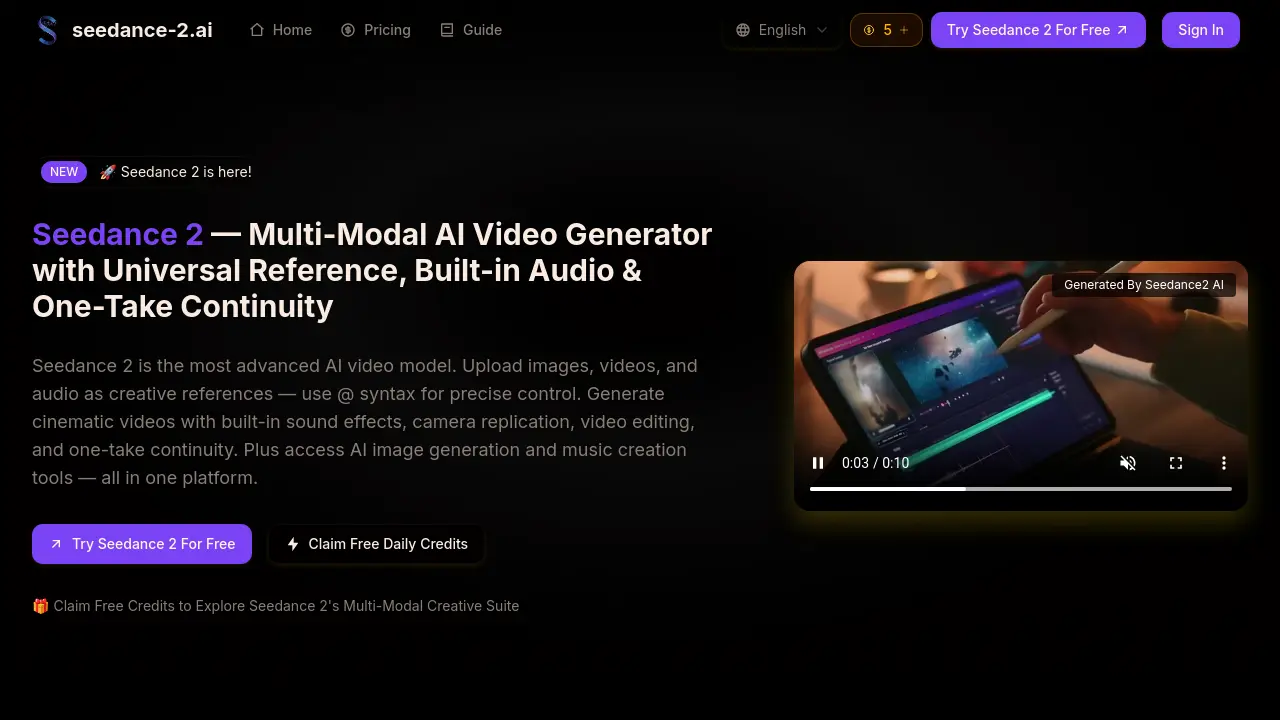
Seedance 2 is an AI video generator for creators, using multi-modal inputs and @ references to produce cinematic videos with built-in audio sync and continuity.

FAQs of Seedance 2
What is Seedance 2?
Seedance 2 is ByteDance's latest multi-modal AI video model. It accepts four types of input — images (up to 9), videos (up to 3), audio files (up to 3 MP3s), and text prompts — with up to 12 files per generation. Use @ syntax to assign roles to each asset for precise creative control. Access Seedance 2 alongside other AI models on our platform.
What makes Seedance 2 different from other AI video generators?
Seedance 2's key differentiator is its multi-modal reference system. While most models only accept text or a single image, Seedance 2 lets you combine images, videos, audio, and text with precise @ references. It also supports video editing, extension, one-take continuity, music beat synchronization, and built-in sound design.
How does Seedance 2's universal reference work?
Upload your assets (images, videos, audio) and use @ syntax in your prompt to assign roles: '@image1 as first frame, @video1 for camera movement, @audio1 for background music.' Seedance 2 understands each reference and combines them into a cohesive cinematic output.
Can Seedance 2 generate audio and dialogue?
Yes! Seedance 2 outputs videos with built-in sound effects, dialogue with lip-sync, ambient sounds, and background music. You can also upload audio files for beat synchronization or voice reference, enhancing the cinematic experience automatically.
Is Seedance 2 suitable for commercial projects?
Absolutely! Seedance 2 videos can be used for commercial purposes including marketing, advertising, social media content, product demos, and more under our platform's commercial license terms. Commercial usage rights are included in all paid subscription plans.
How do I get started with Seedance 2?
Create a free account and claim your starter credits. Select Seedance 2 as your video model, upload your references, write your prompt with @ syntax, and generate your first video in minutes. No technical skills are required to begin creating.
How is the credit consumption calculated for video generation?
Each video generation using Seedance 2 consumes 10 credits, as indicated in the generation interface. Pricing plans provide monthly credits (e.g., Basic plan includes 100 credits per month), which allow for a corresponding number of video generations. Additional one-time credit purchases are available for higher volume needs.
What is the maximum length for a single video generation, and how can I create longer videos?
Seedance 2 generates videos with durations from 4 to 15 seconds per output, user-selectable within that range. To create longer videos, utilize the video extension feature, which allows generating additional segments that seamlessly continue from the previous output, maintaining continuity across multiple generations.
How does Seedance 2 achieve one-take continuity and visual consistency?
One-take continuity ensures spatial and temporal consistency throughout a sequence, while visual consistency maintains character appearance, clothing, and scene details. Seedance 2 employs advanced multi-modal processing to track and preserve these elements across frames, enabling fluid, unbroken sequences even in complex long-take storytelling.
Can I edit or extend existing videos with Seedance 2?
Yes, Seedance 2 includes video editing capabilities that allow you to modify existing videos by swapping characters, adding scenes, or removing elements. Additionally, the extension feature lets you generate smooth continuations of any video, effectively lengthening the content while preserving visual consistency.
Are the AI image and music creation tools integrated with Seedance 2?
Seedance 2 is part of a unified creative platform that includes AI image generators (such as Nano Banana Editor and Flux Kontext) and music creation tools. These tools can be accessed alongside video generation, enabling you to create and reference custom images and audio tracks directly within your Seedance 2 projects.
How to use Seedance 2
- Seedance 2 functions as a multi-modal AI video generator. Start by uploading reference files—up to nine images, three videos, and three audio tracks—for combined input processing.
- Use @ syntax in your text prompt to assign specific roles to each reference, such as '@image1 as first frame' or '@video1 for camera movement', enabling precise control.
- Configure generation settings including resolution, duration, and audio preference. Then generate; the model produces cinematic video with synchronized sound and visual consistency.
- Review the output for one-take continuity and accurate replication of reference camera work. Employ built-in video editing tools to extend or modify scenes if necessary.
- Finally, download your video or share it directly. The result includes built-in audio, music beat sync, and is optimized for social media and commercial applications.
