
Playlist Length Calc Introduction
Playlist Length Calc is a free online tool for students, educators and viewers to instantly calculate total YouTube or Spotify playlist duration, view playback-speed breakdowns and plan daily watch schedules.

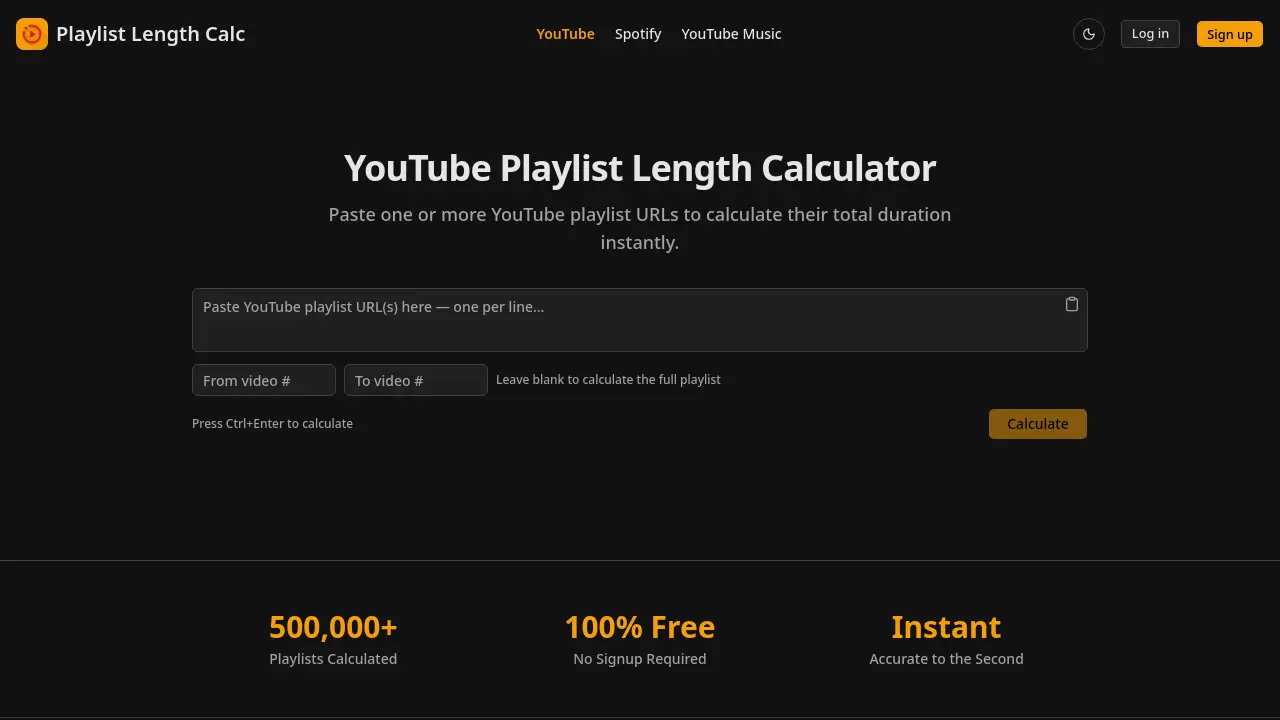
What is Playlist Length Calc
Playlist Length Calc is a free, instant YouTube playlist length calculator that extracts total watch time, video count, average duration, and playback‑speed breakdowns from one or multiple playlist URLs. Users paste any YouTube playlist link—or single video or short youtu.be link—and receive precise totals accurate to the second, with optional range selection for partial playlists. Built‑in features include a daily watch planner that converts total hours into a concrete finish date based on a user‑defined daily viewing goal, and speed calculations for 1.25x, 1.5x, 1.75x, and 2x playback. The tool requires no signup, API key, or email, making it ideal for students planning online courses, educators assigning video homework, creators monitoring tutorial series, and anyone needing to schedule binge‑watch sessions.
How does Playlist Length Calc work
Playlist Length Calc operates as a client‑side web tool that extracts video metadata from any YouTube playlist URL supplied by the user. After the user pastes one or more URLs into the input field, the script queries YouTube’s public data endpoints, retrieves each video’s duration, and aggregates the values to produce a total playtime, video count, and average length. Optional parameters let the user define a range of videos, apply common playback speeds (1.25x‑2x), or input a daily watch goal, after which the calculator derives a finish date. All calculations are performed instantly, without requiring an account, API key, or server‑side processing.
Benefits of Playlist Length Calc
Playlist Length Calc provides an instant, free way to determine the total duration of any YouTube playlist. Users can paste one or multiple playlist URLs—including single videos, short links, or raw IDs—and receive a precise time breakdown down to the second, along with average length and video count. The tool also calculates watch time at common playback speeds (1.25x‑2x) and offers a daily watch planner to project completion dates based on a chosen viewing schedule. Additional features include range calculation for partial playlists and no signup, API key, or email required, making it ideal for students, educators, and content creators planning their viewing commitments.
Pros and Cons of Playlist Length Calc
Pros
- Fully free, no signup required.
- Instant calculation for multiple playlists.
- Accurate to the second with speed breakdowns.
- Supports various YouTube URL formats.
- Daily watch planner estimates finish dates.
Cons
- Limited to YouTube; Spotify separate tool.
- No native mobile app mentioned.
- Requires manual URL paste, no browser extension integration.
- No export or sharing of results feature.
- Dependent on YouTube API availability for large playlists.
