
OpenClawVPS: Deploy AI Assistant in Under 1 Minute
| Added on: | Mar 24, 2026 |
| Monthly Visits: | -- |
| Social & Email: | -- |

What is OpenClawVPS
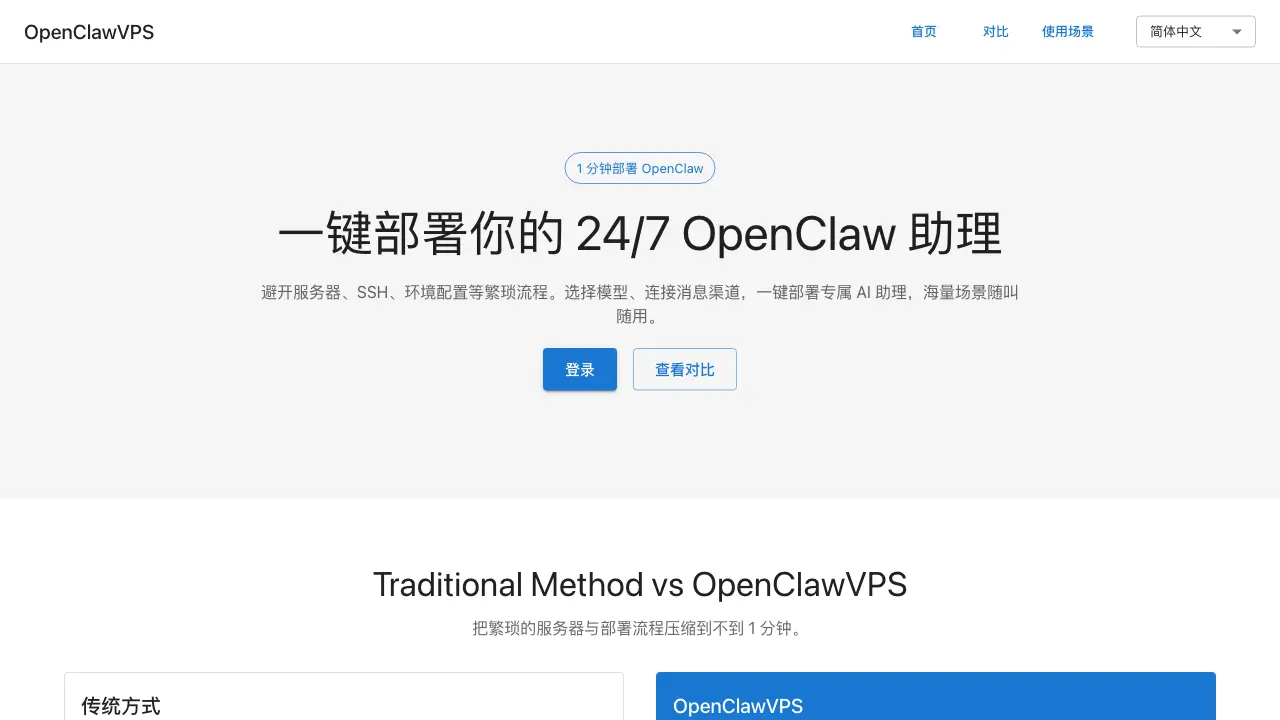
OpenClawVPS is a deployment platform designed to streamline the setup of the OpenClaw AI assistant. It eliminates the traditional, time-consuming process of server configuration, SSH access, and environment setup by providing a pre-configured virtual private server. Users can select an AI model and connect messaging channels to launch a functional 24/7 AI assistant in under one minute.
The service targets users seeking immediate utility from an AI assistant across numerous domains without technical overhead. Key applications include email management, document summarization, scheduling, financial tracking, content drafting, and operational tasks like contract generation. By removing infrastructure barriers, OpenClawVPS allows users to focus on integrating the assistant into workflows for productivity and automation from the first click.
How does OpenClawVPS work
OpenClawVPS operates by providing a pre-configured virtual private server environment where the OpenClaw AI assistant is already installed and maintained. Users bypass traditional server setup, SSH configuration, and software installation entirely. The deployment process requires only selecting an AI model and connecting desired messaging channels, such as Telegram, completing in under one minute. Once active, the assistant functions as a 24/7 automated agent, processing natural language commands to execute tasks across email management, document summarization, scheduling, and various administrative workflows. This removes infrastructure overhead, enabling immediate use without technical expertise.
Benefits of OpenClawVPS
OpenClawVPS enables deployment of a 24/7 OpenClaw AI assistant in under one minute, eliminating traditional server setup, SSH configuration, and environment preparation. This one-click platform provides a pre-configured environment where users simply select an AI model and connect messaging channels. The assistant automates diverse tasks across email summarization, document analysis, expense tracking, discount finding, contract drafting, and OKR management. By leveraging natural language interactions, it enhances productivity for both personal and professional workflows without requiring technical expertise, streamlining operations from communication to project coordination.
Pros and Cons of OpenClawVPS
Pros
- One-minute deployment time.
- No server or SSH configuration needed.
- Pre-configured AI environment ready instantly.
- Supports diverse use cases from email to finance.
- Simplifies setup for non-technical users.
Cons
- Limited control over infrastructure and software.
- Potential vendor lock-in with the platform.
- Customization options may be restricted.
- Pricing information is not disclosed.
- Data security measures are unspecified.
Core Features of OpenClawVPS
One-Click Deployment
Automates the entire OpenClaw setup process, reducing deployment time from approximately 60 minutes to under one minute through a single, simplified interface.
Pre-configured Infrastructure
Provides servers with SSH access and a ready-made OpenClaw environment, including Node.js and NPM, eliminating all manual installation and configuration steps.
Integrated Service Connectivity
Seamlessly connects selected AI models and messaging channels, such as Telegram, during the initial deployment to ensure the assistant is immediately operational.
Use Cases of OpenClawVPS
- Email Managers: Summarize incoming emails and draft responses using OpenClawVPS for efficient communication.
- Researchers: Create concise summaries of long documents with OpenClawVPS to speed up research analysis.
- Professionals: Schedule weekly tasks and receive deadline reminders via OpenClawVPS AI assistant.
- Small Business Owners: Automate expense tracking and subscription management using OpenClawVPS financial tools.
FAQs of OpenClawVPS
What is OpenClawVPS?
OpenClawVPS is a deployment platform designed to host the OpenClaw AI assistant. It eliminates the need for manual server provisioning, SSH configuration, and environment setup by providing a pre-configured infrastructure. Users can launch a continuously operational AI assistant through a simplified interface that requires only model selection and messaging channel integration.
How does OpenClawVPS streamline the deployment process compared to traditional methods?
Traditional OpenClaw deployment involves sequential manual tasks such as purchasing a virtual machine, generating SSH keys, installing Node.js, and configuring various services, which collectively take approximately 60 minutes. OpenClawVPS compresses this entire workflow into a single action, enabling deployment in under one minute by automating all backend preparations and infrastructure management.
What functional capabilities does the OpenClaw AI assistant offer?
The OpenClaw AI assistant is versatile and applicable to numerous scenarios. Primary use cases include email management (summarizing messages, drafting responses), document handling (condensing long texts, generating meeting notes), time and task organization, financial administration (tax calculations, expense tracking), shopping assistance (deal finding, price comparison), business operations (contract drafting, market research), content creation for social media, and team management tasks like KPI tracking. Additional custom use cases can be added via natural language commands.
What technical expertise is required to operate OpenClawVPS?
No prior experience with servers, SSH, or software installation is necessary to use OpenClawVPS. The platform handles all underlying technical complexities, reducing user interaction to selecting an AI model and linking a messaging service like Telegram. This design allows individuals without technical backgrounds to deploy and manage an AI assistant effectively.
Which AI models and messaging platforms are compatible with OpenClawVPS?
OpenClawVPS supports integration with various AI models to tailor the assistant's responses and capabilities, with options presented during the deployment step. It connects to messaging channels such as Telegram, as referenced in the setup comparison. For a complete and current list of supported models and platforms, users should refer to the official OpenClawVPS documentation or resource pages.
How to use OpenClawVPS
OpenClawVPS is a deployment platform that allows users to launch a customizable OpenClaw AI assistant within one minute, removing the need for manual server setup and supporting diverse tasks through natural language configuration.
- Begin by navigating to the OpenClawVPS website and logging into your account to access the main configuration dashboard for deployment settings.
- Select an appropriate AI model from the available options and integrate messaging channels like Telegram to establish where the assistant will receive user inputs.
- Define specific use cases by describing desired tasks in natural language, enabling the assistant to handle scenarios such as email summarization or scheduling.
- Initiate deployment with a single command; the platform automatically provisions servers, configures the environment, and installs OpenClaw.
- Once active, the AI assistant operates on connected channels, processing user queries and executing assigned tasks based on the configured use cases.
- Use the dashboard to monitor interaction logs and performance metrics, then refine prompts or adjust models to enhance the assistant's effectiveness over time.
OpenClawVPS Alternatives
ToneBird is an AI reply assistant that drafts replies in Gmail, Slack and other apps using past conversations, relationship memory and connected documents.
Git-native task management for AI coding agents: track intent, status, blockers, dependencies, history, and commit evidence in Git.
SetSmart is an AI appointment setter that replies to Instagram, WhatsApp and Messenger DMs, qualifies leads, and books sales calls automatically.
AI project scheduling tool that generates editable Gantt charts from prompts, templates, or imported files, checking dependencies and revision impact.
Taskly is an AI-native task manager where teams describe work in plain English and Otto drafts, prioritizes, and organizes tasks with your approval every step.

Noven AI is an Australian skilled migration platform for applicants, offering AI‑driven profile analysis, real‑time policy alerts, deadline calendar and personalized action recommendations to keep EOI processes organized and cost‑effective.
AI Prospect Scout is an AI‑driven SDR platform designed for founders and lean outbound teams, offering ICP building, multi‑signal prospect discovery, AI‑generated outreach and automated reply handling to accelerate pipeline creation.
Playlist Length Calc is a free online tool for students, educators and viewers to instantly calculate total YouTube or Spotify playlist duration, view playback-speed breakdowns and plan daily watch schedules.
EZ-Estimates uses AI to generate line-item quotes, manage change orders, and collect e-signatures, helping contractors build professional estimates in under 60 seconds.
This open-source framework helps users create super agents that can research, code, and create tasks using sandboxes, memories, tools, and subagents.
Mailopoly unifies email accounts into one AI inbox with Smart Cleanbox, extracts invoices/events, drafts AI replies, and Poly AI assistant, free 7-day trial.
Scan2Estimate offers auto repair shop management with AI-powered estimates, SMS updates, and emissions testing to streamline operations.