
GanttPilot — AI-Powered Project Scheduling Tool
| Added on: | Jul 12, 2026 |
| Monthly Visits: | 1.09K |
| Social & Email: | -- |

What is GanttPilot
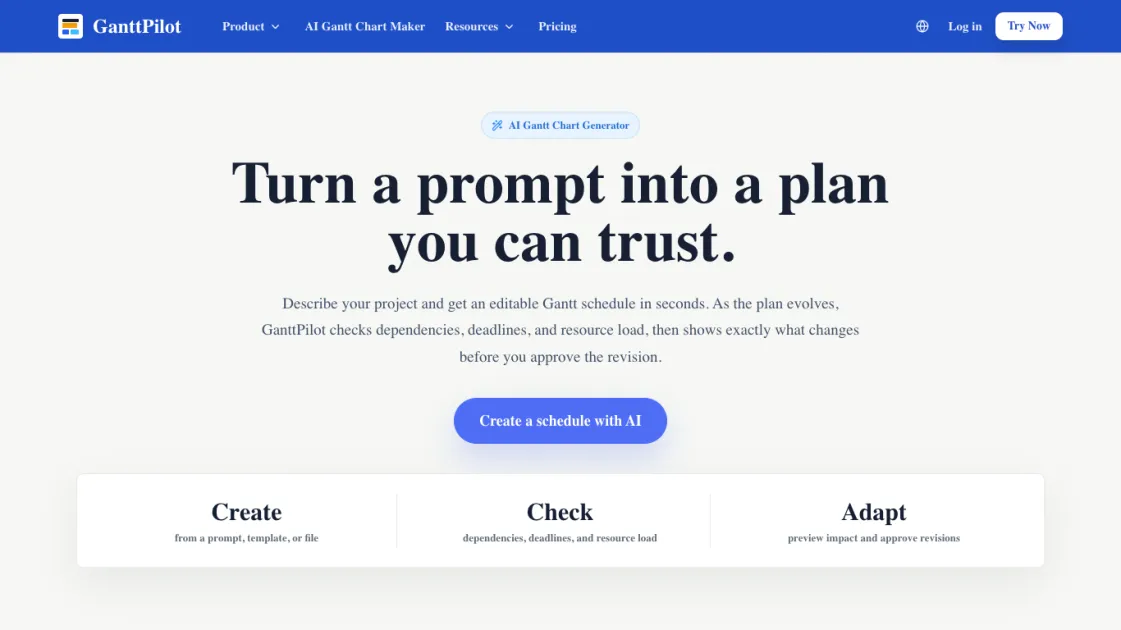
GanttPilot is an AI-powered project scheduling tool that converts prompts, templates, or imported files into editable Gantt charts. It generates structured schedules with tasks, dates, dependencies, and milestones, then lets users check logic, preview revisions, and approve changes before the plan updates. The tool supports Excel, CSV, XLSX, Microsoft Project XML, and MPP file imports, making it practical for teams already working with existing schedule data.
How does GanttPilot work
GanttPilot works by taking project input — a written description, a template, or an imported schedule file — and converting it into structured schedule data with tasks, durations, dependencies, and milestones displayed on a Gantt timeline. When changes occur, the tool runs a dependency and resource check, generates a revision preview showing which tasks are affected and by how much, and then waits for user approval before applying the update to the plan.
Benefits of GanttPilot
GanttPilot turns rough project descriptions into structured schedules without manual setup, reducing the time spent building initial plans from scratch. The revision preview feature lets teams see the impact of changes before committing, which helps avoid cascading delays caused by hidden dependency issues. By supporting standard file formats like Excel and Microsoft Project, it fits into existing workflows rather than requiring teams to abandon tools they already use.
Pros and Cons of GanttPilot
Pros
- Generates editable Gantt schedules from prompts or templates
- Supports Excel, CSV, XLSX, Project XML, and MPP file imports
- Shows revision previews before applying changes
- Checks dependencies, deadline risk, and resource pressure
- Lightweight compared to full project management software
Cons
- Focused on scheduling, not full project management
- Requires user approval for all AI-suggested changes
- No free tier — paid access only
Core Features of GanttPilot
Prompt to Gantt
Describe the project, goal, deadline, or scope. GanttPilot turns it into tasks, dates, dependencies, and a visual Gantt schedule.
Templates
Start from reusable schedule templates for launches, campaigns, client delivery, events, construction, installation, and handover work.
File Import
Import the task list or schedule file you already have instead of rebuilding everything from scratch. Supports Excel, CSV, XLSX, Microsoft Project XML, and MPP formats.
Schedule Check
Check dependencies, deadline risk, resource pressure, and tasks that may affect the final milestone.
Change Preview
When dates, scope, or resources change, see which tasks move and by how much before the plan is updated.
Revision Approval
AI suggests the update. You approve what gets applied. Nothing moves without user confirmation.
Export and Share
Keep the schedule editable in a Gantt workspace, then export Project XML or share the plan when it is ready.
Use Cases of GanttPilot
- Product launches: Coordinate research, build, QA, marketing, release, and post-launch reporting with a single schedule.
- Client delivery: Plan kickoff, requirements, setup, training, review, and handover work with visible dependencies.
- Marketing campaigns: Schedule content creation, creative approvals, ad deployment, launch, and reporting in one timeline.
- Events and operations: Manage venue, vendors, speakers, setup, live day, and wrap-up with revision tracking.
- Construction and installation: Plan site work, delivery, installation, inspection, testing, and commissioning.
FAQs of GanttPilot
What is GanttPilot?
GanttPilot is an AI Gantt schedule workspace for project teams. It helps you create a schedule from a prompt, check the plan for logic and risk, and adapt the schedule when dates, scope, or resources change.
Is GanttPilot just an AI Gantt chart generator?
No. GanttPilot can generate a Gantt chart from a prompt, but the schedule stays editable. You can review dependencies, preview changes, and approve revisions before the plan is updated.
Can I import Excel, Microsoft Project XML, or MPP files?
Yes. You can start from Excel, CSV, XLSX, Microsoft Project XML, or MPP schedules, then continue editing and reviewing the plan in GanttPilot.
Does AI update my schedule automatically?
No. GanttPilot shows a revision preview first. AI suggests the update, but you choose what gets applied.
What types of projects can I plan with GanttPilot?
GanttPilot works for project schedules with tasks, dates, dependencies, and revisions, including product launches, client delivery, marketing campaigns, events, construction, installation, and operations work.
Does GanttPilot replace Microsoft Project or Primavera P6?
Not exactly. GanttPilot can work alongside traditional planning tools: import or review schedule files, use AI checks and revision previews, then export Project XML when a handoff is needed.
Can I export my schedule?
Yes. You can keep the schedule editable in GanttPilot, then export Project XML or share the plan when it is ready.
How to use GanttPilot
- Describe your project in a prompt, or choose a template that matches your project type, such as product launch, client delivery, or event planning.
- Review the generated Gantt schedule, including tasks, dates, dependencies, and milestones displayed on a timeline.
- Import an existing schedule file if you already have one in Excel, CSV, XLSX, Microsoft Project XML, or MPP format.
- Run a schedule check to identify missing dependencies, deadline risks, resource pressure, or tasks that may affect the final date.
- Make changes to dates, scope, or resources and review the revision preview to see which tasks move and by how much.
- Approve the revisions and export the updated schedule as Project XML or share it with your team.
GanttPilot Website Traffic Analysis
Latest traffic information
- Monthly Visits1.09K
- Bounce Rate34%
- Pages Per Visit1.25
- Visit Duration00:00:00
- Global Rank13.71M
- Country/Region Ranking5.57M
Top Keywords
| Keyword | Traffic | Volume | Cost Per Click |
|---|---|---|---|
| convert program of work to gantt chart from excel online free | 140 | 340 | -- |
| sample technology installation schedule | 130 | 250 | -- |
| ganttulip | 10 | 10 | -- |
| gantt chart maker | -- | 12.39K | $8.2 |
| gantt chart generator | -- | 1.2K | $14.17 |
GanttPilot Alternatives
Git-native task management for AI coding agents: track intent, status, blockers, dependencies, history, and commit evidence in Git.
SetSmart is an AI appointment setter that replies to Instagram, WhatsApp and Messenger DMs, qualifies leads, and books sales calls automatically.
Aldena creates isolated rooms where AI agents handle client work with real roles, shared memory, and human approval gates.
Taskly is an AI-native task manager where teams describe work in plain English and Otto drafts, prioritizes, and organizes tasks with your approval every step.

Noven AI is an Australian skilled migration platform for applicants, offering AI‑driven profile analysis, real‑time policy alerts, deadline calendar and personalized action recommendations to keep EOI processes organized and cost‑effective.
Playlist Length Calc is a free online tool for students, educators and viewers to instantly calculate total YouTube or Spotify playlist duration, view playback-speed breakdowns and plan daily watch schedules.
EZ-Estimates uses AI to generate line-item quotes, manage change orders, and collect e-signatures, helping contractors build professional estimates in under 60 seconds.
EstimatePro is an AI tool enabling contractors to bypass manual calculations by generating detailed, editable project quotes and instant PDF exports.
This open-source framework helps users create super agents that can research, code, and create tasks using sandboxes, memories, tools, and subagents.
OpenClawVPS is a web platform for one-click AI assistant deployment, bypassing server management to deliver quick AI solutions for email, docs, and productivity.
Mailopoly unifies email accounts into one AI inbox with Smart Cleanbox, extracts invoices/events, drafts AI replies, and Poly AI assistant, free 7-day trial.
Scan2Estimate offers auto repair shop management with AI-powered estimates, SMS updates, and emissions testing to streamline operations.