
Pixwit FAQs
Pixwit is an AI video generator that allows users to create professional videos from text or images, featuring character consistency and multiple AI models for ads, avatars, and long-form content.

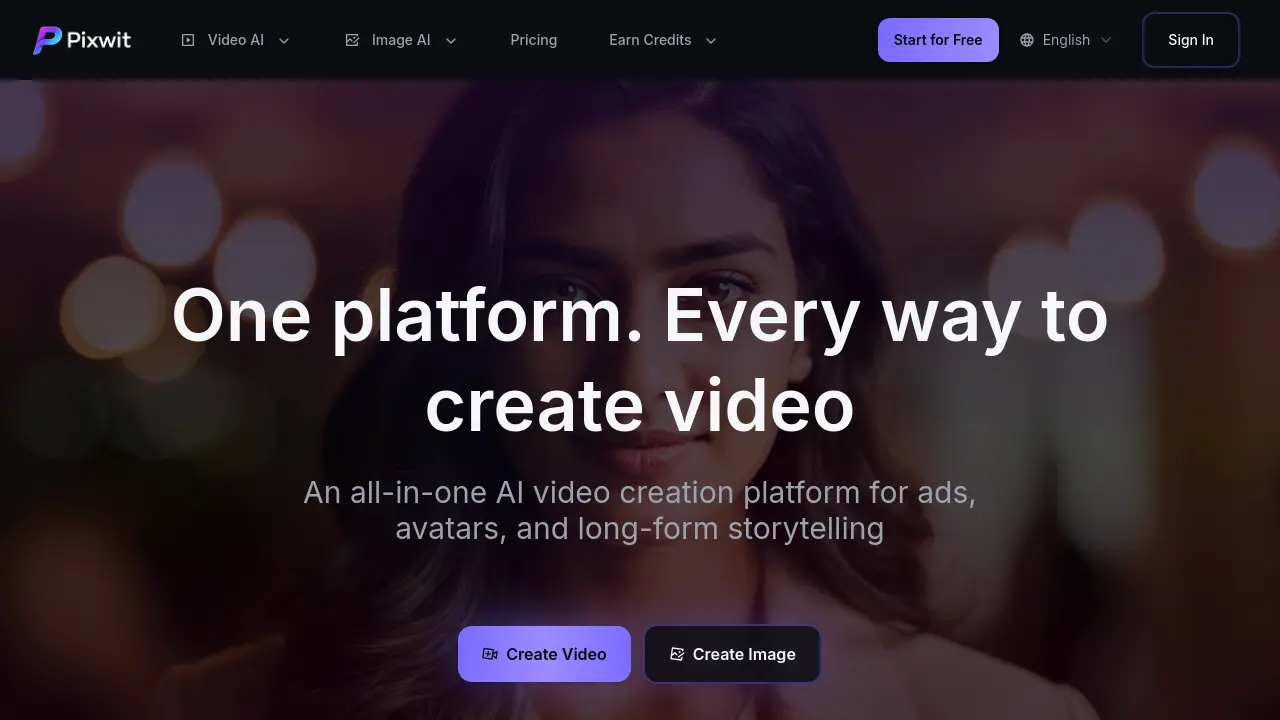
FAQs of Pixwit
What is Pixwit and how does it work?
Pixwit is an AI video generation platform that transforms text prompts or images into video content. It employs multiple AI models to produce visual outputs based on user specifications, enabling creation of various video styles.
Do I need technical skills to use Pixwit?
Pixwit's interface is designed for ease of use, requiring no technical expertise. Users simply input text descriptions or upload images, and the system automatically processes and generates videos through its AI models.
What types of videos can I create?
The platform supports diverse video styles including landscapes, portraits, animations, and abstract art. Users can generate content for advertisements, storytelling, AI avatars, and user-generated content style videos.
How long does video generation take?
Video generation typically requires 2 to 5 minutes. Processing duration depends on server load and video complexity, with real-time progress indicators available to track the generation status.
What are the limitations of the free version?
The free version provides 21 initial credits with a daily generation quota. Access to premium effect templates and advanced customer support is restricted. Paid plans offer higher credit limits and expanded feature access.
Can I use generated videos commercially?
Yes, users retain full ownership and commercial rights to all generated videos. Content may be shared, edited, and utilized for business purposes, including marketing and monetized projects, without attribution requirements.
What is Long Video and how does it work?
Long Video is a feature for creating multi-minute videos. The AI generates story outlines, character designs, and scripts, allowing users to adjust content interactively through conversational feedback at each production stage.
What AI models are supported?
Pixwit integrates several AI models, including Kling V2.5, Wan 2.5, Sora 2, Sora 2 Pro, Veo 3.1, Runway Gen 3, and SeeDance V1. Each model offers distinct strengths in quality, speed, and visual style.
What's the difference between free and paid video length limits?
Free users can generate videos up to 15 seconds in duration. Paid subscribers can create videos up to 5 minutes long, enabling extended storytelling and professional content production with more complex scenes.
How does the credit system work on Pixwit?
Pixwit operates on a credit-based system where each video generation consumes credits based on length and selected AI model. New users receive 21 free credits upon signup. Additional credits can be earned through platform activities or purchased via subscription plans.
What video aspect ratios and resolutions does Pixwit support?
The platform supports aspect ratios such as 16:9 (landscape), 9:16 (portrait), and 1:1 (square). Output resolutions range from 480p to higher definitions, varying by AI model and subscription tier.
Can I maintain character consistency across multiple videos?
Yes, the Reference Image to Video feature enables character consistency. By uploading reference images, the AI maintains uniform appearance, clothing, and style throughout the video, which is useful for series or branded content.
What is the UGC Ad Video feature and who is it for?
UGC Ad Video automatically converts product images into user-generated content style marketing videos. It is designed for marketers and e-commerce businesses needing engaging social media advertisements with customizable durations and aspect ratios.
Does Pixwit offer copyright protection for generated content?
Pixwit provides a Copyright ProtectionPRO feature that adds digital watermarking or metadata to generated videos. This helps assert ownership and deter unauthorized use, complementing the user's existing full commercial rights.
How to use Pixwit
Pixwit is an AI video generation platform that converts text prompts or images into video content using multiple models. It supports use cases like UGC ads, AI avatars, and long-form storytelling with fast, high-quality output.
- Users access the Pixwit platform via web browser and select a creation method, including text-to-video, image-to-video, or specific tools like UGC ad generator.
- For text-to-video, users enter a detailed prompt in the input field, specifying scene elements, character actions, and visual style to guide the AI.
- For image-to-video, users upload one or more reference images and may add a prompt to influence motion and aesthetic outcomes.
- Users configure generation parameters such as AI model (e.g., Kling, Sora), video duration, aspect ratio, and quality settings to match project requirements.
- After setting parameters, users start the generation process; the platform typically completes video creation within 2-5 minutes, showing real-time progress.
- Upon completion, users review the output video, evaluating fidelity to the prompt, visual coherence, and appropriateness for the target use case.
- Optional video effects from the library can be applied to enhance the video, including transformations, overlays, or stylistic filters before final export.
- Specialized features like AI avatar or long video generation require additional inputs, such as a reference photograph or iterative script refinement through conversational AI.
- The final video can be downloaded and used for commercial purposes, including social media ads, presentations, or narrative projects, with full rights retained by the user.
