
PatentFig Introduction
PatentFig generates patent-compliant line art and 3D renderings from text or images, helping professionals meet USPTO and CNIPA requirements efficiently.

What is PatentFig
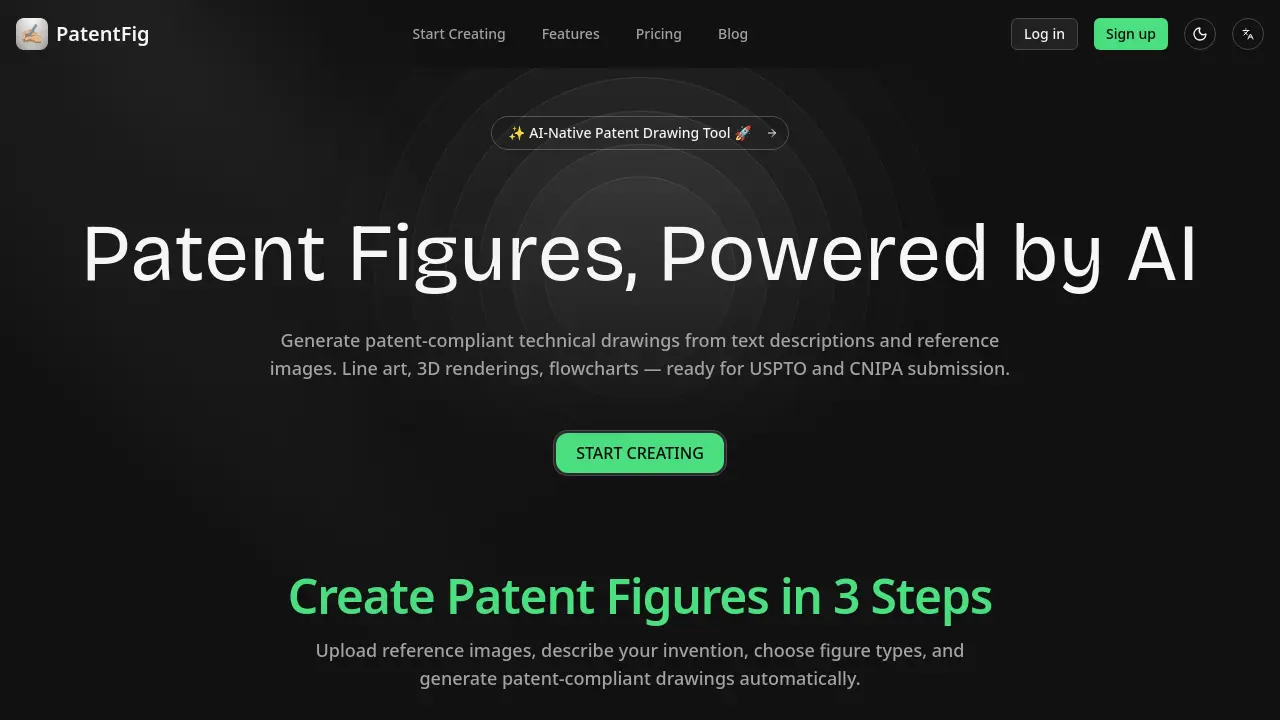
PatentFig is an AI-native tool designed to generate patent-compliant technical drawings from text descriptions or reference images. It produces various figure types required for patent applications, including line art, 3D renderings, and flowcharts, formatted for submission to offices like the USPTO and CNIPA. Users can input a description or upload a sketch, select desired view angles, and receive ready-to-use files exported in PDF, PNG, SVG, or TIFF. Key functionalities include natural language editing for figure modifications, automatic version control with sub-versions, and the ability to switch formatting rules between multiple patent offices. The platform aims to reduce preparation time and minimize errors for individual inventors and patent professionals through automated, specification-accurate illustration generation.
How does PatentFig work
PatentFig operates as an AI-driven platform for generating patent-compliant technical drawings. Users provide input via text descriptions or uploaded reference images such as sketches or CAD screenshots. The system’s core AI processes this multi-modal input to automatically produce specified figure types, including labeled line art, 3D renderings, and flowcharts, adhering to formatting standards for offices like the USPTO and CNIPA. Key operational features include natural language editing commands, granular version control, and batch export in required file formats. The workflow is structured around a credit-based system, enabling iterative refinement and project management within a single interface for efficient patent figure preparation.
Benefits of PatentFig
PatentFig is an AI-native tool that automates the generation of patent-compliant technical drawings from text descriptions or reference images. It supports major patent offices, including the USPTO and CNIPA, producing required formats like line art, 3D renderings, and flowcharts. Key features such as chat-based editing, robust version control, and batch professional exports (PDF, SVG, TIFF) streamline the drafting process. By converting inputs into office-specific figures and offering project management for multiple applications, it helps patent professionals and inventors reduce preparation time and minimize compliance errors efficiently.
Pros and Cons of PatentFig
Pros
- Automates patent-compliant drawing generation.
- Accepts text, sketches, and CAD inputs.
- Includes version control with revert options.
- Exports files meeting USPTO/CNIPA specifications.
- Switches between multiple patent office formats.
Cons
- Free plan's 20 credits limit thorough testing.
- Higher pricing tiers may be cost-prohibitive.
- Team collaboration features are enterprise-only.
- Credit system restricts heavy usage workflows.
- AI accuracy depends heavily on input quality.
