
Omnigen Studio FAQs
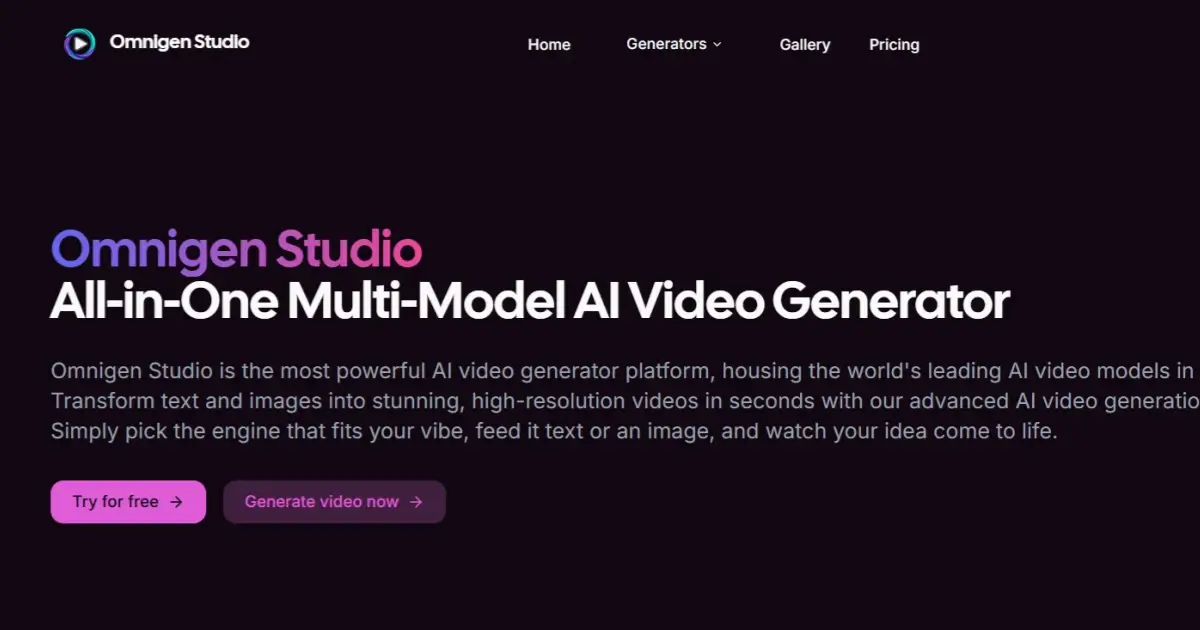
This platform provides leading AI video models, enabling users to transform text and images into cinema-grade, high-resolution videos in seconds without editing skills.

FAQs of Omnigen Studio
What is Omnigen AI Studio?
Omnigen Studio is an all-in-one, multi-model AI video generator platform that integrates various leading AI video models into a single dashboard. It enables users to transform text and images into high-resolution videos quickly, offering advanced AI video generation technology.
How does the multi-model feature work?
The multi-model AI engine within Omnigen Studio allows users to instantly switch between top-tier AI models, such as Veo and Wan, to match different styles or scenes. This flexibility ensures the right engine is available for diverse creative needs, all while utilizing a unified credits system for generation.
Is there a free trial?
Yes, Omnigen Studio offers a free plan that includes up to one video generation per month with 10 credits and basic quality videos. This tier includes a watermark and community support, allowing users to experience the platform's core functionalities.
What file formats and resolutions are supported?
While specific file formats are not detailed, Omnigen Studio supports various resolutions, with the ability to generate HD quality videos on the Premium plan and up to 4K quality videos with the Ultimate plan. Users can freely set the aspect ratio and quality tier for their video outputs.
Can I use the videos for commercial projects?
The provided context indicates that Omnigen Studio is suitable for content creators and professional creators, implying commercial use is permitted. However, users should review the specific terms and conditions or pricing plan details regarding commercial usage rights for videos generated on the platform.
How is my data handled?
Omnigen Studio offers a private generation mode, which is designed to protect user content and ideas, ensuring they remain secure. Further details on data handling and privacy can be found in the platform's Privacy Policy.
What are the key functionalities of Omnigen Studio?
Omnigen Studio offers text-to-video generation, where users can input prompts to create polished videos without requiring editing skills. Additionally, it provides image-to-video animation, transforming static images into dynamic video scenes with AI-powered motion.
What features are available for viral video creation?
Omnigen Studio facilitates viral video creation by offering hundreds of trending video templates that users can recreate with their own images and prompts. It also includes features for generating YouTube Shorts, TikTok clips, and Instagram Reels, complete with AI-generated scripts, visuals, cuts, and lifelike voiceovers.
What pricing plans does Omnigen Studio offer?
Omnigen Studio provides three pricing tiers: Free, Premium, and Ultimate. The Free plan offers basic generation with a watermark. The Premium plan, at $10/month, includes 1000 credits for HD videos without a watermark. The Ultimate plan, priced at $30/month, offers 3500 credits for 4K quality videos with advanced features and priority support.
What types of support are available for Omnigen Studio users?
Support varies by plan. The Free plan offers community support, while the Premium plan includes email support. Ultimate plan subscribers receive priority support, ensuring faster assistance with any inquiries or technical issues.
How to use Omnigen Studio
Omnigen Studio functions as an all-in-one multi-model AI video generator, enabling users to transform text and images into high-resolution videos. It consolidates leading AI video models within a single dashboard, facilitating diverse creative outputs efficiently.
- Access the Omnigen Studio dashboard, signing in or creating an account to begin video generation.
- Select an AI engine from the available models, such as Veo or Wan, based on your desired video style.
- Choose between text-to-video or image-to-video generation options within the interface.
- For text-to-video, input your prompt, optionally utilizing pre-written templates for inspiration.
- For image-to-video, upload your static image, adjusting parameters like aspect ratio and quality.
- Utilize the "Recreate Viral Videos" feature by exploring trending templates and customizing them with your media.
- Initiate video generation; the platform will process your input and render the video.
- Review the generated video, making any necessary adjustments to prompts or settings for refinement.
- Optionally, publish your created videos directly to platforms like YouTube, TikTok, or Reels from within the application.
- Monitor your credit usage, as video generation consumes credits according to your chosen plan.
