
Happy Horse 1 FAQs
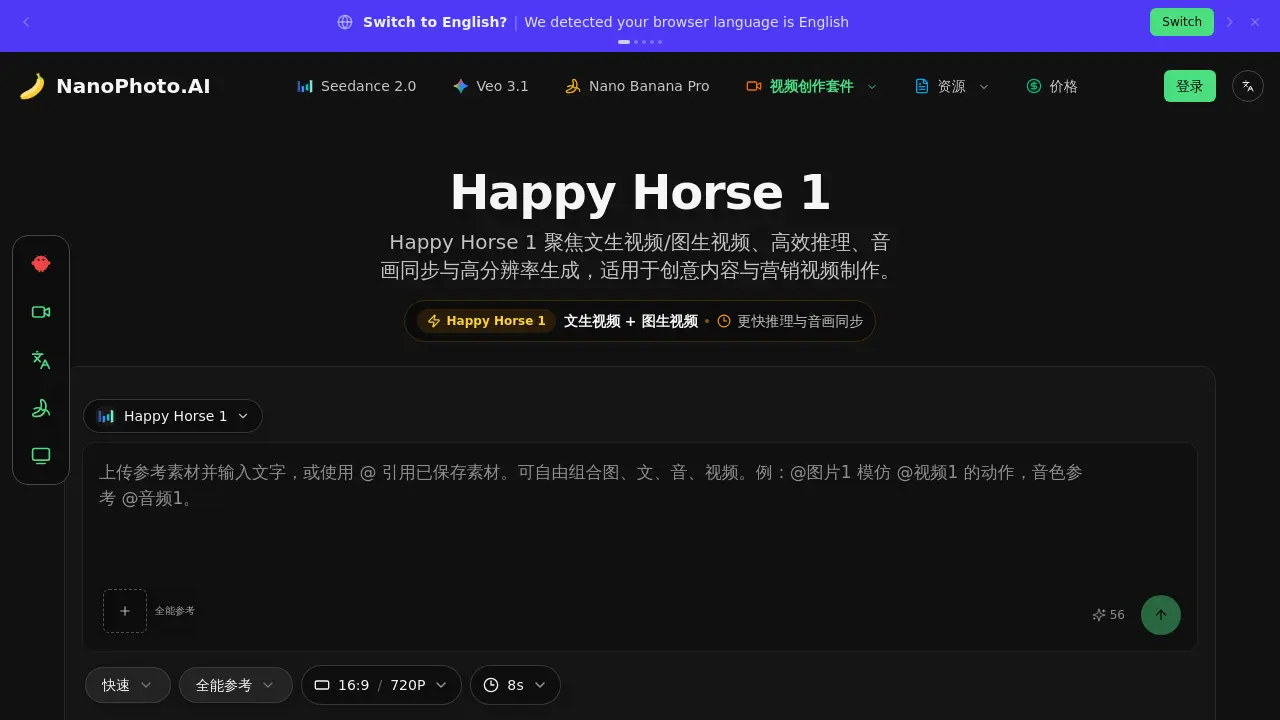
Happy Horse 1 is an AI video generation model specializing in text-to-video and image-to-video tasks, emphasizing efficient inference, audio-visual synchronization, and high-resolution output for creative content creation.

FAQs of Happy Horse 1
What is Happy Horse 1?
Happy Horse 1 is an AI video generation model designed for text-to-video and image-to-video creation. It focuses on efficient reasoning, audio-visual synchronization, and high-resolution output, making it suitable for creative content and marketing video production.
What are the key capabilities of Happy Horse 1?
Happy Horse 1 offers native audio-visual synchronization, supporting joint audio and video generation with an emphasis on lip-sync and speech alignment. It provides both text-to-video and image-to-video functionality in a unified workflow, features efficient reasoning with fewer steps for faster results, uses a unified multimodal Transformer architecture, and supports high-resolution video output.
What input methods does Happy Horse 1 support?
The workflow interface supports both text and image inputs. Users can also work with reference materials within the Sender environment for iterative creative processes.
Why does Happy Horse 1 emphasize reasoning efficiency?
The model uses fewer reasoning steps, which translates to faster video generation and lower trial-and-error costs. This efficiency is particularly beneficial for rapid creative iteration and high-frequency production scenarios.
What types of video projects is Happy Horse 1 suitable for?
Happy Horse 1 is well-suited for short video content, advertising creative work, product demonstrations, and production workflows that require quick A/B version iteration and regular output.
How does Happy Horse 1 balance quality and speed?
Happy Horse 1 achieves a balance between generation speed, audio-visual consistency, and visual quality. This makes it particularly suitable for high-frequency iteration video production scenarios where both efficiency and output quality are important.
How to use Happy Horse 1
- Navigate to the Happy Horse 1 web page on NanoPhoto.AI, where you'll find the video generation interface.
- Enter your text prompt or upload an image reference in the designated fields to begin the creation process.
- Adjust settings such as video duration and resolution to match your requirements before generating.
- Initiate the AI video generation, allowing the model to process your inputs efficiently with synchronized sound and visuals.
- Review the generated video output, ensuring it meets your creative or marketing needs before finalizing.
