
Nano banana pro FAQs
Nano banana pro is an AI-powered tool for instantly generating and editing images from text or existing photos, ideal for creators and marketers.

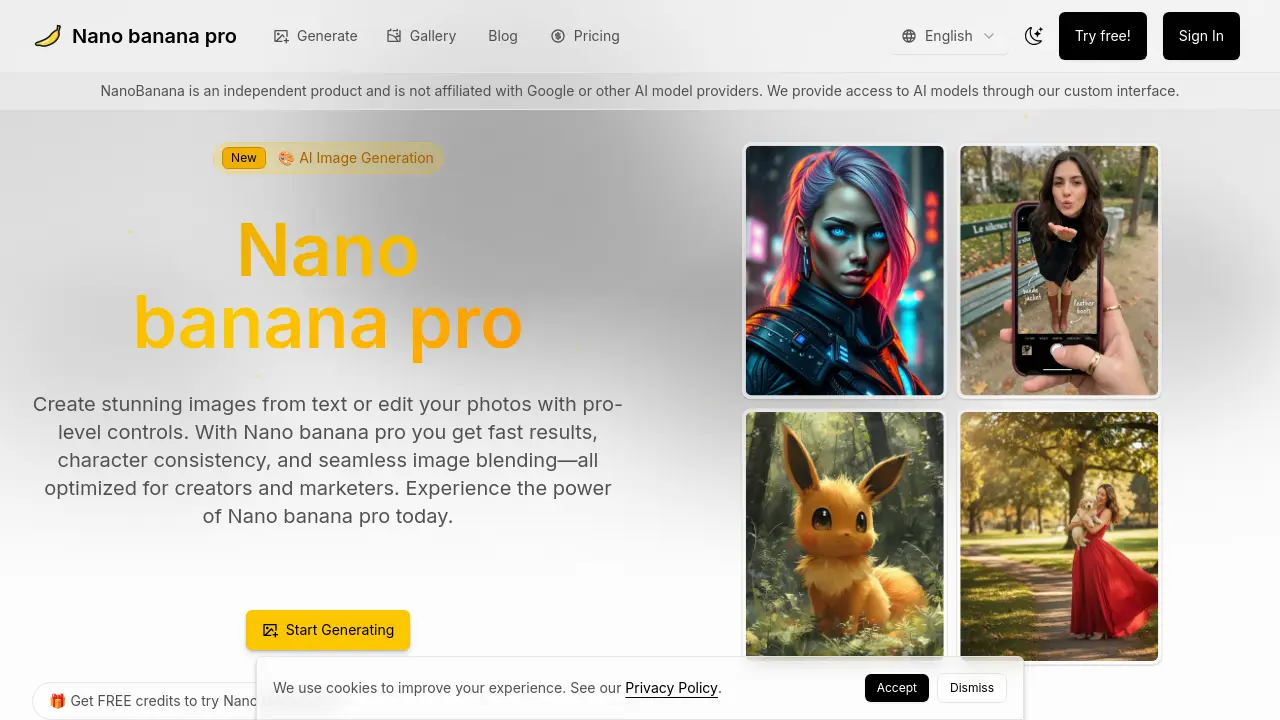
FAQs of Nano banana pro
Is Nano banana pro free to start?
Nano banana pro offers a free tier that provides a limited number of credits upon sign‑up. No credit card is required, and users can begin generating images immediately.
When are credits deducted?
Credits are only subtracted after a generation job completes successfully. If a job fails or is cancelled before completion, no credits are charged.
How fast is generation?
Text‑to‑image requests typically take 8–12 seconds, while image‑to‑image conversions average 10–15 seconds, depending on server load and image complexity.
What formats and limits are supported?
Uploads are accepted in JPEG, PNG, or WEBP up to 10 MB per file, with a maximum of 10 files per batch. Downloads are available as high‑quality JPEG or PNG.
What output resolutions are available?
The free tier supports HD (up to 2K) outputs. Paid plans unlock higher resolutions, including 4K, and allow custom aspect ratios.
Can I use results commercially?
Commercial usage rights are included with the Pro and Max plans. The free tier is limited to personal, non‑commercial projects.
Is there an API?
API access is available for Pro and Max subscribers. Documentation outlines authentication, request limits, and pricing tiers for programmatic use.
How is my data handled?
Uploaded images are processed on secure servers and can be deleted by the user at any time. Data retention policies are detailed in the privacy policy.
What is the difference between the Pro and Max plans?
The Pro plan offers 7,384 credits per year at $0.032 per credit, suitable for professional creators. The Max plan provides 42,461 credits per year at $0.023 per credit, designed for large studios and enterprise use, with priority processing and extended storage.
How can I edit an existing image with Nano banana pro?
Users can upload a photo and apply text prompts or image‑to‑image adjustments. The interface allows selective editing, blending, and fine‑tuning of style parameters before generating the final output.
How do I delete my uploaded images or data?
Within the user dashboard, each uploaded file can be selected and removed. A “Delete” button permanently erases the image from the server, ensuring no residual data remains.
How can I get support if I encounter issues?
Support is available via email at support@nan0banana.com. Users can also access a help center with troubleshooting guides and FAQs. Response times are typically within 24 hours.
How do I cancel or pause my subscription?
Subscriptions can be managed in the account settings. Users may cancel at any time, which stops future billing and retains access until the current billing period ends. Pausing is not currently supported, but users can downgrade to the free tier.
How to use Nano banana pro
- Nano Banana Pro is an AI image generation platform offering text‑to‑image, image‑to‑image, and editing tools with fast, high‑resolution outputs and character consistency across edits.
- Users sign in or create an account to receive free credits; no credit card is required for the initial trial, enabling immediate access to the generation engine.
- Navigate to the Generate page, select the Nano Banana Pro model, and enter a descriptive prompt or upload a JPEG/PNG image for processing.
- Set generation parameters: choose aspect ratio, resolution (1K, 2K, 4K), output format (PNG/JPG), and review credit cost before submitting.
- Click Run; the AI processes the request in 8–12 seconds, then displays a preview of the generated image on the screen.
- Evaluate the preview for quality and consistency; modify the prompt or parameters and re‑run if adjustments are needed.
- Download the final image in the selected format, then optionally save it to the cloud gallery or local storage for future use.
- Apply the image to marketing materials, social media posts, or design projects; commercial usage rights are granted under paid plans.
- Track credit consumption in the dashboard, upgrade to Pro or Max for higher limits, or purchase additional credit packs as required.
- For automated workflows, access the API via a paid plan, authenticate with a token, and send prompt requests programmatically.
- Delete any uploaded content from the account, review the privacy policy, and confirm that data handling complies with security standards.
- Consult the help center, community forums, or contact support@nan0banana.com for troubleshooting and best‑practice guidance.
