
Music to Video Introduction
Music to Video generates AI music videos from audio tracks, providing first-frame previews and editable scene prompts for creators to review and adjust visuals before final rendering.

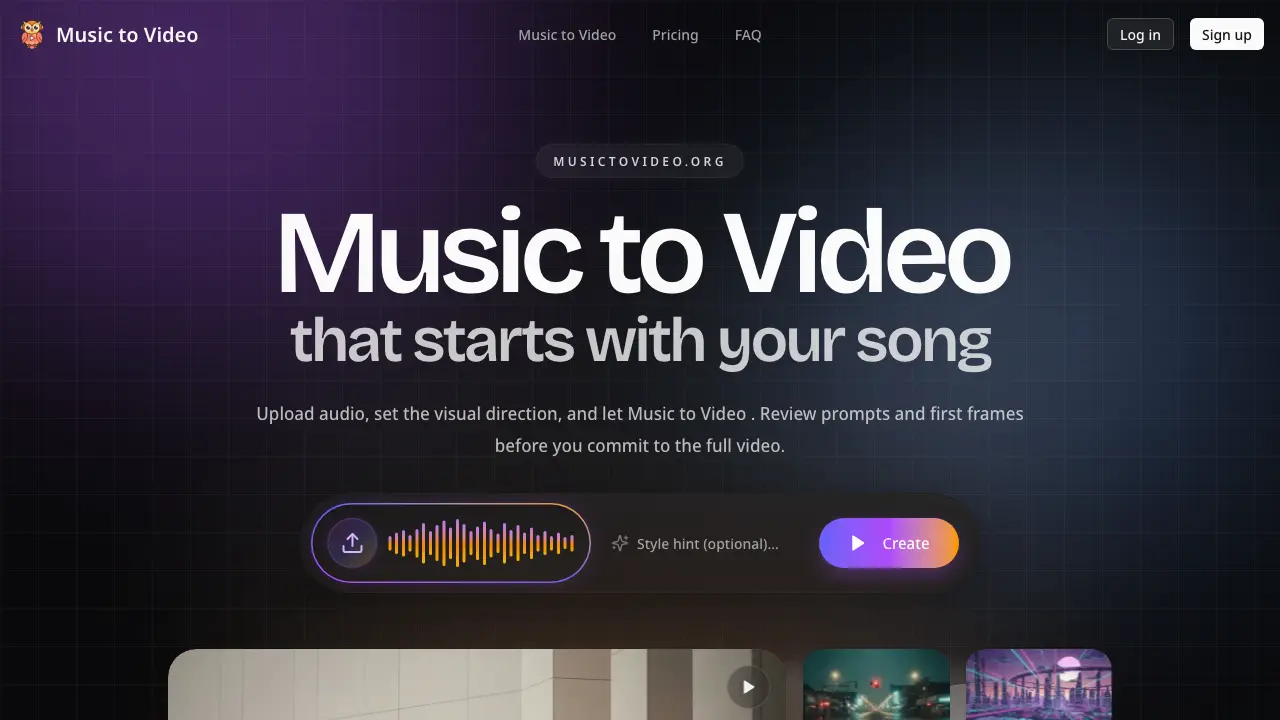
What is Music to Video
Music to Video is an AI-powered tool for generating music videos with an intermediate review stage. The system analyzes an uploaded audio track, automatically segmenting it based on structure and mood. It then produces editable scene prompts and first-frame visual previews for each segment before full video rendering. This allows users to adjust specific scenes and validate the visual direction early, avoiding costly full rerenders.
The tool supports widescreen and vertical formats, making it suitable for full music videos, lyric videos, and social media promo cuts for platforms like TikTok and Instagram Reels. Key workflows include artist pre-visualization, label review cycles, and iterative concept exploration. By providing a controllable, step-by-step generation process, Music to Video aims to reduce guesswork and improve alignment between audio and visuals compared to standard one-click AI video generators.
How does Music to Video work
Music to Video operates by first analyzing an uploaded audio track to segment it based on structural elements like tempo and mood changes. The AI then generates corresponding scene directions and initial visual frames for each segment, which the user can review and adjust via editable prompts. This pre-render control layer allows for iterative refinement of specific scenes before committing to full video generation. The system's audio-aware segmentation ensures visuals align with the song's dynamics, while the focus on previewable outputs aims to reduce blind rerenders common in one-click AI video tools, offering a more controllable workflow for creating music videos and promotional clips.
Benefits of Music to Video
Music to Video is an AI-powered music video generator that prioritizes creative control over one-click output. The tool analyzes uploaded audio to segment tracks by mood and rhythm, providing editable scene prompts and first-frame previews for each section before full rendering. This reviewable workflow minimizes costly rerenders, allowing users to adjust weak segments without recreating the entire project. It supports diverse formats, including vertical videos for TikTok and Instagram Reels, making it suitable for artist pre-visualization, label stakeholder reviews, and social media promotional cuts.
Pros and Cons of Music to Video
Pros
- Audio-aware segmentation aligns visuals with song structure
- First-frame previews reduce wasted full renders
- Editable prompts allow scene-specific adjustments
- Supports vertical formats for social media
- Credit-based pricing scales with use
Cons
- Credits expire after 30 days
- Requires time investment for prompt tuning
- Less suitable for quick one-click outputs
- AI generation may still produce inconsistent visuals
- Credit costs can accumulate for high-volume projects
