
Music to Video Core Features
Music to Video generates AI music videos from audio tracks, providing first-frame previews and editable scene prompts for creators to review and adjust visuals before final rendering.

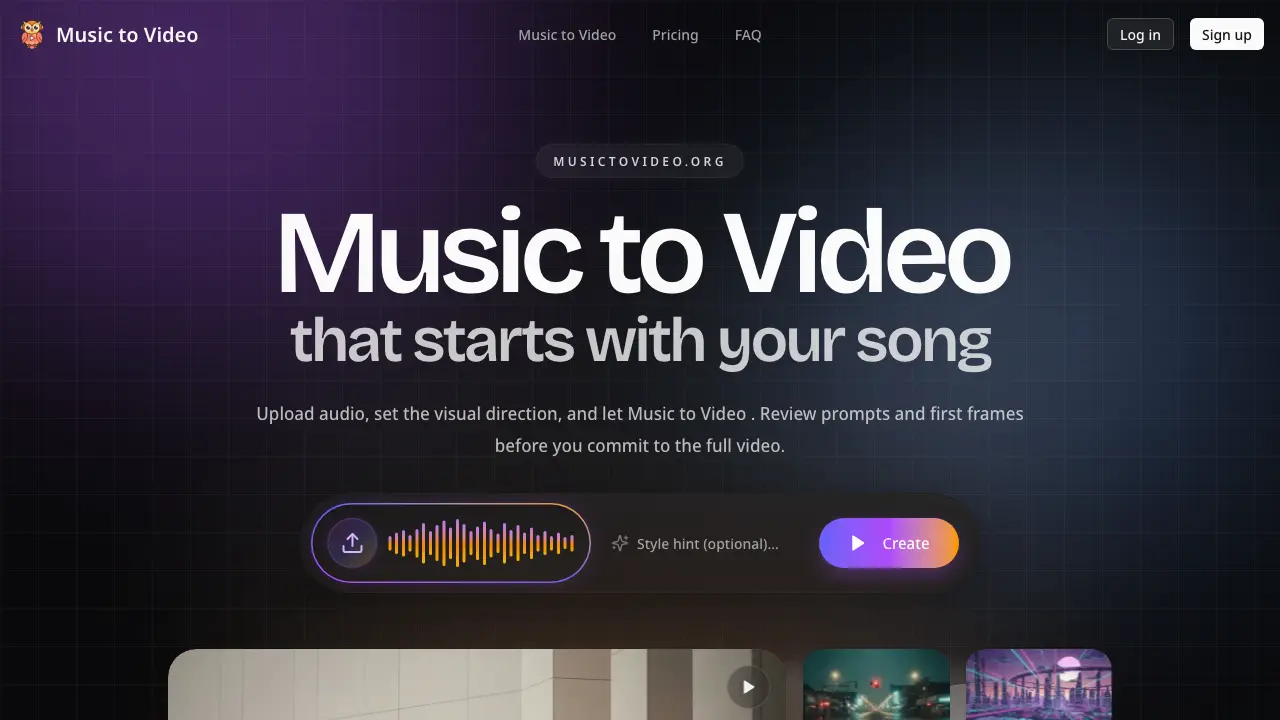
Core Features of Music to Video
Audio Segmentation and Scene Direction Generation
AI analyzes the uploaded song's structure, tempo, and mood to split it into segments and generate corresponding scene directions, ensuring visuals align with musical dynamics like energy changes.
First Frame Preview System
Generates initial visual frames for each segment, allowing users to validate character, palette, and atmosphere before committing to full video generation, reducing uncertainty.
Editable Scene Prompts
Provides an interface to rewrite and adjust prompts and shot language for individual segments, enabling precise creative control over visual narrative and style.
Selective Segment Regeneration
Allows re-rendering only specific segments that need improvement, saving time and resources by avoiding full video re-generation when only parts require changes.
Adaptive Format Rendering
Supports output in various formats, including 16:9 widescreen for standard music videos and 9:16 vertical for social media clips like TikTok and Instagram Reels.
Use Cases of Music to Video
- Musicians: Review editable music video direction with first-frame previews and audio-aware segmentation before final rendering.
- Record Labels: Align stakeholders using scene-by-scene visuals and adjustable prompts for efficient creative review workflows.
- Social Media Teams: Generate vertical promo cuts for TikTok and Instagram Reels with AI video generation matched to song rhythm.
- Content Creators: Iterate on lyric video and visualizer concepts by adjusting scene prompts without full-scale production commitment.
