
Music to Video FAQs
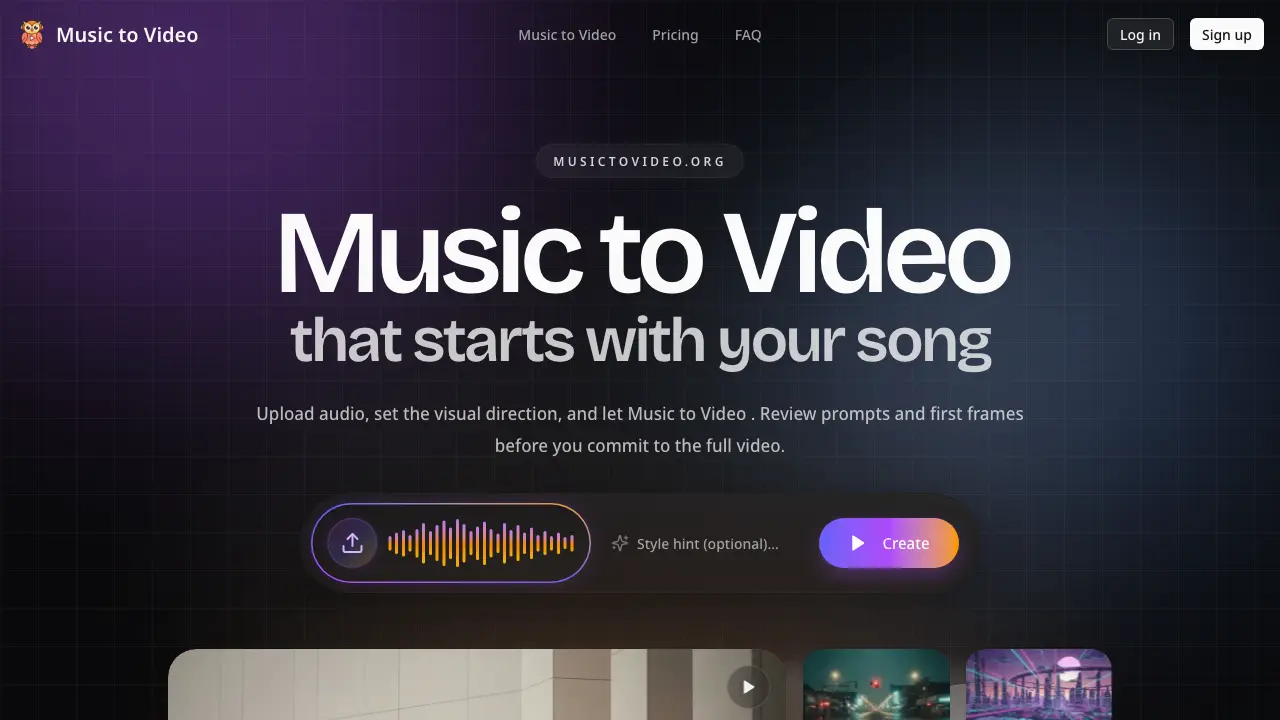
Music to Video generates AI music videos from audio tracks, providing first-frame previews and editable scene prompts for creators to review and adjust visuals before final rendering.

FAQs of Music to Video
How does pricing work?
Music to Video uses a credit-based subscription model with monthly and yearly billing options. Each plan—Starter, Creator, and Studio—provides a set number of credits per cycle, where roughly 100 credits fund one core 5-second video segment. Credits expire after 30 days, and subscriptions can be canceled anytime, with access continuing until the period ends. Yearly billing offers discounts compared to monthly rates.
What audio files can I upload?
The platform accepts standard digital audio files commonly used in music production, such as MP3 and WAV formats. Users upload their tracks through the interface, and the AI analyzes the file for segmentation and scene direction generation. The system is designed to handle typical music files without requiring special conversion.
What exactly do I get after upload?
After uploading an audio track, the AI generates an editable video project. This includes audio-aware segmentation that divides the song into logical sections, customized scene directions for each segment, and first-frame visual previews. Users receive a structured project file that can be reviewed and modified before final rendering.
Can I make changes before the final video is generated?
Yes, users can edit scene prompts and adjust visual directions prior to final rendering. The editable scene prompts feature allows rewriting descriptions, modifying shot language, and regenerating only specific segments that need improvement. This targeted revision process avoids full re-renders and conserves credits.
Does it support vertical music videos and short-form promo cuts?
Music to Video fully supports vertical 9:16 aspect ratios and short-form video generation. It is optimized for platforms like TikTok, Instagram Reels, YouTube Shorts, and Spotify Canvas. This enables efficient creation of social media promo assets, lyric snippets, and release teasers that align with the song's rhythm.
Is this best for final videos or for pre-production?
The tool serves dual purposes. For pre-production, it provides scene-by-scene storyboards for artist pre-vis and creative review. For final output, it generates complete music videos and social clips. Its iterative workflow accommodates both concept development and finished video production.
Who is this built for?
Music to Video is designed for independent musicians, record labels, content creators, and social media teams. It targets users who need to produce music videos, lyric videos, visualizers, and promotional content while maintaining creative control through editable prompts and previews.
How does audio-aware segmentation improve video generation?
Audio-aware segmentation automatically splits the uploaded track into sections based on energy shifts, chorus lifts, and narrative turns. This ensures visuals adapt to the music's structure, creating a cohesive video that follows the song's pacing and emotional flow, rather than using static or repetitive imagery.
What are first-frame previews and how do they assist users?
First-frame previews are initial visual snapshots generated for each segment after audio analysis. They allow users to review character designs, color palettes, and atmospheric elements before full video rendering. This early feedback reduces guesswork and enables adjustments to align the visual style with the intended mood.
Can I regenerate individual scenes without affecting the whole video?
Yes, the editable scene prompts system allows users to modify descriptions and regenerate only specific segments that require changes. This focused approach prevents the need to re-render the entire video, saving time and credits while allowing precise refinements to weak scenes.
How do the pricing plans differ in credit allocation and use cases?
The Starter plan offers 1,600 credits for testing concepts and first-pass ideas. The Creator plan provides 5,000 credits, suited for regular releases and active iteration. The Studio plan includes 13,000 credits, built for high-volume production and multi-artist campaigns. Each plan's credits expire after 30 days, with yearly billing offering per-month discounts.
What video formats and resolutions are generated as final output?
Music to Video generates videos in standard digital formats compatible with online platforms. It supports both widescreen 16:9 for traditional music videos and vertical 9:16 for social media clips. The output resolutions are optimized for streaming services like YouTube, Instagram, and TikTok, ensuring broad playback compatibility.
How to use Music to Video
Music to Video is an AI-powered music video generator that converts audio tracks into editable projects. It uses audio-aware segmentation and first-frame previews to enable creative review before final rendering.
- Upload your audio file and provide a descriptive brief covering mood, story cues, and visual styling. This input guides the AI's initial scene generation process.
- The system analyzes the track, segmenting it based on tempo and energy changes. It then generates scene directions and first-frame previews for each segment.
- Review each segment's prompt and corresponding first-frame image. Assess if visuals align with the audio's pacing, mood, and narrative intent.
- Edit prompts for specific segments to adjust camera language, color palettes, or thematic elements. This targeted revision avoids full re-renders.
- Once satisfied, render the final video. The system compiles all segments into a cohesive output synchronized with your audio track.
Interpret first-frame previews to validate visual alignment with the song's emotional arc. Iterate on prompts to refine weak scenes, reducing redundant renders. This process supports pre-visualization, stakeholder reviews, and efficient creation of vertical music videos and social media clips.
