
Magic Sketchpad
Magic Sketchpad - Draw Things with Machines
| Added on: | Apr 28, 2024 |
| Monthly Visits: | 2.73K |
| Social & Email: | -- |

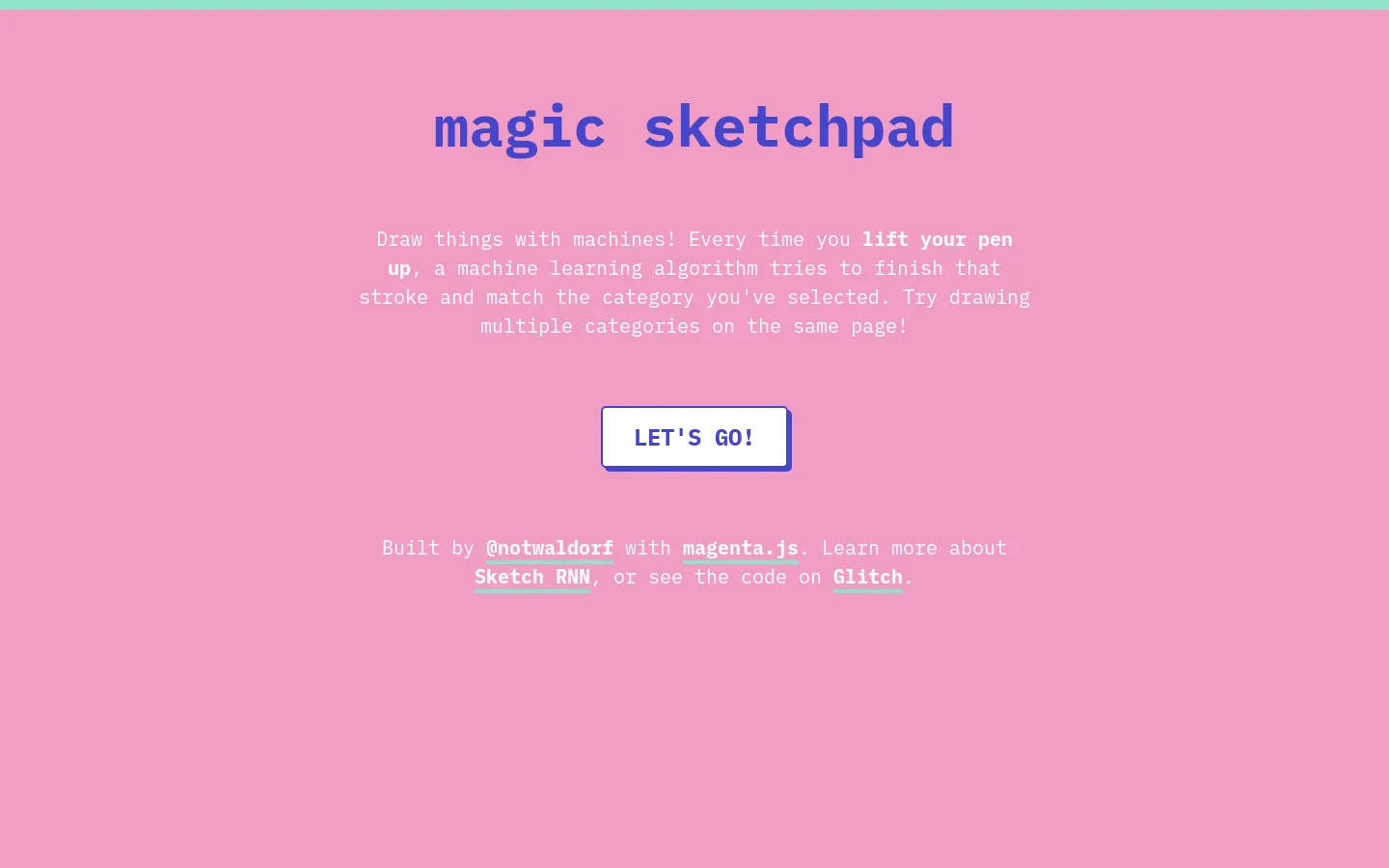
What is Magic Sketchpad
Magic Sketchpad is an AI tool that helps you to create art based on your text prompts. It’s a web-based tool that anyone can use, and it’s perfect for people who want to create art without having to learn how to draw or paint. Magic Sketchpad uses a neural network to generate images from text descriptions, so you can create anything you can imagine, from realistic portraits to abstract landscapes. If you need some inspiration, you can check out the examples gallery for ideas. You can also fine-tune the image by using the sliders for parameters like style and color.
Core Features of Magic Sketchpad
Real-time Collaboration
Magic Sketchpad is a collaborative drawing tool that allows multiple users to draw on the same canvas simultaneously. This makes it possible for users to work on projects together in real time, even if they are not in the same location.
Simple Interface
The tool has a simple and intuitive interface, making it easy for users of all skill levels to use. It features a variety of drawing tools, including pens, brushes, and erasers.
Multiple Colors
Users can choose from a wide range of colors to use in their drawings. This allows for a lot of creativity and customization.
Save and Share
Users can save their drawings and share them with others. This is a great way to show off their work or to collaborate on projects with others.
Public and Private Canvases
Magic Sketchpad offers both public and private canvases. Public canvases allow users to collaborate with others on public projects, while private canvases allow users to create projects that are only visible to them and the people they invite.
Code-Based
Magic Sketchpad is built using the P5.js library. Users can view the source code of the application, which makes it a great tool for learning about web development and programming.
Open-source
Magic Sketchpad is open-source, meaning that the code is available for anyone to view, modify, and use. This allows users to contribute to the development of the application and to create their own versions.
FAQs of Magic Sketchpad
What is Magic Sketchpad?
Magic Sketchpad is a fun and easy way to create digital art. It uses AI to help you draw, even if you're not an artist! It’s a web app where you can draw and the AI will try to guess what you’re drawing and finish it for you!
How do I use Magic Sketchpad?
It's easy! Just go to the website, choose a drawing tool, and start drawing. The AI will try to guess what you're drawing and help you finish it. It’s a fun way to explore your creativity!
Can I use Magic Sketchpad on my phone?
Magic Sketchpad is a web app, so you can use it on any device with an internet browser. You can use it on your phone, tablet, or computer.
What if the AI doesn't guess what I'm drawing?
Don't worry! The AI is still learning. Just keep drawing and the AI will get better over time. It’s also fun to see what the AI will guess when you’re not actually drawing anything! 😂
How is Magic Sketchpad different from other AI art generators?
Magic Sketchpad is different because it focuses on drawing with you, not just creating art for you. You have the freedom to create your own unique drawings while still being able to use the AI’s help. 🎨
Magic Sketchpad Website Traffic Analysis
Latest traffic information
- Monthly Visits2.73K
- Bounce Rate41.01%
- Pages Per Visit2
- Visit Duration00:01:00
- Global Rank--
- Country/Region Ranking--
