
Lobe - Machine Learning Made Easy
| Added on: | Apr 28, 2024 |
| Monthly Visits: | 2.09K |
| Social & Email: | -- |

What is Lobe AI
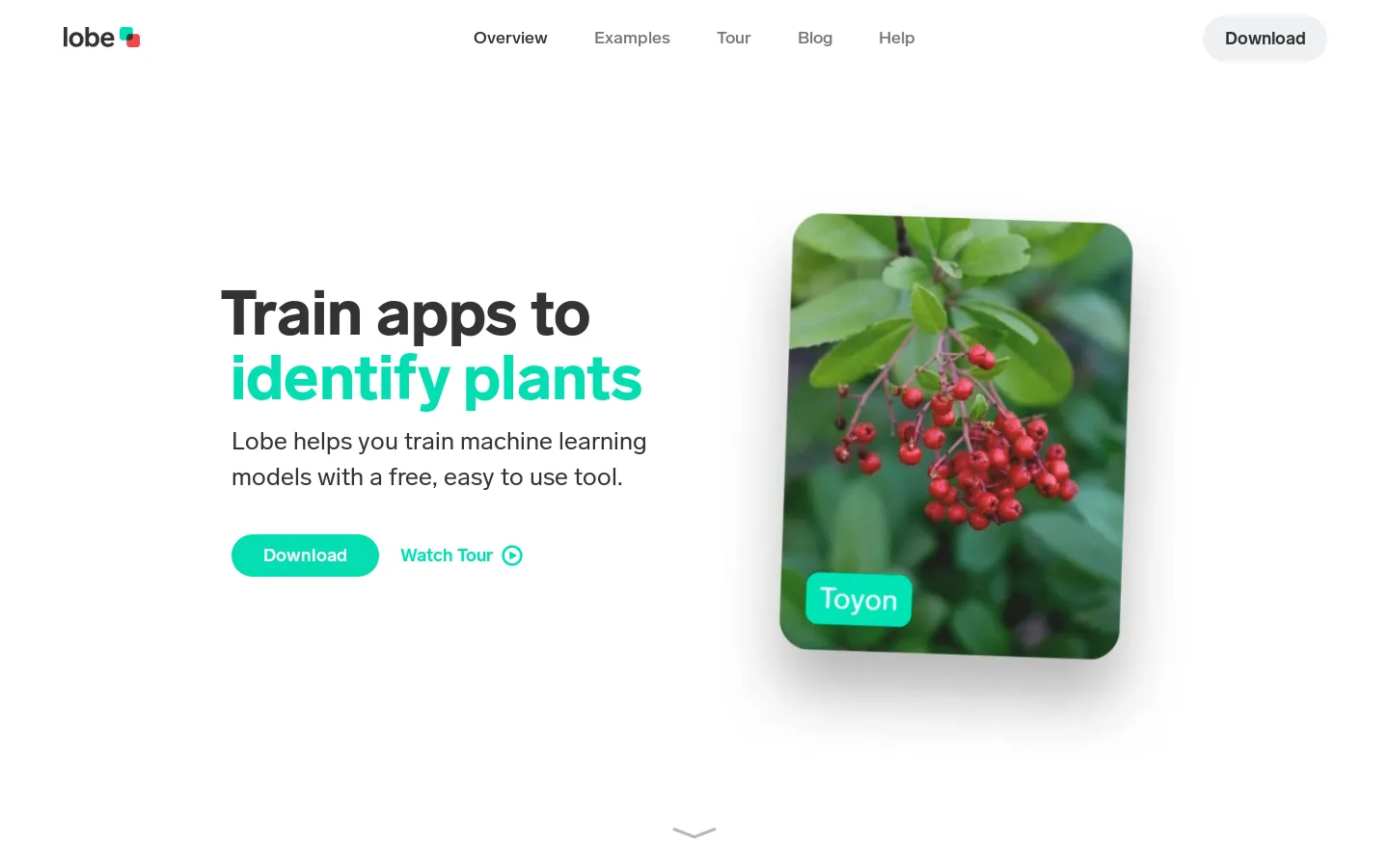
Lobe AI is a machine learning platform that allows users to build custom AI models without writing any code. This makes it perfect for anyone who wants to create AI models for their own projects, but doesn't have a background in coding. Lobe AI is easy to use, with a drag-and-drop interface, and it can be used to train models for a variety of tasks, such as image classification, object detection, and natural language processing. For example, you can use Lobe AI to train a model to recognize different types of flowers, or to identify objects in an image. Lobe AI can also be used to train models to understand natural language, such as classifying sentiment or summarizing text. You can then use your trained models in your own applications.
Core Features of Lobe AI
Create a model in minutes
Lobe is a visual machine learning tool that allows users to train custom image recognition models without writing code. Users can simply upload images, label them, and then train a model. The model can then be used to classify new images.
Export to different formats
Lobe provides a variety of ways to export models, including TensorFlow Lite, TensorFlow.js, and ONNX. This allows users to deploy their models in a variety of environments.
No coding required
Lobe is designed for users of all skill levels, regardless of their coding experience. Users can easily train models by simply dragging and dropping images.
User-friendly interface
Lobe has a simple and intuitive interface that is easy to learn and use. This makes it easy for users to create and train models, even if they are not familiar with machine learning.
Powerful features
Lobe offers a variety of powerful features, such as data augmentation, model optimization, and performance metrics. This allows users to create highly accurate and reliable models.
FAQs of Lobe AI
What is Lobe AI?
Lobe AI is a machine learning platform that allows you to train custom image classification models without any coding experience. It's easy to use and can be used to create models for a variety of tasks, such as identifying different types of objects, classifying images based on their content, or detecting anomalies.
How do I use Lobe AI?
You can use Lobe AI by uploading your own dataset of images and labeling them. The platform will then train a model on your data and you can use the model to classify new images.
What are the benefits of using Lobe AI?
Lobe AI is a great way to get started with machine learning. It's easy to use and doesn't require any coding experience. You can use it to create custom models for a variety of tasks. The platform is also very user-friendly and provides a lot of resources for getting started. Lobe AI is a good choice for beginners, because it can help you understand the basics of machine learning without needing to learn how to code.
How does Lobe AI compare to other machine learning platforms?
Lobe AI is a good choice if you're looking for an easy-to-use platform for training image classification models. It's not as feature-rich as some other platforms, but it's a good starting point for beginners.
What kind of problems can Lobe AI solve?
Lobe AI can be used to solve a variety of problems, such as identifying different types of objects in images, classifying images based on their content, and detecting anomalies. It can be used in a variety of industries, including healthcare, manufacturing, and retail.
Can I use Lobe AI for commercial purposes?
Yes, Lobe AI can be used for commercial purposes. However, there are some restrictions on how you can use the platform. You can find more information about the terms of use on the Lobe AI website.
What are some examples of how Lobe AI has been used?
Lobe AI has been used to create models for a variety of applications, including identifying different types of plants, classifying images of food, and detecting anomalies in medical images. You can find more examples on the Lobe AI website.
Lobe AI Website Traffic Analysis
Latest traffic information
- Monthly Visits2.09K
- Bounce Rate36.6%
- Pages Per Visit1.21
- Visit Duration00:00:00
- Global Rank8.79M
- Country/Region Ranking5.15M
Top Keywords
| Keyword | Traffic | Volume | Cost Per Click |
|---|---|---|---|
| lobe.ai | 20 | 300 | -- |
| lobe ai | 10 | 1.33K | $7.13 |
| lobe ai tool | -- | 250 | -- |
Top Regions
| Region | Percentage |
|---|---|
| India | 55.51% |
| United States | 44.49% |
Lobe AI Alternatives
An online AI photo editor that removes image backgrounds, erases people, objects and text, and upscales photos 4x. Preview every photo free before paying per image.
Meta Image: browser AI studio powered by Muse Image. Edit photos with prompts, remove backgrounds, restore old photos, generate new images.
Remove image backgrounds, video watermarks, burned-in subtitles and video backgrounds with Rmark AI. Upload a file, preview, then download a clean copy.

Run private OSINT searches for email addresses, usernames, and images across public sources, then review cited matches and evidence-grounded AI summaries.
Free unlimited image to prompt generator. Upload any image and get a detailed, accurate AI prompt for Midjourney, Stable Diffusion, FLUX and more in seconds.
OmniEnhancer is an AI image enhancer and photo editor that improves photo quality, clarity, color, and resolution online, with free daily credits.
AI Gazou offers free AI-powered image upscaling to enhance photos, product images, and illustrations. Upscale 2x or 4x with natural detail preservation.
Omoggle offers private AI makeup analysis and 1v1 look comparisons focused on technique, finish, and theme fit.
Bimg AI provides Nano Banana AI image editing, background removal, AI upscaling, photo restoration, and AI video generation. A platform for creators and teams.
ProfessionalHeadshot.io is an AI headshot generator that lets professionals upload a few selfies and receive 40–100 LinkedIn‑ready photos in 15–30 minutes, offering multiple outfit styles, backgrounds and pose angles while ensuring data privacy and full commercial rights.
Upload 5‑20 selfies and receive 80‑180 AI‑generated, realness‑scored dating photos across 40+ scenes in about 20 minutes, optimized for Tinder, Bumble and Hinge.
AI Image Translator is an online AI tool that converts text in images to over 130 languages while maintaining original fonts, layout and background, ideal for marketers, designers and e‑commerce teams needing instant or batch visual localization.