
Kling 5.0 FAQs
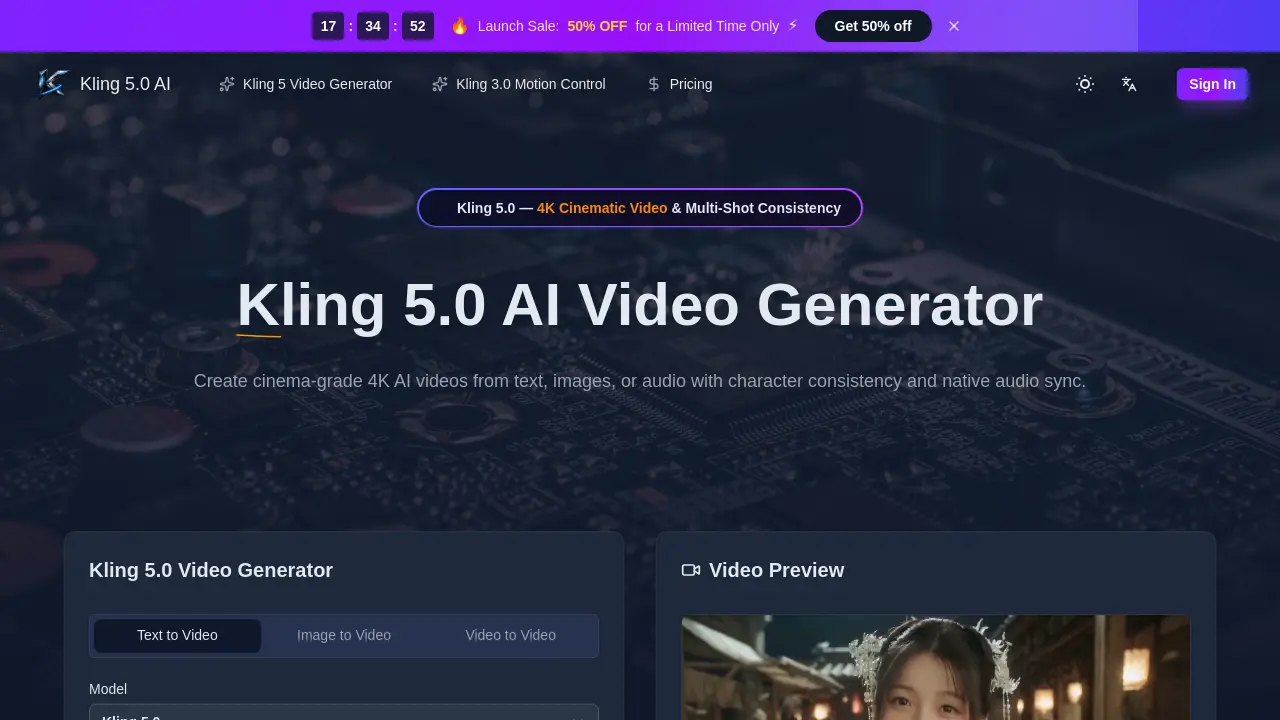
This AI video generator produces 4K cinematic clips from text, images, or audio with character consistency, native audio sync, and lip-sync in five languages.

FAQs of Kling 5.0
What is Kling 5.0 AI?
Kling 5.0 is a next-generation AI video generator that creates 4K cinematic videos from text, images, or audio. It features character consistency, native audio sync, and advanced physics simulation for professional-quality output.
What are the main features of Kling 5.0?
Kling 5.0 offers text-to-video, image-to-video, and audio-to-video generation at 4K resolution. Key features include character consistency across shots, native audio generation with multilingual lip-sync, cinematic camera control, and realistic physics simulation.
How does Kling 5.0's character consistency work?
The Kling 5.0 Omni Subject Library locks facial features and proportions across different camera angles and scenes. This ensures characters remain identical throughout multi-shot projects, making it ideal for episodic content and brand campaigns.
What video specifications does Kling 5.0 support?
Kling 5.0 generates videos up to 15 seconds long at 4K resolution. It supports various aspect ratios including landscape (16:9), portrait (9:16), square (1:1), and ultrawide formats. Output is provided in MP4 format with optional native audio.
Can I use Kling 5.0 videos commercially?
Yes, all Kling 5.0 content includes full commercial rights. You can use the generated videos for advertising, social media marketing, e-commerce, and other commercial purposes without additional licensing fees.
What languages does Kling 5.0's lip-sync support?
Kling 5.0 AI provides phoneme-level lip-sync in five languages: English, Chinese, Japanese, Korean, and Spanish. The system matches mouth movements with emotion-appropriate expressions for natural-looking speech animation.
How much does Kling 5.0 cost?
Kling 5.0 offers three subscription tiers: Starter at $9.90/month ($119/year), Premium at $19.90/month ($239/year), and Advanced at $49.90/month ($599/year). Annual plans save 50%. Pay-as-you-go options are also available with credits starting at $1.24 per 100 credits.
Is Kling 5.0 available for mobile devices?
Yes, Kling 5.0 is web-based and works on all browsers and devices including mobile phones and tablets. The platform uses cloud processing, so you can create 4K videos from anywhere with an internet connection.
How long does it take to generate a video with Kling 5.0?
Generation time varies based on video length, complexity, and your subscription tier. Advanced plan users get the fastest generation speeds, while free users may experience longer processing times. Most videos are generated within minutes.
What file formats can I use with Kling 5.0?
For text-to-video, you can enter prompts up to 2500 characters. For image-to-video, you can upload photos or concept art in common formats like JPG, PNG, or WEBP. The final output is always MP4 video format.
How to use Kling 5.0
- Visit the Kling 5.0 website and sign in to access the video generator.
- Choose between text-to-video, image-to-video, or video-to-video generation modes.
- Enter a detailed prompt describing your desired video scene or upload a reference image.
- Select video parameters such as duration, aspect ratio, and enable character consistency if needed.
- Click generate and wait for Kling 5.0 to process your request, then download the finished MP4 video.
