
Imgfree FAQs
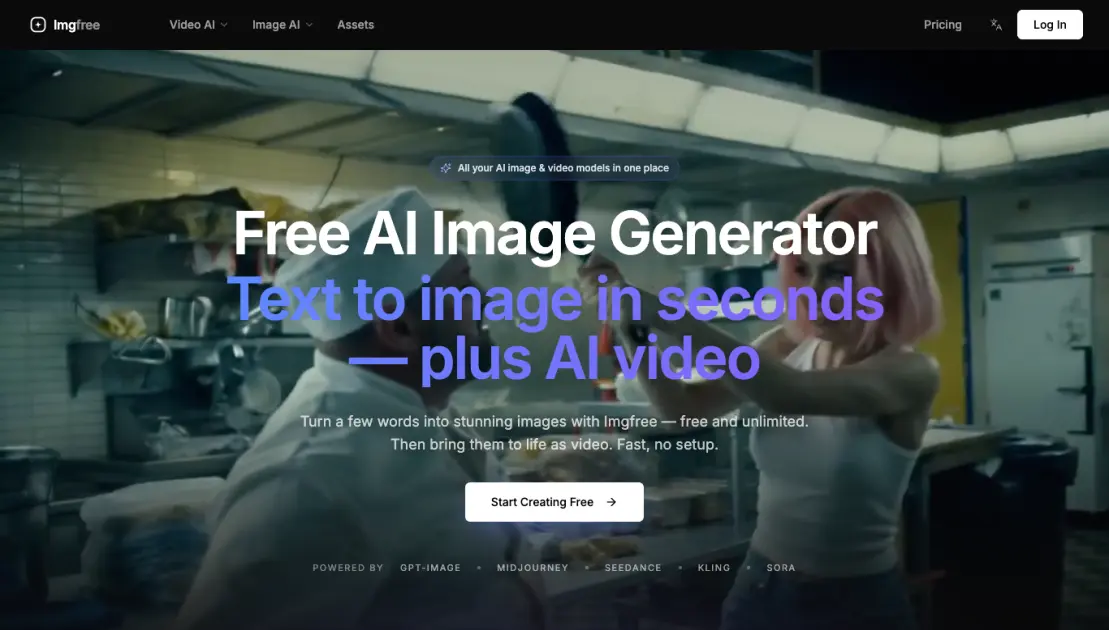
Imgfree provides free unlimited AI image generation with GPT-Image, Midjourney, and video creation tools for creators and marketers.

FAQs of Imgfree
What is Imgfree?
Imgfree is a free AI image and video generation platform that brings together multiple AI models under a single interface. Users can generate images from text prompts, transform existing images using image-to-image workflows, and create videos from both text and image inputs. The platform supports over 15 AI models including GPT-Image and Midjourney, and offers more than 300 templates and effects. With 120,000+ users worldwide, it serves designers, creative directors, and social media managers who need fast, high-quality visual content without managing multiple separate subscriptions.
Which AI models can I use?
Imgfree provides access to 15+ AI models, covering both image generation and video generation. The lineup includes GPT-Image, Midjourney, Seedance, Kling, Sora, and others. This range lets users compare outputs across models and pick the style or quality that fits each project. The models are updated over time, and users can switch between them freely without switching platforms or managing separate accounts. Having multiple models in one place removes the need to juggle subscriptions to individual services.
Can I generate video from an image?
Yes, Imgfree supports image-to-video generation. Users can upload a static image and convert it into a video clip using text prompts to guide motion and style. The platform also supports text-to-video generation, where a one-line prompt produces a cinematic clip. These video capabilities are designed for content creators who need quick turnaround for social media posts, short-form video content, and visual storytelling without requiring specialized video editing skills.
What aspect ratios and resolutions are supported?
Imgfree supports multiple aspect ratios and output resolutions across its different AI models. Common aspect ratios like square (1:1), portrait (4:5, 9:16), and landscape (16:9, 3:2) are available, though exact options depend on the selected model. The free tier delivers standard resolution outputs, while paid plans unlock higher-resolution generations. Users can select their preferred format before generating, making it suitable for different use cases such as social media posts, banners, presentations, and video content.
Can I use the results commercially?
Commercial use of generated content is permitted on the Standard and Pro plans. These plans include a commercial use license, allowing users to incorporate generated images and videos into products, marketing materials, social media content, and other commercial projects. The Lite plan does not include a commercial license. Users who need commercial rights should choose a Standard plan or above to ensure compliance with the platform's licensing terms.
How does the free tier work with paid plans?
Imgfree offers unlimited free generations on all tiers, including the free tier. The free tier lets users generate images and videos at a standard pace with basic parallel task limits. Paid plans (Lite at $12/month, Standard at $30/month, Pro at $90/month) add monthly credit pools for faster generation, higher resolution outputs, more parallel tasks, and additional features like commercial use licenses. Credits are consumed per generation, with a single image costing roughly 30 credits and a video costing 60 credits, giving users flexibility to choose a plan that matches their volume needs.
How to use Imgfree
- Sign up for a free account on Imgfree using email or social login. Registration unlocks all generation tools and unlimited basic generations at no cost.
- Select a creation mode from the main dashboard. The platform offers four modes: Text to Image, Image to Image, Text to Video, and Image to Video.
- Enter a descriptive prompt in the text input field on the creation page. Detailed prompts produce more accurate results that match the intended visual concept.
- Adjust generation parameters including aspect ratio, style intensity, and output resolution. The platform supports multiple sizes for different platforms and use cases.
- Pick an AI model from the model selector dropdown. Imgfree provides over 15 models such as GPT-Image, Midjourney, Seedance, Kling, and Sora for varied outputs.
- Click the generate button to start AI processing. Results appear within seconds and can be previewed, downloaded, or reused as source material.
- Browse the template library with over 300 preset styles and effects. Templates speed up the workflow for common formats like social media posts and banners.
- Use generated images as input for video creation tools. The Image to Video mode transforms static visuals into short cinematic clips for social content.
