
Grok Imagine FAQs
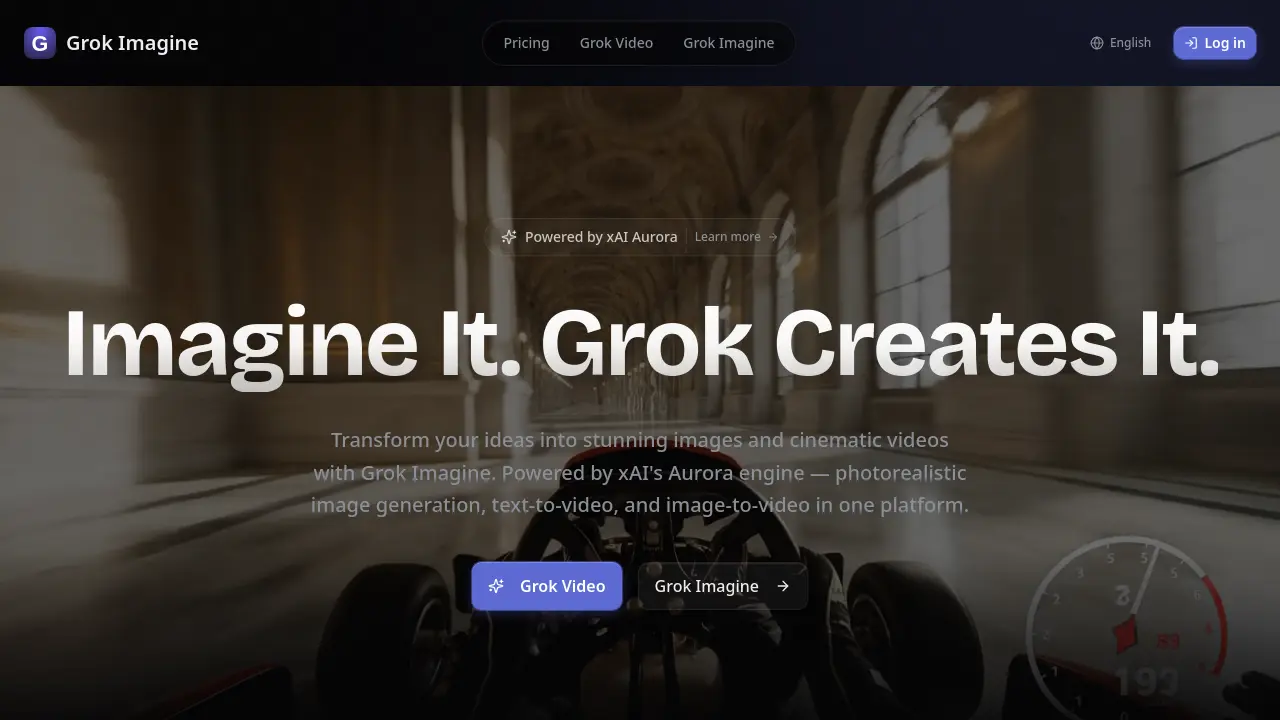
Grok Imagine is xAI's advanced AI video generation model that transforms text prompts into photorealistic images and cinematic videos with synchronized audio, supporting up to 4K resolution and multiple input modalities.

FAQs of Grok Imagine
How does Grok Imagine handle multi-modal inputs?
Grok Imagine supports a maximum of 12 files across all modalities, comprising up to 9 images, 3 videos (totaling 15 seconds or less), and 3 audio files. This flexibility allows users to combine diverse content types to achieve complex creative goals. The platform intelligently processes these inputs to generate cohesive outputs that reflect the combined information.
What resolution and quality can I expect from Grok Imagine outputs?
The xAI Aurora engine behind Grok Imagine produces videos in up to 2K resolution, ensuring professional-grade visual quality suitable for various applications. The output maintains high fidelity while supporting multiple aspect ratios including 16:9, 9:16, 4:3, 3:4, 21:9, and 1:1. This range of formats accommodates diverse platform requirements, from social media to professional presentations.
How does the audio generation feature work in Grok Imagine?
Grok Imagine's built-in audio generation creates context-aware sound effects and background music that automatically sync with your visual content. The system analyzes the video elements, motion, and overall scene composition to generate appropriate audio that enhances the viewing experience. Users can also upload their own audio files to achieve specific timing synchronization with the generated video content.
What makes Grok Imagine different from other AI video generation tools?
The xAI Aurora-powered Grok Imagine offers unique capabilities including reference anything functionality, allowing users to specifically define motion, camera movements, characters, and scenes through natural language descriptions. Its multi-shot storytelling approach maintains consistent character features, clothing, text, and visual styles throughout extended sequences. The platform's ability to extend existing videos seamlessly while preserving continuity sets it apart from conventional solutions.
Can I use Grok Imagine for commercial projects?
Grok Imagine generates completely watermark-free videos, making them suitable for immediate commercial use without additional editing. The professional-quality outputs, combined with the ability to maintain consistency across complex visual elements, make it ideal for marketing content, product demos, social media campaigns, and professional presentations. Users can download clean, production-ready videos that meet commercial standards.
How to use Grok Imagine
- Access Grok Imagine by navigating to its homepage. Explore the main features, including text-to-video and image-to-video capabilities, powered by xAI's Aurora engine.
- Select your desired input type, such as text, image, or video. Upload up to nine images, three videos, or three audio files to combine with your creative vision.
- Craft a detailed prompt using natural language to describe your desired outcome. Reference specific elements like motion, effects, or camera movements from uploaded content.
- Choose from available aspect ratios and resolutions up to 2K. Review options for video length, ranging from four to 15 seconds, to suit your project needs.
- Initiate the generation process to create your content. Grok Imagine will produce photorealistic images or cinematic videos with context-aware audio effects and background music.