
Happy Horse AI Video FAQs
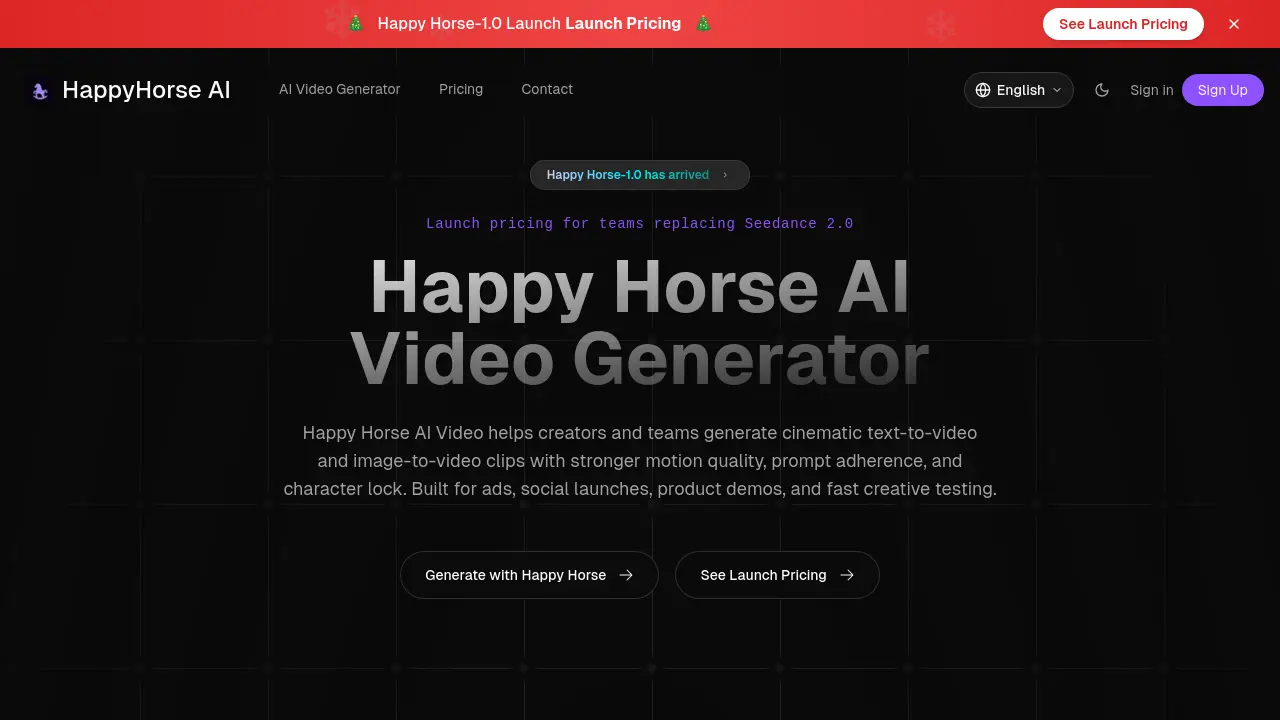
Happy Horse AI Video is an AI tool for cinematic text-to-video and image-to-video creation. Designed for ads, social media, product demos, and commercial clips, it offers stronger motion quality, better prompt adherence, and character lock features.

FAQs of Happy Horse AI Video
How do I start using Happy Horse AI Video?
To start, visit the AI Video Generator page and choose your preferred workflow: text-to-video or image-to-video. Then, simply enter your prompt or upload an image to begin generating your video.
What workflows does Happy Horse AI Video offer?
Happy Horse AI Video offers three main workflows: text-to-video for creating scenes from written prompts, image-to-video for animating still images while maintaining composition, and campaign clips for generating multiple ad variations quickly.
Can I use Happy Horse AI Video for commercial purposes?
Yes, Happy Horse AI Video is designed for commercial-ready workflows including paid social media, product storytelling, ecommerce visuals, and client drafts. Be sure to check your specific plan terms for licensing details before publishing.
How fast is Happy Horse AI Video compared to other tools?
Happy Horse AI Video is built for fast iteration, allowing you to preview, rerun, and improve your ideas without long delays between drafts. Speed depends on the complexity of the scene and your output settings.
What makes Happy Horse AI Video different from generic AI video tools?
Happy Horse AI Video focuses specifically on motion quality, prompt adherence, image-to-video stability, character continuity, cinematic control, and faster iteration, making it more suitable for professional and commercial use compared to general AI video generators.
How to use Happy Horse AI Video
Navigate to the Happy Horse AI Video website and click "Generate with Happy Horse" to access the text-to-video generator.
Select the desired workflow mode, either text-to-video for creating scenes from scratch or image-to-video for animating existing visuals.
Compose a detailed prompt describing your desired scene, including subject, action, mood, and framing, to guide the AI in generating your video.
If using image-to-video, upload your still image, product photo, or hero frame to animate while maintaining composition and visual integrity.
Review the generated video, ensuring it aligns with your prompt and desired motion quality, making adjustments as needed for optimal results.
Utilize the fast iteration feature to quickly render and preview multiple concepts, refining your ideas efficiently without lengthy waiting cycles.
