
GPT Image
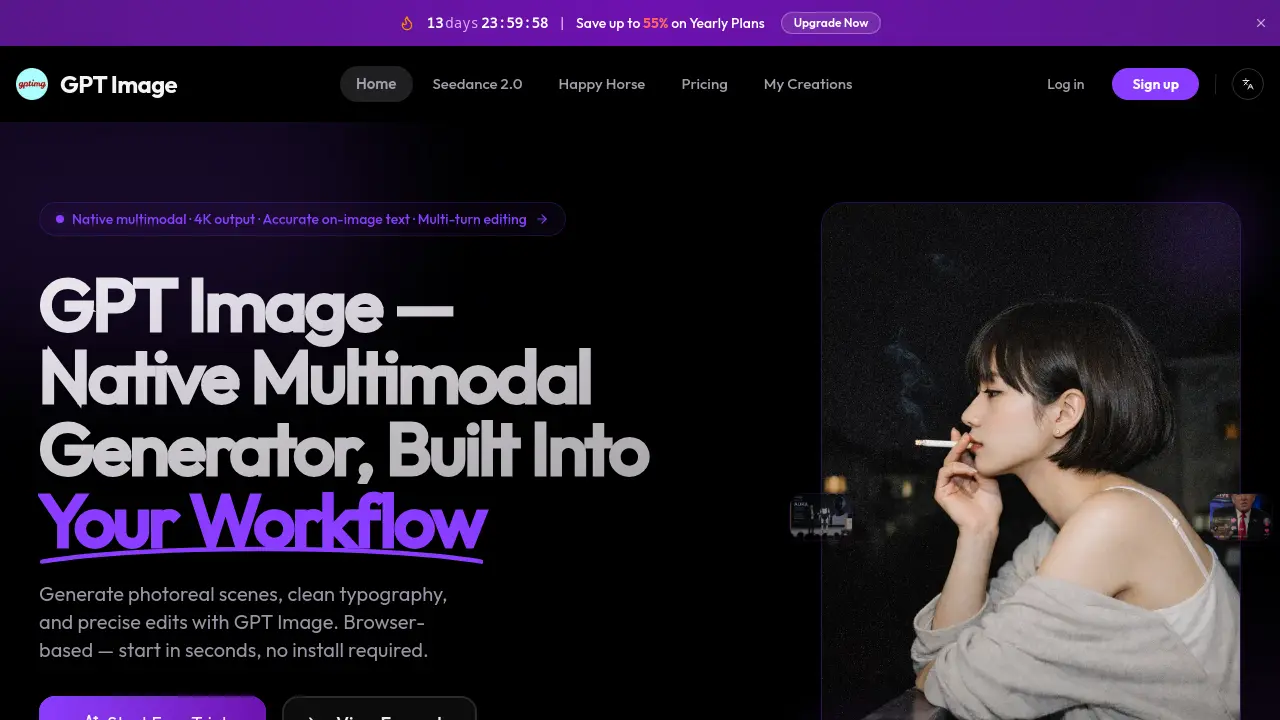
GPT Image is a multimodal AI image generator with 4K output and precise edits.

What is GPT Image
GPT Image is a browser-based AI image generator capable of producing photorealistic scenes, clean typography, and precise edits without requiring installation. The platform leverages a native multimodal model trained on deep world knowledge, enabling it to understand language naturally and incorporate accurate product visuals, recognizable brands, and structured graphics directly from text prompts. Users can generate content ranging from lifestyle product shots and social-media carousels to UI mockups and infographics with text that remains legible and contextually relevant.
Key features include on-image text rendering, multi-turn editing that preserves composition and facial likeness across iterations, and scaling up to 4K resolution for print-ready projects. A simple workflow takes users from prompt entry through optional reference uploads, quality-level selection, and editable outputs that are stored for seven days. The GPT Image 2 model supports low, medium, and high quality tiers, delivering 5–8 second generation times, up to 4096×4096 output, and competitive pricing, while maintaining strong performance on text-in-image benchmarks.
GPT Image runs entirely in the browser, is not affiliated with any formal AI provider, and includes both free trial credits and pay-as-you-go credit packs.
How does GPT Image work
GPT Image operates as a cloud-based platform that provides text-to-image generation and image editing capabilities. The system leverages a native multimodal model to interpret natural language prompts and produce photorealistic outputs, handling typography and product imagery that scans as "real" rather than AI-generated. Users simply type a scene description or upload a reference photo, optionally masking regions to edit. The back-end processes the request in seconds—delivering Low, Medium, or High quality renders in multiple aspect ratios. Text elements remain readable and consistent, with the model relying on built-in world knowledge to avoid obvious flaws. Images are stored temporarily for review and iteration, and the platform charges per-output-token in a pay-as-you-go model.
Benefits of GPT Image
GPT Image is a native multimodal image generator that delivers photoreal scenes, clean typography, and precise edits directly in your browser. Generating images in 5-8 seconds, it supports up to 4K resolution and multiple aspect ratios. Its built-in world knowledge ensures accurate product representations and design details. GPT Image excels at retaining text clarity and visual consistency across multi-turn edits, making it ideal for product photography, social media graphics, infographics, and UI mockups. The tool accommodates both text-to-image and image-to-image workflows, offering low (draft), medium, and high-quality tiers to suit varied project needs—from quick concepts to print-ready visuals. Commercial use is permitted.
Pros and Cons of GPT Image
Pros
- Native multimodal understanding.
- Fast generation, under 10 seconds.
- Supports up to 4K resolution output.
- Clean text rendering in images.
- Retains visual consistency across edits.
Cons
- Longer paragraphs may contain typos.
- Free trial retention limited to 7 days.
- High-end features behind paywalled tiers.
- Requires browser; no offline version.
- Learning curve for advanced edits.
Core Features of GPT Image
Native Multimodal Image Generation
Generates photorealistic images, illustrations, and infographics directly from natural language prompts, offering versatile creative outputs.
Precise Text Rendering Within Images
Renders clean, readable text within images, ideal for product labels, social graphics, and UI mockups where typography accuracy is critical.
Multi-Turn Photo Editing
Enables iterative edits on existing images while maintaining visual consistency, such as keeping facial likeness and composition intact.
Product Photography Simulation
Creates lifestyle scenes and product mockups without physical photo shoots, allowing for quick background and style variations.
Social Media and Ad Graphic Design
Generates on-brand social media content, ad visuals, and marketing materials with accurate text, colors, and branding consistency.
Designer and Document Visuals
Produces infographics, diagrams, and UI mockups directly from descriptions, accelerating visual content creation for non-designer team members.
Use Cases of GPT Image
- Product Photographers: Streamline lifestyle product shots by describing scenes and instantly generating high-quality images with accurate text and logos.
- Social Media Managers: Create scroll-stopping graphics and ad creatives with correctly rendered headlines and consistent brand elements directly from prompts.
- Content Designers: Produce infographics, diagrams, and UI mockups with accurate layout and labels for faster team content delivery.
- E-commerce Teams: Develop product variant renders and A/B testing creatives without reshoots using precise reference-based editing features.
FAQs of GPT Image
What is GPT Image?
GPT Image is a native multimodal AI image generator that comprehends language similar to a large language model. Unlike traditional diffusion tools, it interprets prompts like natural conversation, enabling users to create photorealistic portraits, vector-style illustrations, 4K posters, editable UI mockups, and infographics from a single model.
What can GPT Image do?
GPT Image excels at generating high-quality visuals including photoreal scenes, clean typography, and precise edits. It can create product photography with lifestyle scenes, social media graphics with accurate text placement, infographics, diagrams, and UI mockups. The tool also offers multi-turn editing capabilities, allowing users to make changes to specific parts of an image while maintaining consistency in lighting, faces, and composition.
How much does GPT Image cost?
The January 2026 update offers up to 55% savings on yearly plans. Pricing varies by quality tier: Low quality at $0.009 per 1024×1024 render, Medium quality at $0.018 per 1024×1024 render, and High quality at $0.036 per 1024×1024 render. Users can start with free trial credits in their browser, with pay-as-you-go credit packs available after the trial period.
How fast is GPT Image?
GPT Image significantly improved its speed with the December 2025 update. The platform now generates images in 5 to 8 seconds per render, which is about four times faster than the original version. This rapid generation time allows for quick iteration and multiple rounds of editing without lengthy wait times.
What resolutions and aspect ratios does GPT Image support?
GPT Image supports output up to 4096×4096 resolution for print-ready work. Users can choose from three quality tiers (Low, Medium, High) and three aspect ratios (square, portrait, and landscape). The square option outputs at 1024×1024 pixels, making it suitable for various use cases from social media posts to professional product photography.
Can I use GPT Image output commercially?
While the FAQ mentions commercial applications like product photography, social ads, and professional design work as use cases, users should review the Terms of Service for specific licensing information. The platform explicitly mentions commercial applications such as creating ad creative, product photography, and professional graphics, suggesting commercial usage is permitted with proper attribution and compliance with the legal terms.
What are GPT Image's known weaknesses?
According to the provided information, GPT Image's known weaknesses include occasional typos in long text passages over 20 words. While short headlines and labels render cleanly, longer paragraphs may contain errors. This limitation suggests the tool is best suited for headlines, logos, and labels where accuracy matters most, rather than long-form text content within images.
How to use GPT Image
- Navigate to gptimg.co and click "Start Free Trial" to access the image generator.
- Write a detailed prompt describing the scene, subject, and desired text for the image.
- Optionally, upload a reference photo for editing; mask the region to modify.
- Select quality and aspect ratio; GPT Image 2 supports up to 4096×4096 resolution.
- Click "Generate" and wait 5-8 seconds for the image to render.
- Download the result and refine the prompt or upload new references as needed.
- Images are saved to "My Creations" with a 7-day retention period.
- Use high quality for photorealistic and text-heavy outputs, especially for commercial work.
- Generate multiple variants to test different backgrounds, colors, and text layouts.
GPT Image Website Traffic Analysis
Latest traffic information
- Monthly Visits380
- Bounce Rate38.28%
- Pages Per Visit1.08
- Visit Duration00:00:00
- Global Rank--
- Country/Region Ranking--
Visits Over Time
Top Keywords
| Keyword | Traffic | Volume | Cost Per Click |
|---|---|---|---|
| how many images can be edited in chat gpt plus plan? | -- | 320 | -- |
| how many icons can i create daily with chatgpt go account | -- | 220 | -- |
| how many images does pro plan get per day chat | -- | 180 | -- |
| synthid pattern from the nano banana | -- | 160 | -- |
| how to change camera angle in nano banana | -- | 20 | -- |
Top Regions
| Region | Percentage |
|---|---|
| United States | 100% |
