
Text to PPT Introduction
GenPPT's free AI text to PPT converter quickly turns plain text or .txt files into professional, editable PowerPoint presentations using smart content analysis.

What is Text to PPT
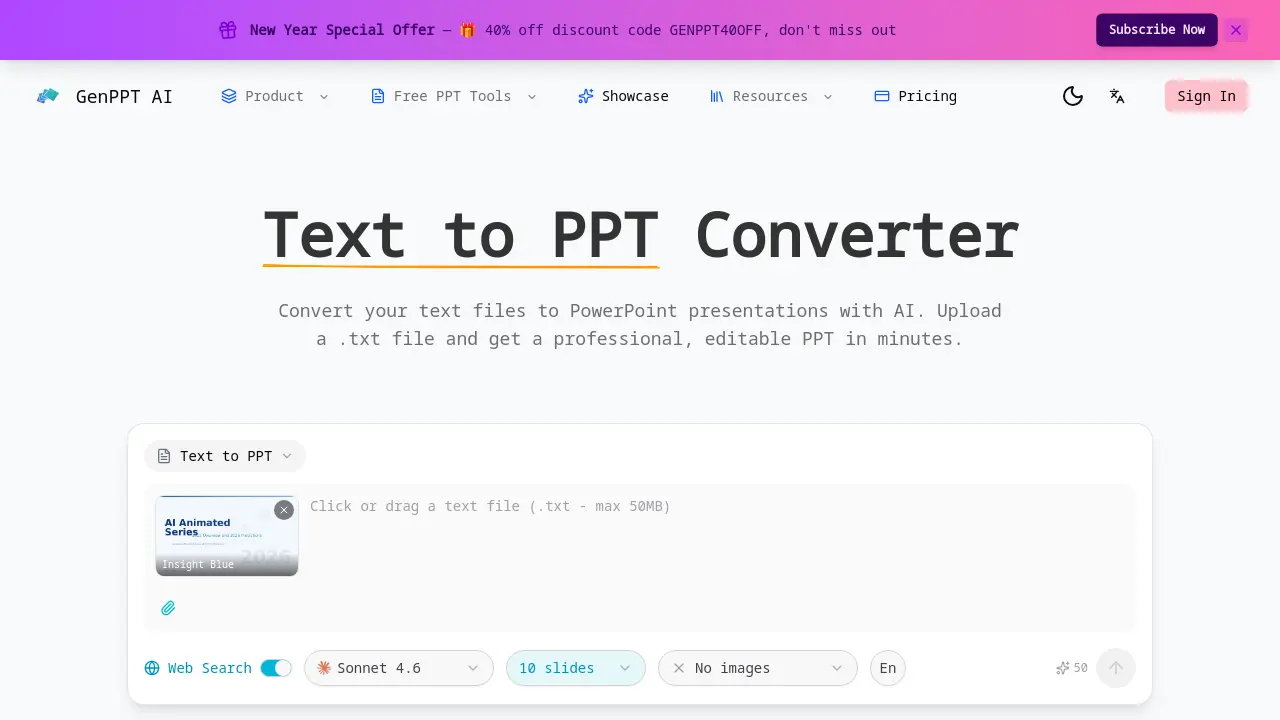
Text to PPT is an AI-driven converter that transforms plain text files into professional PowerPoint presentations. The tool analyzes uploaded .txt content to identify key topics, logical sections, and content hierarchy, automatically generating well-structured slides. Users can choose from design templates such as Insight Blue and Clarity Glass for consistent visual appeal. Output is delivered as a fully editable PPTX file, enabling customization of text, layouts, and elements post-conversion. Web search integration supplements original text with current data and context, enhancing presentation relevance. The service processes files of any length quickly and is free to use, catering to students, educators, and professionals seeking efficient creation of polished slide decks from simple text inputs.
How does Text to PPT work
The Text to PPT converter operates by processing uploaded plain text files through an AI engine that performs smart content analysis. It automatically detects logical sections, key topics, and hierarchical structure within the text to generate a multi-slide outline. The AI then applies a selected professional design template, incorporating color schemes and typography to format the content into presentation slides. An optional web search feature can supplement the original text with current external data. The final output is a fully editable PPTX file, allowing users to modify all elements after conversion, enabling rapid transformation of raw text into polished presentations.
Benefits of Text to PPT
The Text to PPT converter from GenPPT AI efficiently transforms plain text files into professional, editable PowerPoint presentations. Its AI-powered engine analyzes content to automatically detect structure and key topics, generating well-organized slides with cohesive design. Users can enhance slides with web search for current data and choose from templates like Insight Blue. The service is fast, handles files of any length, and produces fully customizable PPTX outputs, streamlining presentation creation for academic and professional needs.
Pros and Cons of Text to PPT
Pros
- AI analyzes text for structured slides.
- Automatic professional design application.
- Fully editable PPTX output provided.
- Optional web search for current data.
- Fast, free conversion process.
Cons
- No image generation from text.
- Limited template selection available.
- Web search requires user activation.
- Only accepts plain .txt files.
