
PPT Reverse Prompt Introduction
PPT Reverse Prompt uses AI to analyze PowerPoint files, extracting colors, fonts, and layouts to generate design style prompts for efficient AI presentation creation and brand consistency.

What is PPT Reverse Prompt
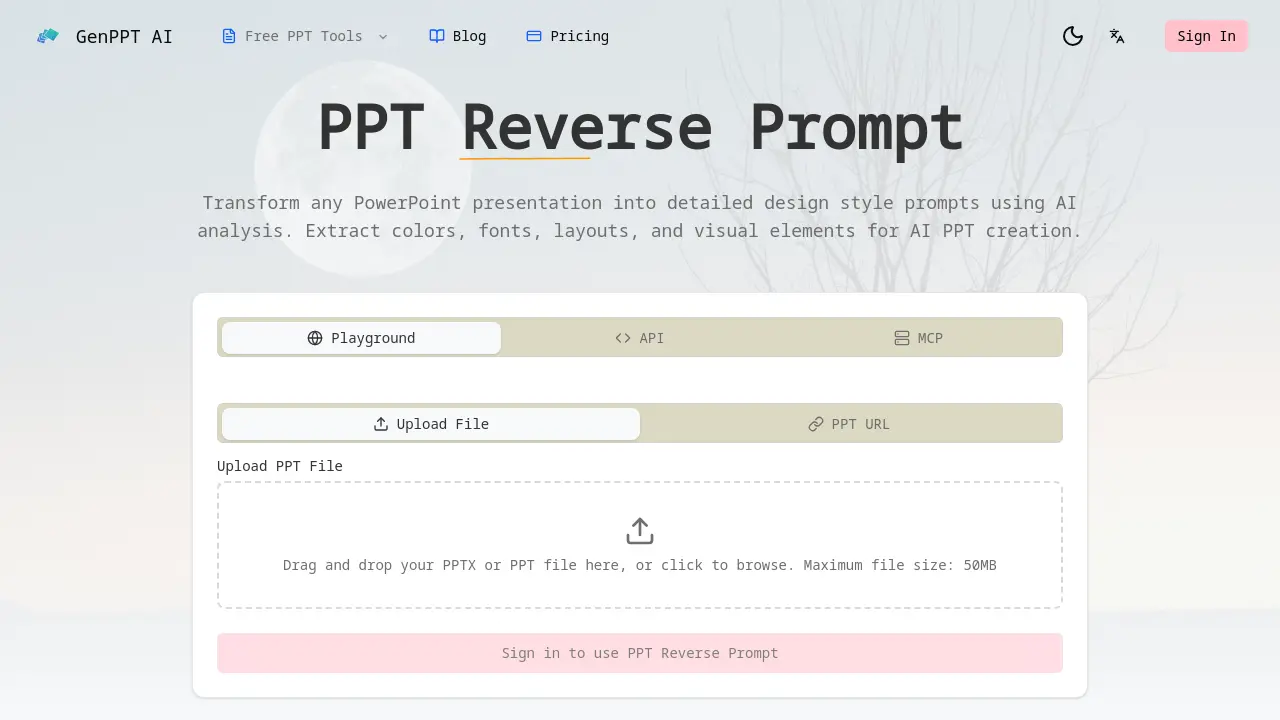
PPT Reverse Prompt is an AI-powered tool that transforms PowerPoint presentations into detailed design style prompts. It analyzes uploaded PPTX or PPT files to extract color schemes, typography, layout patterns, and visual hierarchy, creating actionable prompts for AI presentation generators.
Leveraging Google Gemini AI, the tool performs deep analysis of design principles, enabling users to replicate styles across new projects. This facilitates brand consistency for marketing teams, helps design agencies quickly capture client preferences, and allows startup founders to deconstruct successful pitch decks. Generated prompts are formatted for direct use with platforms like Gamma, Beautiful.ai, and Tome.
The primary benefit is automation of tedious manual style analysis, reducing design research time from hours to seconds while ensuring visual alignment with existing corporate or creative standards.
How does PPT Reverse Prompt work
The PPT Reverse Prompt operates by allowing users to upload a PowerPoint file or URL, which is then analyzed by AI, specifically Google Gemini. The system performs a comprehensive analysis to extract core design elements such as color schemes, typography, layout patterns, and visual hierarchy. These components are transformed into structured, export-ready design style prompts. Users can also request style transformations, converting one presentation aesthetic into another. The generated prompts are formatted for direct compatibility with various AI presentation generators, enabling designers and teams to replicate or adapt visual styles efficiently for brand consistency or creative inspiration.
Benefits of PPT Reverse Prompt
PPT Reverse Prompt leverages AI to analyze PowerPoint presentations, extracting comprehensive design elements—including color schemes, typography, layouts, and visual hierarchy—into structured, actionable prompts. This enables users to maintain brand consistency by replicating established styles across new presentations and significantly reduces the time spent on manual design analysis. The generated prompts are formatted for immediate use with popular AI presentation tools such as Gamma, Beautiful.ai, and Tome, facilitating seamless style adaptation for marketing teams, design agencies, and founders aiming to transform or learn from existing slide decks.
Pros and Cons of PPT Reverse Prompt
Pros
- Extracts comprehensive design elements from PPT files.
- Powered by Google Gemini for accurate analysis.
- Exports prompts compatible with major AI presentation tools.
- Transforms styles between different presentation types.
- Saves significant time compared to manual analysis.
Cons
- Requires sign-in, limiting immediate accessibility.
- 50MB file size cap restricts large presentations.
- Unclear accuracy metrics despite AI claims.
- FAQ lacks details on supported languages and formats.
- Potential privacy concerns with confidential presentations.
