
PPT Reverse Prompt Core Features
PPT Reverse Prompt uses AI to analyze PowerPoint files, extracting colors, fonts, and layouts to generate design style prompts for efficient AI presentation creation and brand consistency.

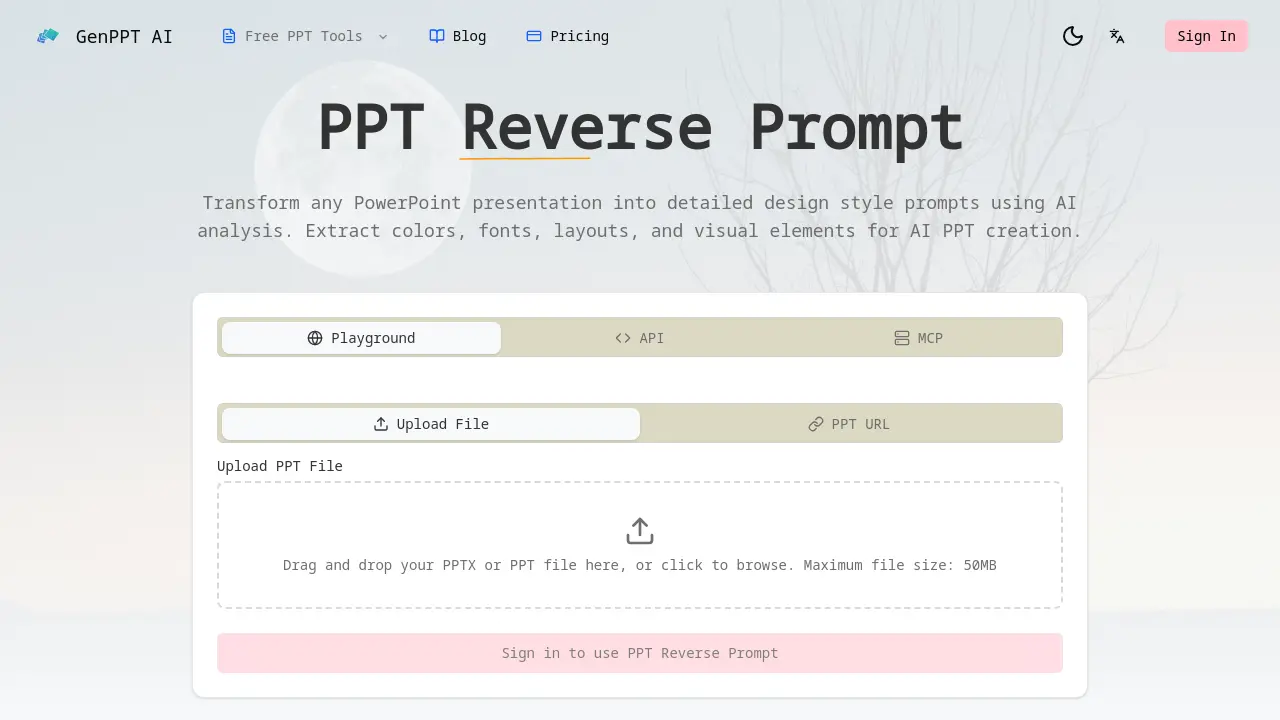
Core Features of PPT Reverse Prompt
Comprehensive PPT Analysis
Performs deep analysis of PowerPoint files to extract color schemes, typography, layout patterns, and visual elements, creating detailed design prompts for AI PPT creation.
AI-Powered Design Extraction
Uses Google Gemini AI to identify subtle design choices including spacing, alignment, and visual hierarchy, providing professional-grade design insights automatically from presentations.
Style Transformation
Converts extracted design prompts into different styles, such as transforming corporate presentations into startup pitch decks or academic slides into creative marketing materials.
Export-Ready Prompts
Formats generated design prompts for immediate use with AI presentation tools like Gamma, Beautiful.ai, and Tome, ensuring seamless integration and compatibility.
Use Cases of PPT Reverse Prompt
- Marketing Teams: Extract brand-consistent design prompts from existing PPTs to maintain visual identity across campaigns with AI analysis.
- Design Agencies: Quickly analyze client presentation styles to generate reusable design prompts for efficient project alignment.
- Startup Founders: Deconstruct effective investor pitch decks to extract visual strategies for their own fundraising presentations.
- Educators: Analyze exemplary academic slides to create design prompts that enhance educational material presentation quality.
