
Merge PPT Introduction
GenPPT's free online PPT merger combines PowerPoint files while preserving formatting, images, and animations with batch processing and drag-and-drop ordering.

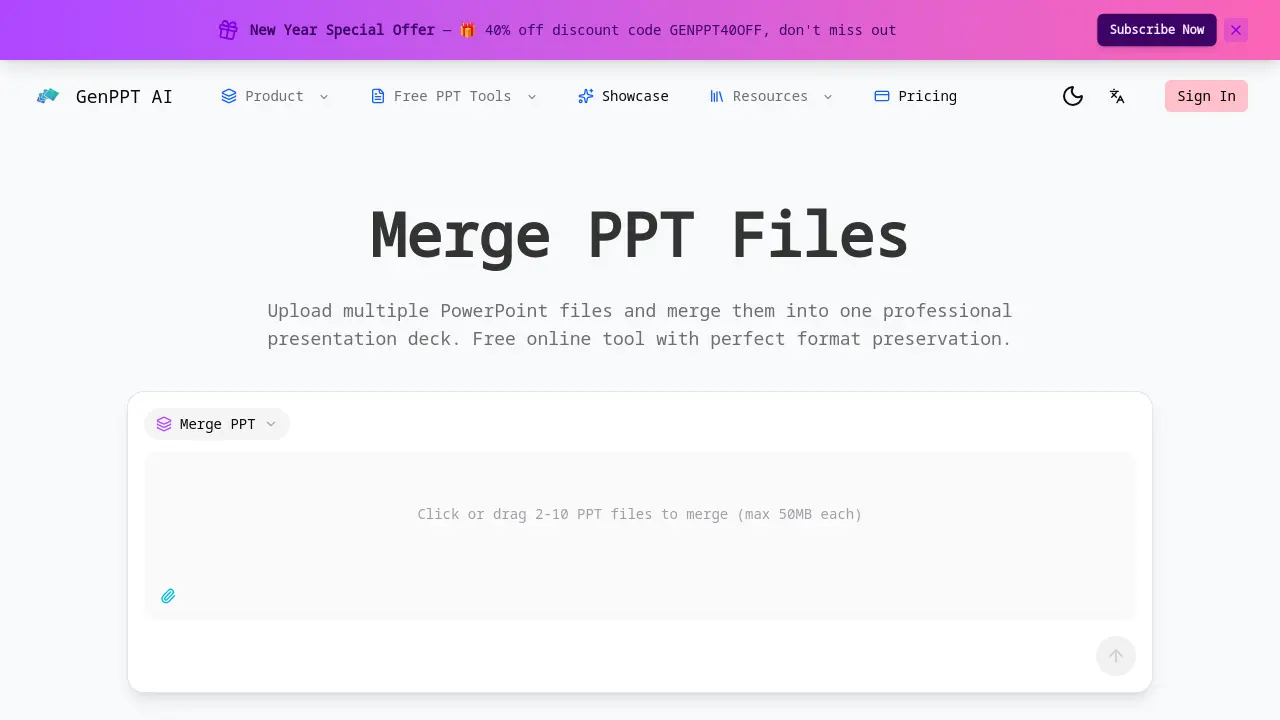
What is Merge PPT
Merge PPT is a free online tool designed to combine multiple PowerPoint presentations into a single, cohesive deck. It supports batch merging of 2 to 10 files, each up to 50MB, while preserving all original formatting, fonts, colors, and layouts. Users can drag and drop files to control slide order before merging, ensuring logical flow. The tool processes files instantly with no file size limits or watermarks, and all data is securely deleted after processing. Unlike general AI presentation generators that lack dedicated merge functionality, Merge PPT specializes in efficient, format-accurate consolidation. Ideal for professionals and students, it saves time and maintains presentation integrity without requiring software installation.
How does Merge PPT work
Merge PPT operates as a web-based utility for combining multiple PowerPoint files into a single deck. Users upload 2 to 10 PPT or PPTX files, each up to 50MB, and can drag-and-drop them to establish the final slide order. The tool's core function is to merge these presentations while preserving all original formatting, fonts, images, and layouts without quality loss. Processing occurs instantly online, after which all uploaded files are automatically deleted from the server to ensure privacy. This specialized batch merging capability distinguishes it from general AI presentation builders that lack native, automated PowerPoint file consolidation features.
Benefits of Merge PPT
GenPPT's Merge PPT tool enables efficient consolidation of 2-10 PowerPoint files into a single presentation. Merging occurs in seconds with perfect format preservation—fonts, colors, images, and layouts remain intact without quality loss. Users rearrange slides via drag-and-drop for optimal sequencing. Completely free, it imposes no file size limits, watermarks, or subscription fees. Files are securely processed and deleted immediately, ensuring privacy. As a dedicated merger, it eliminates the manual effort required by platforms lacking native merge functionality, providing a streamlined workflow for unified decks.
Pros and Cons of Merge PPT
Pros
- Fast processing with perfect format preservation.
- Batch merging supports up to 10 files efficiently.
- Drag-and-drop ordering controls slide sequence.
- Completely free with no watermarks or subscriptions.
- Secure processing with automatic file deletion.
Cons
- Online-only, requires stable internet connection.
- Maximum 10 files per merge operation.
- Individual files limited to 50MB each.
- No offline access or desktop application.
- Potential issues with highly complex presentations.
