
Merge PPT Core Features
GenPPT's free online PPT merger combines PowerPoint files while preserving formatting, images, and animations with batch processing and drag-and-drop ordering.

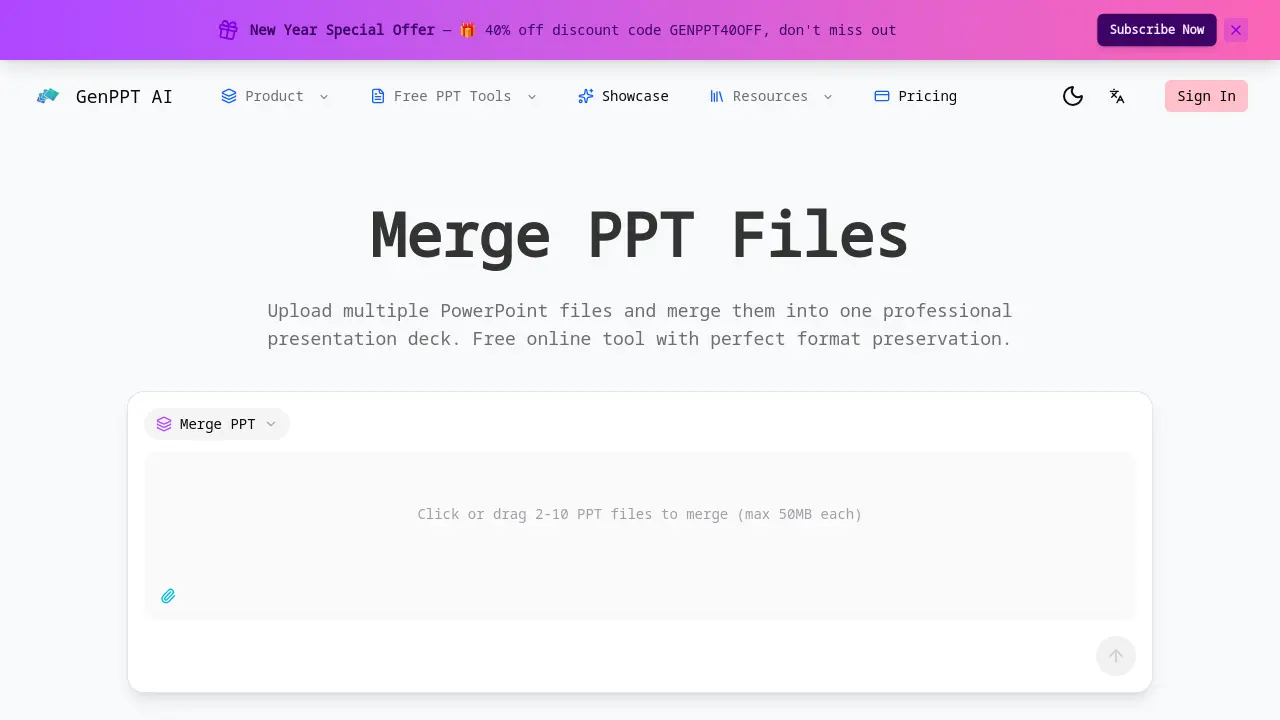
Core Features of Merge PPT
Perfect Format Preservation
Ensures all original formatting, including fonts, colors, images, and layouts, remains intact during the merge process, preventing design distortion or quality loss in the combined presentation.
Batch PowerPoint Merge
Supports simultaneous merging of 2 to 10 PowerPoint files, efficiently handling both simple and complex decks to streamline workflows involving multiple presentations.
Smart Slide Ordering
Provides drag-and-drop functionality to rearrange files before merging, allowing users to control slide sequence for a logical content flow in the final deck.
Fast PPT Merge
Combines multiple PowerPoint presentations in seconds, maintaining original slide order, ideal for quickly consolidating team or client materials into one file.
Free Online PPT Merger
Offers a completely free service with no file size limits, watermarks, or subscription fees, ensuring full access to merging features at no cost.
Secure & Private
Processes files securely with immediate deletion after merging, guaranteeing that no data is stored or shared, thus maintaining user privacy throughout.
Use Cases of Merge PPT
- Students: Merge group project PPT files online while preserving original formatting and slide order effortlessly.
- Corporate teams: Combine multiple departmental presentations using batch merge to save time and maintain consistency.
- Event organizers: Consolidate multiple speaker PowerPoint files securely into a single event deck without data retention.
- Educators: Merge lecture slides from various semesters into a cohesive presentation with perfect format preservation.
- Freelancers: Combine client presentations efficiently using the free online PPT merger with no file size restrictions.
