
AI Speech Notes Introduction
AI Speech Notes from PPT uses AI to analyze PowerPoint slides and generate professional speaker notes, talking points, and scripts with timing for engaging presentations.

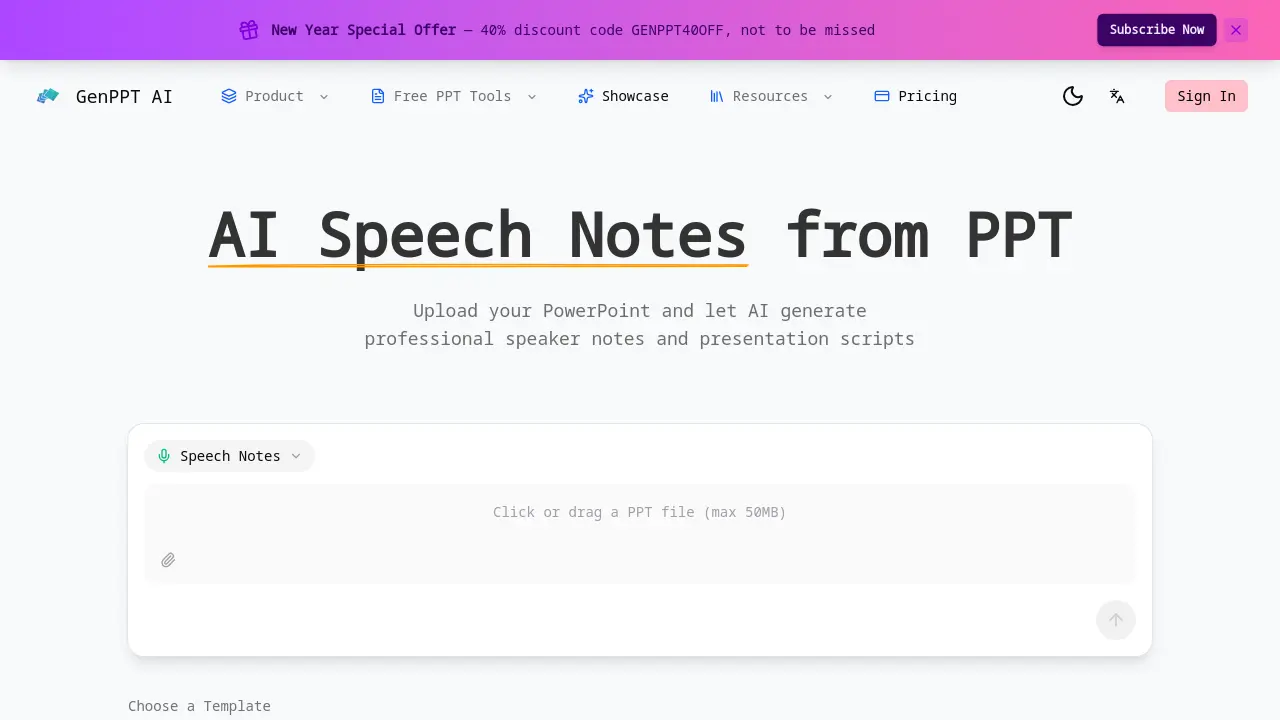
What is AI Speech Notes
AI Speech Notes from PPT is an AI‑driven service that converts PowerPoint files into polished speaker scripts. By uploading a presentation, the tool analyzes each slide, extracting key points, charts, and visual cues to generate natural, conversational talking points. The output includes slide‑by‑slide timing recommendations, smooth transition phrases, and emphasis cues for critical messages, enabling presenters to maintain pacing and audience engagement. Generated notes are downloadable in editable format, allowing users to personalize content with anecdotes or data. The solution supports files up to 50 MB and is designed for business meetings, academic conferences, and workshops, reducing manual note‑writing time and improving presentation quality.
How does AI Speech Notes work
The AI Speech Notes tool processes uploaded PowerPoint files by parsing each slide’s text, images, and charts. An NLP engine extracts key concepts and generates concise speaking cues that align with slide content. The system assigns suggested speaking durations per slide, produces transition phrases, and highlights critical points for emphasis. Output is delivered as editable text, allowing users to add personal anecdotes or audience‑specific details. The workflow requires no sign‑in, supports common PPT formats, and limits uploads to 50 MB, making it suitable for business meetings, academic conferences, and workshops.
Benefits of AI Speech Notes
AI Speech Notes from PPT transforms a PowerPoint file into ready‑to‑use speaker scripts in minutes. The tool analyzes each slide, generating natural, conversational talking points that match charts and visuals. It supplies timing suggestions per slide, smooth transition phrases, and emphasis cues for key messages, helping presenters stay on schedule and maintain audience engagement. Generated notes are downloadable and fully editable, allowing users to add personal anecdotes or data. The service supports up to 50 MB uploads and requires no sign‑in, making it convenient for academic, business, or workshop settings.
Pros and Cons of AI Speech Notes
Pros
- Generates speaker notes automatically from PPT
- Provides timing recommendations per slide
- Adds smooth transition phrases
- Highlights key points for emphasis
- Allows instant download and editing
Cons
- File size limited to 50MB
- No explicit support for non‑PPT formats
- Sign‑in requirement unclear
- Limited information on pricing or subscription
- No guarantee of perfect accuracy
