
AI PDF to PPT Introduction
AI PDF to PPT by GenPPT uses smart AI to convert PDFs into editable PowerPoint slides with professional layouts, ideal for businesses and students.

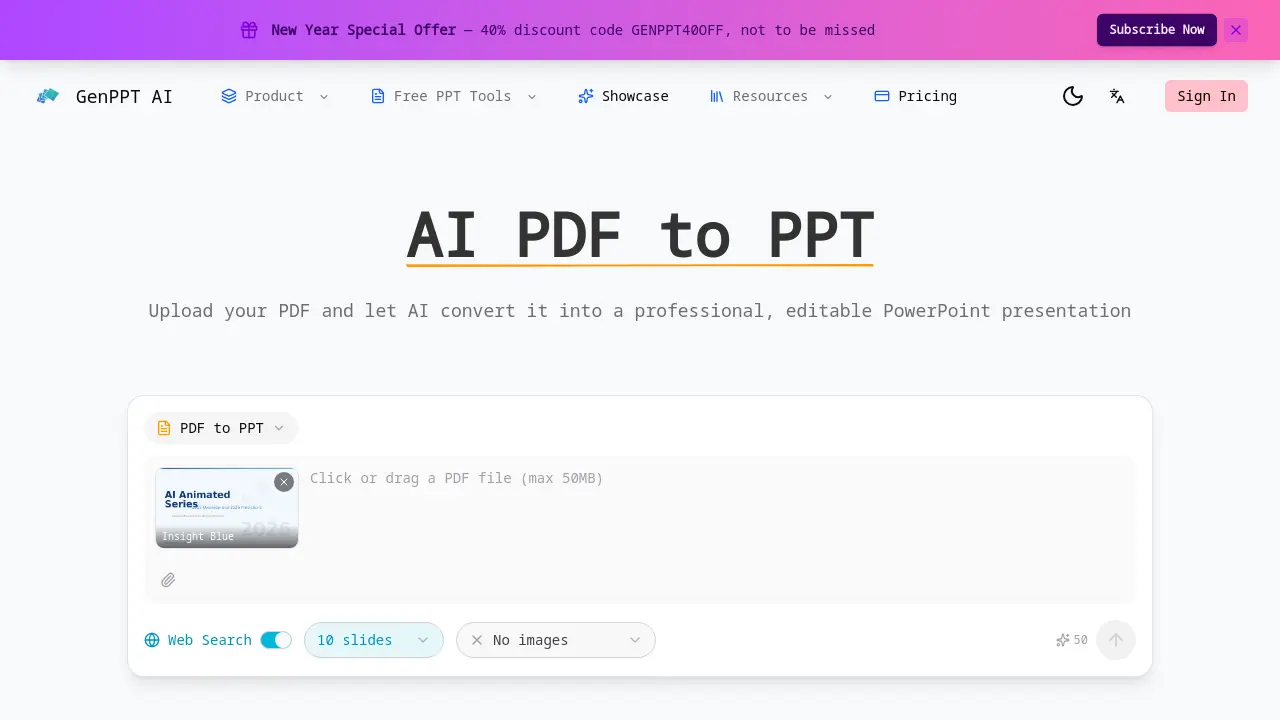
What is AI PDF to PPT
AI PDF to PPT is an online converter that transforms PDF documents into editable PowerPoint presentations within minutes. The system parses the entire PDF, extracting text, headings, tables, and structural elements to generate a slide deck that mirrors the original layout. Automatic slide layout selection assigns appropriate templates—title slides, bullet lists, or data visualizations—based on content type, enhancing readability. The output file is fully editable, allowing users to modify text, formatting, and slide order without re‑uploading. The tool preserves chapter and subsection hierarchy, maintaining logical flow. Optional web‑search enrichment can supplement slides with up‑to‑date statistics and context. No sign‑up is required, and the conversion process is free for documents of any length.
How does AI PDF to PPT work
GenPPT AI PDF to PPT converts PDFs into editable PowerPoint decks by parsing text, headings, tables, and structural elements, mapping them to slide hierarchies. The system employs natural language processing to identify content sections, then selects appropriate slide layouts—title, bullet, data visualization—ensuring readability. Output files are fully editable, allowing users to modify text, formatting, and slide order. The tool supports web‑search enrichment, fetching up‑to‑date data to supplement slides. Conversion completes within minutes for documents of any length, requiring no user registration.
Benefits of AI PDF to PPT
AI PDF to PPT converts any PDF into a fully editable PowerPoint deck in minutes. The tool extracts text, headings, tables, and structural elements, mapping chapters and sections into a logical slide hierarchy. Smart slide layouts are automatically chosen for titles, bullet lists, and data visualizations, enhancing readability. Web‑search enrichment can add up‑to‑date statistics and context. No sign‑up is required, and the output remains editable, allowing students to tweak formatting, rearrange slides, and customize content for presentations or reports. This streamlined workflow saves time compared to manual slide creation.
Pros and Cons of AI PDF to PPT
Pros
- AI-driven PDF to PPT conversion
- Fully editable PowerPoint output
- Smart slide layout selection
- Preserves document structure
- Fast, free conversion
Cons
- Limited to PDF input only
- No custom slide count control
- No customer support mentioned
