
AI PDF to PPT Core Features
AI PDF to PPT by GenPPT uses smart AI to convert PDFs into editable PowerPoint slides with professional layouts, ideal for businesses and students.

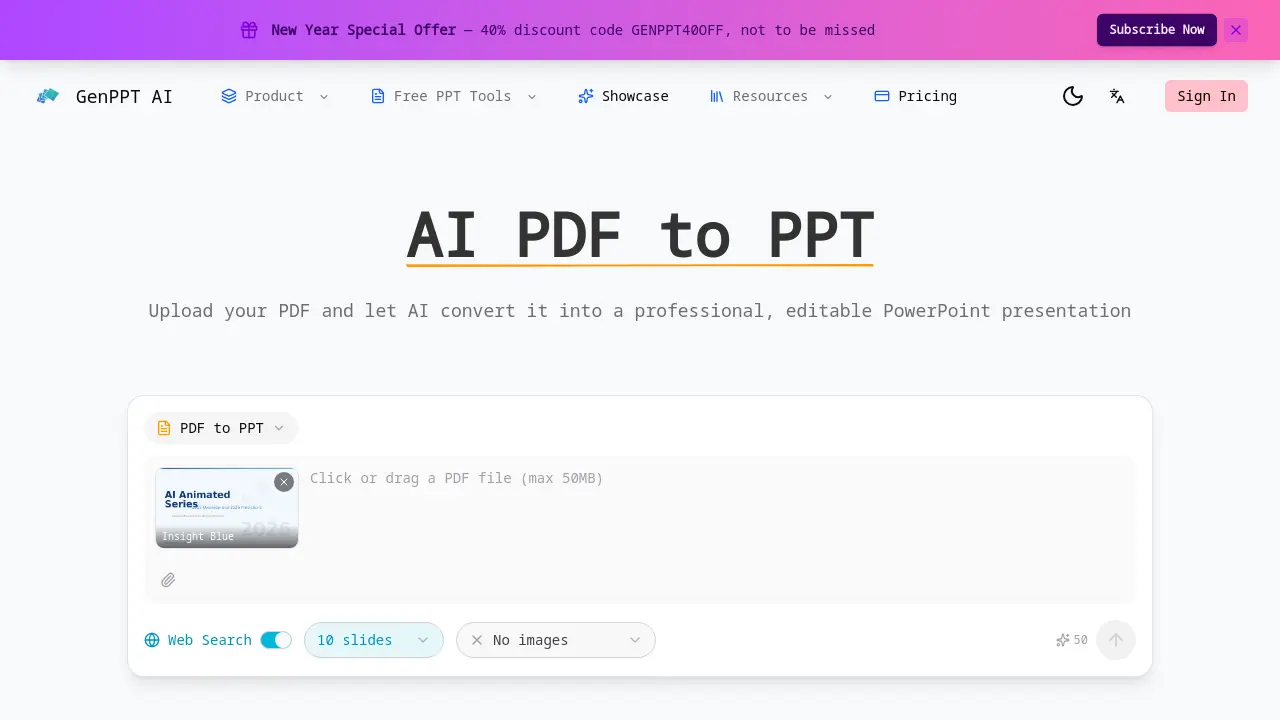
Core Features of AI PDF to PPT
Intelligent Content Extraction
The AI scans the entire PDF, extracting text, headings, tables, and visual elements, ensuring each slide accurately reflects the source material.
Smart Slide Layouts
Automatically selects optimal slide templates—title, bullet, chart—based on content type, enhancing readability and visual appeal for presentations.
Fully Editable Output
Produces a native PowerPoint file where users can modify text, formatting, slide order, and graphics directly, unlike image‑based converters, for your needs.
Preserve Document Structure
Maps PDF chapters, sections, and subsections into a logical slide hierarchy, maintaining narrative flow and organizational integrity throughout the deck.
Web Search Enhancement
Optionally enriches slides with up‑to‑date data and statistics by querying the web, ensuring content remains current and contextually relevant for your presentation.
Fast & Free Conversion
Converts PDFs to PowerPoint within minutes without registration, supporting documents of any length and complexity for quick, cost‑free results and efficient workflow.
Use Cases of AI PDF to PPT
- Students: Convert academic PDFs into editable slide decks for presentations, preserving tables and headings.
- Business analysts: Transform quarterly reports into structured PowerPoint slides, maintaining data tables and hierarchy.
- Educators: Repurpose lecture PDFs into slide presentations with AI-selected layouts and editable content.
- Researchers: Convert conference papers into concise slide summaries, automatically extracting key figures and citations.
- Marketing teams: Convert product spec PDFs into pitch decks, preserving charts and design elements.
