
AI Beautify PPT
AI Beautify PPT redesigns PowerPoint slides with AI.
| Added on: | Feb 17, 2026 |
| Monthly Visits: | 91 |
| Social & Email: | -- |

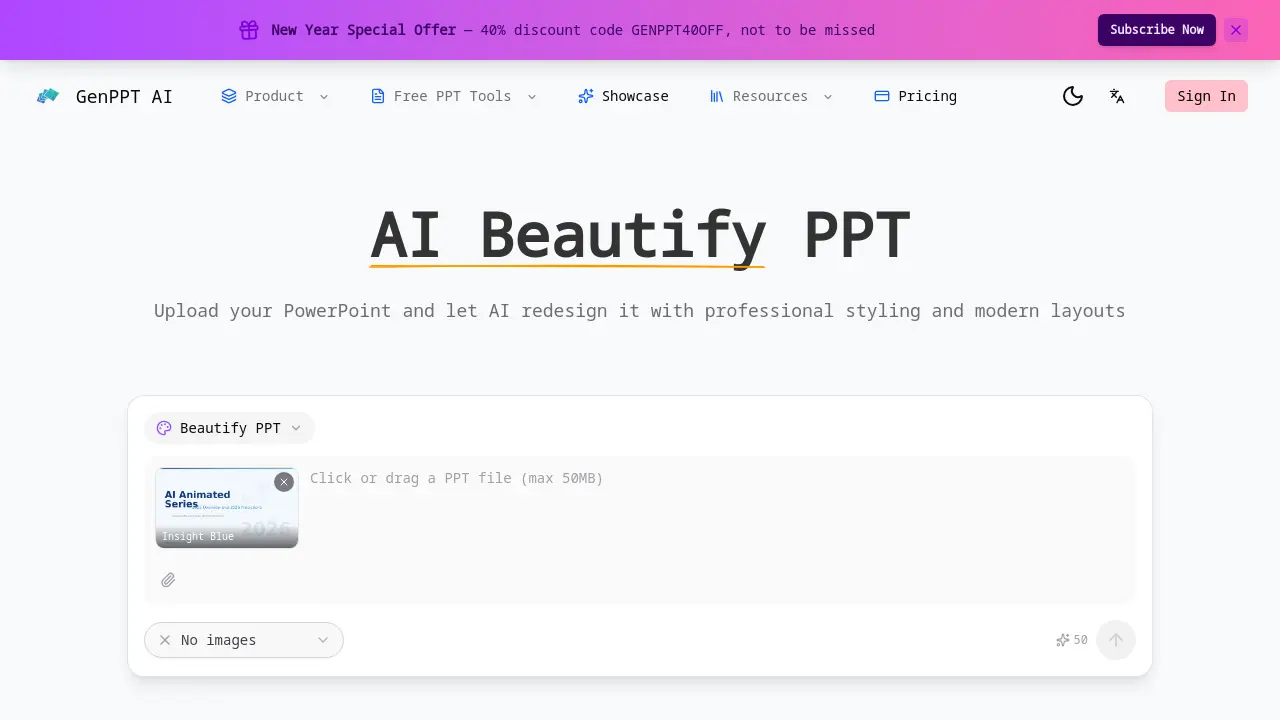
What is AI Beautify PPT
AI Beautify PPT is an automated design engine that transforms standard PowerPoint files into polished, visually engaging presentations. By uploading a deck, the tool applies modern typography, balanced layouts, and cohesive color schemes while preserving all original text, data, and slide structure. The AI evaluates each slide, selects optimal layouts, and rearranges elements to enhance visual hierarchy, ensuring key points receive appropriate emphasis. Users can supply custom design preferences—such as color palettes or stylistic directives—and the system incorporates these instructions into the final output. The process completes within minutes, supports files of any size, and requires no design expertise or account registration. This solution is ideal for business meetings, academic talks, and client presentations that demand a professional look without manual redesign effort.
How does AI Beautify PPT work
AI Beautify PPT processes an uploaded PowerPoint file by applying machine‑learning models that analyze each slide’s content, layout, and visual hierarchy. The system selects a suitable template, then adjusts typography, color schemes, spacing, and element placement while preserving the original text, data, and structure. Users can supply optional design preferences, which the AI incorporates into the final styling. The result is a cohesive theme applied across all slides, delivered within minutes and requiring no design expertise. The tool supports any PowerPoint size and operates entirely online.
Benefits of AI Beautify PPT
AI Beautify PPT transforms ordinary PowerPoint decks into polished, professional presentations by automatically applying modern typography, balanced layouts, and cohesive color schemes while preserving all original text, data, and structure. The AI analyzes each slide to optimize visual hierarchy, rearranging elements for maximum impact. Users can guide the redesign with custom color or style preferences, ensuring the final look matches their brand or personal taste. The tool works with any file size, delivers results in minutes, and requires no design experience or sign‑up, making it ideal for students, academics, and business professionals.
Pros and Cons of AI Beautify PPT
Pros
- Instantly enhances slide aesthetics with modern layouts.
- Preserves original content and structure.
- Applies consistent theme across all slides.
- Allows custom design instructions.
- Free to use, no sign‑up required.
Cons
- Limited support for non‑PPT file formats.
- No advanced editing beyond visual styling.
- Lacks real‑time collaboration features.
- Dependent on AI accuracy for layout choices.
- No offline usage available.
Core Features of AI Beautify PPT
AI-Driven Professional Redesign
AI Beautify PPT automatically transforms ordinary PowerPoint slides into professional presentations, applying modern typography, balanced layouts, and color schemes while retaining original content.
Content Preservation
The tool maintains all original text, data, and slide structure, focusing solely on visual enhancements such as colors, fonts, spacing, and layout adjustments.
Smart Layout Optimization
AI analyzes each slide to select optimal layouts, rearranging elements for improved visual hierarchy and ensuring key points receive appropriate emphasis.
Consistent Theme Application
A unified design theme is applied across all slides, matching colors, fonts, and styling to create a polished, professional appearance throughout the deck.
Custom Design Instructions
Users can specify color schemes, design styles, or particular improvements, and the AI follows these preferences while enhancing overall presentation design.
Fast & Free Processing
The tool processes PowerPoint files of any size in minutes, delivering professional results instantly without requiring sign-up or payment.
Upload and Template Selection
Users upload their PPT file and choose from pre-designed templates like Insight Blue or Clarity Glass, which serve as starting points for AI redesign.
Use Cases of AI Beautify PPT
- Business Professionals: Quickly upgrade legacy decks for client pitches with AI‑driven modern layouts.
- Academic Researchers: Preserve original data while applying consistent theme to conference presentations.
- Marketing Teams: Generate visually appealing slide decks from raw content without design skills.
- Startup Founders: Create polished pitch decks for investors using automated layout optimization.
- Educators: Enhance lecture slides with modern typography and balanced spacing for student engagement.
FAQs of AI Beautify PPT
How does AI Beautify PPT work?
AI Beautify PPT analyzes each slide in a PowerPoint file using machine‑learning models trained on professional design principles. It automatically selects optimal layouts, adjusts typography, color schemes, and spacing, and applies a cohesive theme while preserving the original text, data, and structure. The process is fully automated and requires no design expertise from the user.
What file formats are supported for upload?
The tool accepts standard Microsoft PowerPoint files in .ppt and .pptx formats. These are the most common formats for presentations and are fully compatible with the AI redesign engine, ensuring that all slides, charts, and embedded media are processed correctly.
Will my original content be preserved?
Yes. AI Beautify PPT focuses exclusively on visual enhancement. All original text, tables, charts, and slide order remain unchanged. The AI only modifies colors, fonts, spacing, and layout to improve aesthetics while keeping the message intact.
Can I provide specific design instructions?
Users can specify preferences such as color palettes, design styles, or particular elements to emphasize. The AI incorporates these custom instructions into the redesign, allowing tailored visual outcomes that align with brand guidelines or personal taste.
How long does the beautification process take?
The redesign typically completes within a few minutes, depending on the number of slides and file size. The system is optimized for speed, enabling quick turnaround for both short decks and larger presentations.
Is AI Beautify PPT free to use?
Yes. The service is available at no cost, with no sign‑up required. Users can upload any PowerPoint file, receive a professionally styled version instantly, and download the result without paying a fee.
What design elements are improved?
The AI enhances typography, color harmony, layout balance, spacing, and overall visual hierarchy. It also applies consistent themes across all slides, ensuring a unified look that improves readability and visual impact.
What makes AI Beautify PPT better than manual redesign?
Manual redesign requires design skill, time, and iterative feedback. AI Beautify PPT delivers consistent, professional styling automatically, reducing effort and ensuring that every slide follows best‑practice design guidelines without the need for manual adjustments.
How many slides can I upload at once?
The platform supports entire PowerPoint decks of any length, from a single slide to hundreds of slides. The AI processes each slide individually, so the total number of slides does not affect the quality of the redesign.
Does AI Beautify PPT support images and graphics?
Yes. Images, charts, and other embedded media are retained and repositioned as needed to fit the new layout. The AI ensures that visual elements remain clear and properly aligned within the updated design.
Can I download the redesigned presentation?
After the beautification completes, users can download the updated PowerPoint file directly. The download link is provided on the results page, allowing immediate use of the professionally styled deck.
Are there any privacy or data security measures?
All uploads are processed on secure servers, and the original file is deleted from the system after the redesign is completed. No user data is stored or shared, ensuring confidentiality for sensitive presentation content.
How does the tool handle custom fonts or slide masters?
Custom fonts embedded in the original PPT are preserved during the redesign. If a slide master is present, the AI respects its structure while applying the new theme, maintaining consistency with the user’s existing design framework.
How to use AI Beautify PPT
- The tool’s purpose is to automatically redesign PowerPoint slides, applying modern typography, balanced layouts, and cohesive color schemes while keeping the original text and data intact.
- Users begin by navigating to the AI Beautify PPT page and uploading their .pptx file through the prominent “Upload PPT” button.
- After upload, the interface displays a template selection panel; choose a preset such as Insight Blue or Clarity Glass to set the visual theme.
- Optionally, click “Custom Design Instructions” to specify color preferences or layout tweaks, ensuring the AI aligns with brand guidelines for your.
- Initiate the beautification process; the AI analyzes each slide, rearranges elements, and applies the chosen theme within seconds to maintain consistency.
- Once completed, review the preview; the tool highlights changes such as font updates, spacing adjustments, and layout shifts to ensure clarity.
- Download the redesigned .pptx file; the original file remains untouched, allowing easy comparison or rollback if needed for future revisions.
- Interpret the results by assessing visual hierarchy, color harmony, and slide consistency; adjust custom instructions if further refinement is desired.
- Use the polished deck in meetings, academic talks, or client presentations to convey information more effectively and professionally for your.
AI Beautify PPT Website Traffic Analysis
Latest traffic information
- Monthly Visits91
- Bounce Rate37.19%
- Pages Per Visit1.07
- Visit Duration00:00:00
- Global Rank3.4M
- Country/Region Ranking--
Top Regions
| Region | Percentage |
|---|---|
| Spain | 100% |
AI Beautify PPT Alternatives
Pi is an AI presentation generator that turns ideas into polished slides. One-click generation, smart layouts and templates make decks fast and easy.
Convert PPT to MP4 video online with AI. Upload slides, set duration, resolution and sound, then generate a polished cinematic video with narration and music.

Turn JPG, PNG, and WebP images into editable PowerPoint slides. Upload up to 10 images, set the order, and let AI rebuild each image as a real slide.
Gamma AI is an AI presentation generator that turns text, PDF, and Word into slides with structured outlines, in-browser editing, and editable PPTX export.
Fuu AI is an AI presentation maker that turns text, PDFs, and documents into professional PPT slides in minutes, powered by Claude Opus 4.7.
Turn product photos into clean line drawings, numbered assembly steps, and IFU panels for manuals, inserts, and support pages. Export PNG or SVG.
Opusly is a scene-first AI studio offering curated image and video generation workflows. No prompt engineering required — pick a scene and create.
Convert PPT to Keynote-ready PPTX online. Free PPT to Keynote converter for Apple Keynote imports with secure processing and no installs.
Fashion Diffusion is an AI fashion design platform for brands, designers and e‑commerce teams, offering clothing design, AI model generation, virtual try‑on and video creation to accelerate collections and cut sampling costs.
Imgoe is an AI-powered e‑commerce image generator that lets brands and online sellers create high‑converting product detail visuals, templates and marketing posters with a single click, reducing design time and ensuring consistent styling across marketplaces.
Spark Robin is a Gemini‑based AI model that delivers rich visual responses and multimodal image understanding for creative teams, marketers and designers seeking fast, structured visual AI output.
SlidesGo is an AI-powered PPT generator for businesses, educators and content creators, offering instant slide creation, design beautification, format conversion and automatic speaker notes to streamline presentation development.