
GenMusic FAQs
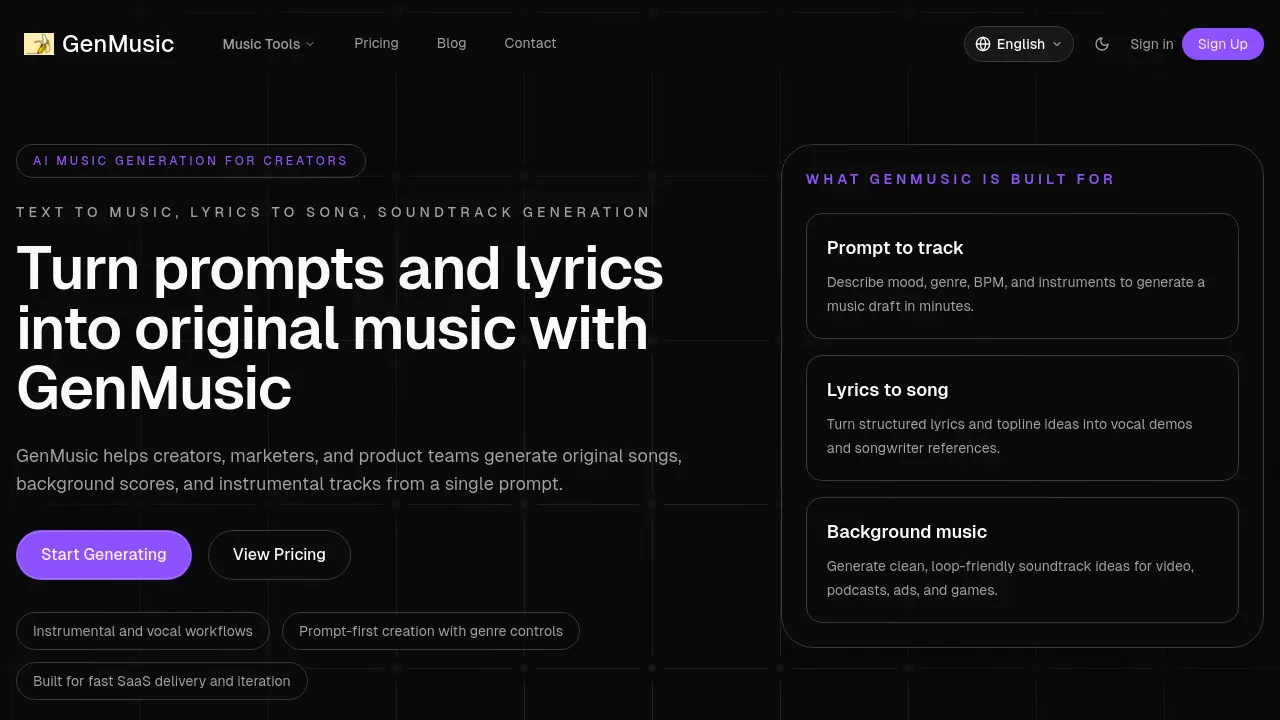
GenMusic helps creators, marketers, and product teams generate original songs, background scores, and instrumental tracks from a single prompt using AI technology.

FAQs of GenMusic
What is GenMusic?
GenMusic is an AI-powered music generation platform designed for creators, marketers, and product teams. It allows users to generate original songs, background scores, and instrumental tracks from simple prompts or structured lyrics.
How does GenMusic work?
GenMusic works by allowing users to input prompts describing mood, genre, BPM, and instruments to generate music drafts. It also supports lyrics-to-song generation, turning structured lyrics and topline ideas into vocal demos and songwriter references.
What types of music can I create with GenMusic?
With GenMusic, you can create various types of music including instrumental tracks, vocal songs, and background music for videos, podcasts, ads, and games. The platform offers genre controls and workflow options for different use cases.
What are the main features of GenMusic?
GenMusic's main features include prompt-first creation with genre controls, lyrics-to-song generation, background music creation, and focused music workflows. It offers 30-second to 3-minute first-draft duration presets and supports both prompt-based and lyrics-based input styles.
What pricing plans does GenMusic offer?
GenMusic offers three main pricing plans: Starter for solo creators, Pro for teams and agencies, and Credit Packs for burst usage. Each plan provides different volumes of short draft generation, instrumental ideation capabilities, and export options to suit various user needs.
Can I use GenMusic for commercial purposes?
Yes, GenMusic is positioned as a commercial-ready platform. It offers rights, export tiers, and usable outputs suitable for commercial use. However, it's recommended to review the specific terms of service for detailed information on commercial usage rights.
How long does it take to generate music with GenMusic?
GenMusic is designed for fast generation, allowing users to create music drafts in minutes. The exact time may vary depending on the complexity of the prompt and the chosen duration of the track.
What genres and styles are available in GenMusic?
GenMusic offers a variety of genres and styles including Cinematic, Lo-fi, Electronic, Ambient, Pop Demo, and Game BGM. These presets are designed to map to common use cases and user buying intent.
Can I iterate on generated tracks in GenMusic?
Yes, GenMusic allows users to queue drafts, compare variations, and refine prompts until they achieve a usable result. This iterative process helps users fine-tune their generated music to better suit their needs.
Is GenMusic suitable for professional music production?
While GenMusic is a powerful tool for generating music ideas and drafts, it's primarily designed for creators, marketers, and product teams. For professional music production, it can serve as a starting point or for creating background tracks, but may not replace full-scale professional production tools.
How to use GenMusic
- Navigate to the GenMusic website at https://genmusic.online/ to access the AI music generation tool.
- Choose between the available workflows: prompt-to-instrumental, lyrics-to-song, or background music generation.
- Define your music brief by setting parameters such as duration, mood, genre, BPM, energy, and optional lyrics.
- Generate your music draft by initiating the AI processing; the tool will create a unique track based on your inputs.
- Review and iterate on the generated track, refining prompts or parameters as needed to achieve your desired result.
